RELEASE NOTES
New features, bug fixes, and content you might've missed.
Explore query directions in Vector Fan-Out Lab
The Vector Fan-Out Lab now generates 10 distinct semantic directions from any query, helping you see how a topic branches out in Market Brew's embedding space.
How to get there
From the left navigation, open AI + Content Dashboard, select Re-center, then find Vector Fan-Out Lab and click Open vector lab.
Explore the semantic space around a query
Enter a root query and Market Brew will generate 10 query directions. Each direction represents a different semantic path related to the original query, giving you a broader view of the concepts and intent surrounding it.
For each direction, the lab also shows its query alignment, along with overall metrics for query alignment and the distance between the generated directions.
See which pages match each direction
With a licensed Market Brew Crew, you can optionally select one of your indexed sites.
Market Brew will then search the site's existing indexed content and show the pages and passages that most closely match each generated direction. This makes it easier to see:
- Which semantic directions your existing content already covers.
- Which pages provide the strongest evidence for each direction.
- Where a query branches into areas that may not be well represented on the site.
Selecting a site uses existing indexed content and does not start a new crawl.
A smoother Full Site Intelligence experience
This update improves search in the FSI Ask Widget and makes FSI inventory and page analysis easier to navigate.
More responsive FSI Ask Widget searches
The FSI Ask Widget can retrieve relevant page information more reliably, helping conversations return grounded responses.
Clearer FSI inventory guidance
When FSI inventory is unavailable because the selected Crew does not have active access for a website, you’ll see a clear explanation. A separate message appears if inventory setup encounters an unexpected problem.
Field Pages Analysis stays accessible
In the Embedding Separation Lab, the Field Pages Analysis tab remains available even when no similar pages are found, so you can still view the explanation or switch analysis modes.
New improvements across Market Brew
Explore updates that make research, crawl setup, and AI-powered workflows easier to use
Import multiple sitemap URLs
Add up to 100 sitemap URLs for manual imports or scheduled pre-crawls. Market Brew processes them together and removes duplicate URLs.
GPT-6 for AI-powered workflows
Market Brew now uses GPT-6 Sol and GPT-6 Luna for supported AI workflows in Content Booster, ASK, and Command Center.
Clearer guidance when ASK is unavailable
When ASK cannot access its corpus, it now shows a friendly availability notice without adding it to your conversation.
Guidance for crawl schedules paused by capacity
If crawl capacity later becomes available, the schedule notice explains how to review and resume the schedule.
- Schedules remain paused until you choose to resume them.
New ways to test content and get faster answers
This release adds more flexibility for validating content before publication, improves Ranking Sensor responsiveness, and makes Ask Widget answers more resilient when vector search is delayed.
Test Content Booster drafts before publication
Preview a saved Content Booster draft in AI Overviews Visualizer before publishing it.
- Review Content Similarity, Cluster Analysis, and Page Fit using the saved draft content.
- Continue using Test Published Page for content that is already live.
Faster Ranking Sensor listings
Ranking Sensor listing pages now load more quickly by using the projected target rank directly.
- Reduce unnecessary loading when reviewing ranking analysis groups.
- Preserve full detail for workflows that require complete catalog information.
More resilient Ask Widget answers
Ask Widget can fall back to lexical search when vector retrieval takes too long, helping answers return without unnecessary delays.
- Fallback retrieval is available across compatible retrieval modes.
- Answers continue to respect relevant content, website, locale, and knowledge-base eligibility.
More control and clarity in Content Booster and Reporting
This release makes it easier to test published content and improves the accuracy and guidance available in Reporting.
More flexible Content Booster testing
Content Booster now guides you through testing published content with the correct website and destination URL.
- Test Content remains unavailable until content is published.
- Open AI Overviews with the saved website or enter the newly published page’s URL before testing.
- Generated queries and prompts are preserved when moving into the Visualizer.
Clearer Search Console connection guidance
Reporting now recognizes connection status before allowing data refreshes and provides guidance based on your access level.
- Crew admins can connect Search Console directly from Reporting.
- Other users are directed to their Crew admin when a connection is needed.
- An empty reporting period is distinguished from a disconnected account.
More accurate organic search totals
Reporting now uses Search Console’s property-level daily totals for key organic search metrics, providing more reliable results across domain variants.
- Clicks, impressions, CTR, average position, and history charts use date-level totals.
- A wider range of accessible domain and URL-prefix properties can be combined without double-counting.
- Detailed query and page data remains available separately from executive totals.
New ways to analyze tasks and compare pages
This release brings more flexible task views, faster analysis workflows, and improved tools for SEO teams.
More powerful Top Tasks filtering
Top Tasks now supports Website, Folder, and Flight Plan filters, with folder-scoped progress across Ranking Sensors.
- Top Tasks results and navigation preserve the selected folder scope.
- Task rankings and progress can require multiple Ranking Sensors for more meaningful insights.
Sortable Separation Lab results
Embedding Separation Lab and Keyword Separation Lab tables now let you sort results by After % and Delta.
- Sort either column in ascending or descending order.
- Sorting uses the underlying numeric similarity, overlap, and delta values.
Smoother analysis workflows
Full-Site Intelligence inventory pages now avoid unnecessary count work during initial loading, while AI Overviews draft explanations are generated when requested.
- Inventory pages can render their current results without waiting for a redundant schedule count.
- AI Overviews explanations are deferred until you choose the on-demand action.
More focused Spotlight expert results
Spotlight now focuses expert-resource scoring on a stable set of up to 50 resources for each focus entity, while applying the interactive response policy to Spotlight Author.
- Improves consistency when evaluating expert resources.
- Helps Spotlight Author deliver a more responsive experience.
Personal mode in Flight Director without crew selection
Administrators and Flight Engineers can open their personal Flight Director view without first selecting a crew.
- Personal context opens directly for eligible accounts.
- Standard crew accounts continue to use crew-scoped mode.
Faster Ask widget listings
Ask widget listings now preload health information, making pages with multiple widgets faster and more responsive.
- Health data is loaded efficiently across widgets and sites.
- Repeated health checks no longer slow down listing views.
Read-only Market Brew access through ChatGPT
Market Brew’s read-only MCP integration lets supported ChatGPT workspace users retrieve information available through the Market Brew API using natural-language requests.
- Supports read-only access to API v1 data.
- Preserves access controls for customers, administrators, and delegated Flight Engineer portfolios.
Faster locale-aware Ask results
Ask now applies language and result limits directly during retrieval, improving responsiveness for large catalogs.
- Faster searches on large websites
- More efficient filtering for localized results
Clearer Ranking Sensor radar charts
Ranking Sensor charts now provide more room for labels and make calibrated boost values easier to interpret.
- Long factor names wrap more clearly
- Boost values from 0% to 200% are explained directly on the chart
- The chart now clearly identifies when a 0% boost disables a factor
More efficient Content Booster and Listen news retrieval
Content Booster and Listen now use bounded, location-aware news retrieval to deliver relevant results more efficiently.
New tools and smoother workflows in Market Brew
This release adds more control to your SEO workflows, improves visibility into historical activity, and makes key experiences faster and easier to use.
A more flexible Orbital Drift Stabilizer workspace
Review and improve content directly in a complete working draft.
- Select passages from the draft and apply reviewed replacements directly.
- Compare previous and current drift with clear improvement indicators.
- Use Change webpage, undo, download, recheck, and safer draft recovery controls.
- Review every qualifying high-drift passage with matching card and draft highlights.
Search Widget history viewer
Inspect saved Search Widget activity without rerunning searches.
- Open a Searches view from each Search Widget in Crew Settings.
- Review persisted request and aggregate diagnostics in a read-only detail view.
- Incomplete historical diagnostics are clearly shown as unavailable without consuming entitlement.
Licensed sites in Market Brew OKF exports
Choose from the sites licensed for your account when creating an OKF export.
- View your licensed sites in the Market Brew export selector.
- Select individual sites while retaining existing export authorization checks.
Ask Widget health email alerts
Receive email notifications when Ask Widget health changes.
- Get failure and recovery alerts for relevant crew and Flight Engineer recipients.
- Related site transitions are grouped into a single email per crew.
- Repeated hourly results in the same state are suppressed.
More clarity and control across your Market Brew workflows
This release includes improvements to crawl scheduling, Search Widget history, and Crew Settings navigation.
Crawl Schedules now respect Crew website scope
The Add Crawl Schedule website selector now matches the website scope shown in Mission Control for the selected Crew.
Review Search Widget activity history
Crew Settings now includes a read-only history view for Search Widgets, making it easier to review saved request and aggregate diagnostics.
- Open the Searches action for a Search Widget to review its activity history.
- Historical diagnostics that are not available are shown as N/A without rerunning searches or using entitlement.
Loading indicators for Crew Settings tabs
Crew Settings now displays the standard loading overlay while main tabs and Account subtabs are loading.
- Receive clear visual feedback while tab content loads.
- The overlay automatically disappears when loading is complete
New improvements across Market Brew
This release makes Spotlight easier to launch and improves performance across analysis workflows.
Simpler Spotlight launches
Spotlight now guides you to the right starting point when launched without a dashboard target, while preserving direct launches when a target is provided.
- Start with an editable target URL when no dashboard target is available.
- Open Spotlight Focus directly for supplied targets.
- Begin Spotlight Author dashboard launches with a fresh session draft.
- Enter a different URL from loaded Spotlight Author results.
Faster Ranking Sensor listings and exports
Ranking Sensor listing and export workflows now use more focused data loading for improved responsiveness.
- Reduce unnecessary data loading when opening listings.
- Improve performance for high-volume listing and workbook score workflows.
- Preserve the associations needed for listing and export results.
New tools for generating better AI insights
This release adds new improvements to Market Brew’s AI experiences.
Ask responds in your question’s language
Ask now frames generated responses in the language used in the current question, unless another language is requested.
- Keep introductions and labels consistent with the query language.
- Preserve source excerpts and URLs verbatim.
More natural AI Mode Visualizer prompts
AI Mode Visualizer now generates realistic question-style prompts based on a page’s URL and content.
- Generate questions a person might ask before discovering the source page.
- Avoid prompts that reference the source page or ask for content creation, analysis, evaluation, summaries, reviews, or critiques.
Built to make Market Brew insights easier to explore, validate, and act on.
New reporting foundations and clearer search diagnostics
This release adds a new reporting experience and improves visibility into retrieval and prompt analysis
Visibility Over Time reporting
Explore daily Google Search Console performance alongside AI Visibility and Organic Visibility in the new dashboard reporting module.
- AI Visibility opens with a clear unavailable-data explanation when coverage data is not yet available.
- Organic Visibility includes daily clicks, impressions, CTR, history ranges, and metric selection.
- Create page-template buckets and select crawled URLs for assignment using the updated URL picker.
Clearer Ask and Search diagnostics
Triple Search diagnostics now show how pages, snippets, and answers are assembled, with more useful prompt analysis and configuration controls.
- See Page Fit, Average Fit, TF-IDF, and Combined analysis in Triple Search mode.
- Content-gap guidance includes direct links to relevant Market Brew tools.
More convenient editing and conversation workflows
This release adds faster Flight Plan editing and improved ways to review and test Ask Widget conversations.
Edit Flight Plan descriptions inline
Update Flight Plan descriptions directly from the listing screen without opening a separate editor.
- Descriptions support read-only viewing and a 2,000-character limit.
Improved Ask Widget conversation activity
Open conversations directly from Ask Widget activity and review them in the existing Ask viewer.
- Visitor conversations are clearly marked read-only to preserve the original transcript.
- Create an internal test copy to explore follow-up questions without changing the visitor conversation.
- Conversation history works with both Core and FSI answer corpora.
- Return to Conversation activity with the originating widget and date range preserved.
More resilient Ranking Sensor setup
Ranking Sensor setup now handles redirects and common access challenges more reliably, routes work to capable farms, and makes repaired calculations eligible immediately.
- Resolves same-site redirects before repeating a crawl.
- Retries supported timeout, WAF challenge, and 403 responses through the configured proxy route.
- Avoids setup delays when repaired inputs are ready for recalculation.
Clearer Link Flow benchmarks
Link Flow now presents search-demand data as an observational benchmark, with clearer guidance about what the metric does—and does not—measure.
- View your keywords’ benchmarks with updated terminology and context.
- Continue using Distribution Details, including filtering, sorting, pagination, XLS, and PDF exports.
Organized Crew Actions
Crew Actions are now grouped into easier-to-scan Mission Control sections, with a stateful Calc-on-recrawl option for eligible top-level Ranking Sensors.
- Related operations are organized into dedicated sections.
- The menu remains usable on smaller viewports with internal scrolling.
- Disable crew remains separated as the terminal action.
Stronger Ask Widget privacy and resilience
Ask Widget conversations and public API requests now have stronger session ownership, safer responses, and built-in protections against excessive or malformed requests.
- Conversations are limited to their owning browser session.
- Short-lived widget credentials refresh automatically.
- Responses are minimized and sanitized, with request limits and clearer generic errors.
Built to make Market Brew insights easier to explore, validate, and act on.
Clearer insights. Faster workflows. More control.
The latest Market Brew updates make it easier to test ranking ideas, organize Flight Plans, and understand how link flow compares with search demand.
Repair & Test
Analyze custom search phrases without a Ranking Sensor
Repair Tools now support target-only analysis with a custom search phrase. Leave the Ranking Sensor selection blank, enter the phrase you want to evaluate, and run the analysis directly against your target page.
When a Ranking Sensor is selected, its calibrated phrase remains protected and competitor comparisons stay tied to that sensor—giving you flexibility without losing calibration context.
Flight Plans
Quicker folder organization
The folder field in Flight Plan listings is now searchable. Choose an existing folder to save it immediately, or type a new folder name and press Enter to create it—including names with spaces. Folder names preserve their intended spelling and capitalization.
Flight Plans
See target domains at a glance
Unfoldered and flat Flight Plan listings now include a Target Domain column sourced from each Ranking Sensor’s configured target website.
Sort by domain or filter with either a hostname or a pasted page URL. Market Brew normalizes the entry to the correct target domain and keeps modeled competitor sites out of the results.
Link Flow
A more actionable Link Flow Balance chart
The Link Flow Balance chart now makes current, historical, and ideal distributions easier to compare with distinct visual treatments and richer hover details.
- Current and historical points show percentages with page details.
- The ideal curve is derived from U.S. search volume in Keyword Fueler “Mine,” grouped by landing page.
- A supporting popup reveals the source distribution behind the ideal curve.
- Landing pages can be sorted in either direction, and snapshot times display in your browser’s timezone.
Auditable Domain Ranking Factors
Ranking Sensors now evaluate three additional domain-level signals:
- Homepage Topical Relevance
- Search Citation Relevance
- Wikidata Verified Entity
These factors were added because recent ranking-factor research identified useful domain signals that did not overlap with Market Brew’s existing model.
Each factor includes a dedicated Repair & Test tool in the AI + Content Dashboard, with supporting evidence, competitor comparisons, calculation details, recommended fixes, and direct links from generated tasks.
Shared domain recommendations are consolidated across Ranking Sensors. Adding more sensors corroborates a recommendation without inflating its total opportunity score.
Topic Intelligence
Topic Intelligence is now available in Reporting. Define or automatically discover topics, compare strategic goals with page, search, competitor, entity, and AI-visibility evidence, and open topic-filtered opportunities in Launchpad.
Reporting now also includes all explicitly licensed websites.
Test Proposed Content in Spotlight Focus
Spotlight Focus can now analyze proposed page content before it is published and compare its entity and topic focus with the current crawl while preserving incoming anchor-text signals.
It is available from Content Tools and Spotlight Visualizer, with smoother numeric editing, stable row ordering, corrected full-page links, and clearer guidance when no entities are detected.
On-Demand Company Research
Command Center users can run or rerun complete company research directly from a lead. Optional Maps, team, and site research runs only when requested, is reused across leads for the same company, and refreshes the associated lead research.
More Complete Visibility Launchpad Comparisons
Keyword and prompt Fix dialogs now show both the section-level gap and whole-page Content Gap for section-matched pages.
Faster Flight Engineer and Mission Control
Flight Engineer opens faster by loading Usage Reports and Top Tasks on request. Organic and AI Visibility reports now open reliably, AI-platform switching refreshes correctly, and Mission Control task views load faster.
Content Booster Target-Length Control
Content Booster keeps optimized articles closer to the requested word count, avoids excessive section growth, and retains an earlier draft when a semantic rewrite would reduce target-length accuracy.
Keyword Separation and Spotlight Data Loading
Keyword Separation once again displays duplicate-page comparisons, and Spotlight loads the structured crawler content needed for complete results.
Crawl and Analysis Reliability
A broad reliability update improves:
- Cross-domain redirects
- Canonical and alternate-language links
- Embedded frames
- Off-domain targets
- PageRank and link flow
- Backlink ownership
- Website-scoped analysis data
- Shopify pixel sandbox frames are excluded from crawling, incomplete and stale work is handled safely, and pages with many detected entities no longer leave partially saved Spotlight results.
Scheduled Sitemap Refreshes for Deep Crawls
Deep Crawl schedules can now refresh a website’s sitemap automatically before each scheduled crawl.
This helps keep the page inventory current as websites add, remove, or reorganize content. Scheduled refreshes follow the account’s available Page Crawl allowance, and the schedule pauses with a notification if the next refresh would exceed that allowance.
What’s New
- Refresh sitemaps automatically before scheduled Deep Crawls
- Keep the page inventory aligned with the latest website content
- Use the account’s full Page Crawl allowance instead of a fixed page limit
- Receive a notification if a scheduled refresh would exceed the available allowance
- Resume the schedule after additional capacity becomes available
Ranking Sensor Calibration Error Warnings and Recovery
Ranking Sensor calibration errors are now clearly highlighted so crews and Flight Engineers can quickly see when a Ranking Sensor needs attention.
Each warning identifies the affected Ranking Sensor and explains what went wrong. Flight Engineers can re-run calibration or remove a failed Ranking Sensor directly from the workflow, while crew members receive clear guidance on when to contact their Flight Engineer.
What’s New
- See a prominent warning when a Ranking Sensor cannot complete calibration
- Identify the affected Ranking Sensor, website, and reason
- Distinguish genuine errors from normal calibration replacements
- Re-run calibration directly from the Ranking Sensor workflow
- Remove a Ranking Sensor that cannot complete calibration
- Give crews clear next steps for resolving the issue
Two-Factor Authentication and Additional Flight Engineer Logins
Flight Engineer accounts now support two-factor authentication for stronger sign-in protection, while keeping existing account emails and passwords unchanged.
Teams can also create optional additional logins so each person can sign in with their own credentials. The Additional Logins screen makes it easy to invite team members and review their invitation and enrollment status.
What’s New
- Enroll existing Flight Engineer accounts in two-factor authentication
- Keep current account emails and passwords
- Add optional individual logins without disrupting the existing Flight Engineer login
- Invite additional team members
- Review invitation and enrollment status in one place
- Use the Additional Logins screen comfortably on desktop and mobile
New: Location Targeting for Flight Plans
Flight Plan setup now supports optional Searcher Locations at both the Flight Plan and individual Ranking Sensor levels.
Choose one general location for the entire Flight Plan, or assign different locations to specific Ranking Sensors. Selected locations and coordinates are shown during setup and review, and can be removed before launch.
Location selections now reset when switching between Ranking Sensors, preventing outdated settings and validation errors.
What’s New
- Configure one general location for an entire Flight Plan
- Assign different locations to individual Ranking Sensors
- Review selected locations and coordinates before launch
- Remove applied locations directly from the setup workflow
- Prevent stale location selections when switching Ranking Sensors
- Require an explicit Ranking Sensor selection when assigning individual locations
New: More Flexible Content Booster Link Density
Content Booster now supports link densities from 0.1 to 5.0 links per 100 words, with adjustments available in 0.1 increments.
The expanded range makes it easier to use a lighter linking strategy for longer content or websites with fewer relevant internal destinations.
The public API also supports and documents the new range.
What’s New
- Set link density in 0.1 increments
- Use densities as low as 0.1 links per 100 words
- Apply sparser linking strategies to longer content
- Submit the expanded density range through the public API
New: Per-Prompt Scores in Ask Conversations
Ask conversations now display Page Fit and Content Gap scores alongside each analyzed user prompt, including prompts from earlier in the conversation.
This makes it easier to compare prompts across a multi-prompt conversation and understand how closely the website addresses each request.
The detailed analysis panel is now clearly labeled to indicate that its metrics apply to the latest prompt.
What’s New
- View Page Fit and Content Gap scores for each analyzed prompt
- Review scores throughout multi-prompt conversation histories
- Distinguish latest-prompt analysis from historical prompt scores
- Preserve legacy prompts without scores and assistant messages without changes
🚀 Ranking Factor Release
Seven New Factors and Dedicated Optimization Tools
Market Brew is expanding its search engine models with seven new ranking factors. Each factor includes a dedicated tool that explains how the score is calculated and lets SEOs test potential changes before publishing them.
How We Selected the New Factors
This release was informed by concepts revealed in the 2023 Yandex source-code leak.
We did not copy Yandex’s algorithms or assume Google uses identical calculations. Instead, we compared the concepts with Market Brew’s existing ranking-factor catalog and selected signals that are:
• Distinct from existing factors
• Measurable using Ranking Sensor data
• Supported by attributable evidence
• Actionable through dedicated tools
• Meaningfully different from existing TF-IDF, URL Path, and vector-similarity factors
Signals that substantially duplicated existing factors were excluded. For example, URL Relevance was removed because it closely overlapped the existing URL Path factor.
⚠️ Important Rollout Details
These factors are available only in new Ranking Sensors created after this release.
Existing sensors retain their original configurations so their historical calibrations remain comparable. Recalculating an existing sensor will not automatically add the new factors.
Create a new Ranking Sensor to model and calibrate these signals.
Each Ranking Sensor independently determines how much influence each factor has. There is no universal weighting that applies equally to every search result.
🔎 New Lexical Ranking Factors
1. Exact Query Coverage
Exact Query Coverage checks whether the meaningful words from the Calibrated Query appear in the:
• Page title
• META description
• Domain
• URL path
• Visible content
Stop words remain visible but do not earn credit. Transparent variations, such as singular and plural forms, can match.
Each field independently measures distinct meaningful-word coverage and whether the complete meaningful phrase appears.
Tool: Query Coverage Analyzer
https://brew.marketbrew.ai/query-coverage-analyzer.htm
2. Query Term Proximity and Order
Query Term Proximity and Order measures whether scored words appear close together and in the same order as the search phrase.
Visible-content matches cannot cross sentence boundaries.
• Yellow highlights identify scored words
• Blue boxes identify complete matching spans
Tool: Query Proximity Visualizer
https://brew.marketbrew.ai/query-proximity-visualizer.htm
3. Field-weighted Lexical Relevance
Field-weighted Lexical Relevance calculates literal BM25 relevance separately for the:
• Title
• META description
• Domain
• URL path
• Visible content
It then applies the displayed influence of each field and compares the combined result with other positive matches in the Ranking Sensor corpus.
The calculation considers term rarity, repetition, field length, and where the evidence appears.
Tool: Field Relevance Analyzer
https://brew.marketbrew.ai/field-relevance-analyzer.htm
4. HTML BM25 Relevance
HTML BM25 Relevance measures literal search-word relevance within visible content.
BM25:
• Gives more value to uncommon words
• Applies diminishing returns to repetition
• Accounts for content length
• Does not treat synonyms or related concepts as exact matches
Think of this as a long-tail wording diagnostic, not a keyword-density target.
Tool: BM25 Content Analyzer
https://brew.marketbrew.ai/bm25-content-analyzer.htm
📚 New Content and Semantic Factors
5. Query Expansion and Reformulation
Query Expansion and Reformulation measures complete related concepts from the Ranking Sensor’s weighted Similar Words set.
It excludes:
• Stop words
• Duplicate singular and plural concepts
• Concepts that simply repeat the original query
Visible content receives the strongest credit, while the title, META description, URL path, and domain can provide supporting credit.
Tool: Query Expansion Explorer
https://brew.marketbrew.ai/query-expansion-explorer.htm
6. Content Depth
Content Depth rewards useful coverage rather than raw word count.
The score combines:
• 40% useful non-stop-word depth
• 30% complete sentences containing at least five scored words
• 30% average meaningful search-concept coverage across qualifying sentences
The objective is to reward useful answers, explanations, examples, decisions, and next steps connected to the search phrase.
Tool: Content Depth Analyzer
https://brew.marketbrew.ai/content-depth-analyzer.htm
7. Semantic Focus versus Dilution
Semantic Focus versus Dilution measures whether a page’s passages consistently support the search topic or whether unrelated passages dilute its focus.
Market Brew compares the Calibrated Query embedding with stored passage embeddings from every indexed page across every site in the Ranking Sensor.
The median valid similarity becomes a shared support boundary. The page score then balances:
• Passage strength above the boundary
• Dilution from passages below the boundary
This differs from Orbital Drift Stabilizer, which examines where passages sit within embedding space.
Tool: Semantic Focus Analyzer
https://brew.marketbrew.ai/semantic-focus-analyzer.htm
🛠️ Dedicated Tools for Existing Factors
META Title Similarity
META Title Similarity measures cosine similarity between the META title embedding and the Calibrated Query embedding.
It has been moved out of the general AI Overviews Visualizer and into a focused tool that presents the title, URL, similarity score, and editable preview together.
Tool: META Title Vector Similarity Analyzer
https://brew.marketbrew.ai/meta-title-vector-similarity-analyzer.htm
Headings Similarity
Headings Similarity measures the query similarity of the page’s H1 through H6 headings and combines them using each heading level’s influence.
The dedicated analyzer displays headings in document hierarchy order and shows each heading’s cosine similarity, weighted contribution, and final weighted score.
Tool: Heading Vector Similarity Analyzer
https://brew.marketbrew.ai/heading-vector-similarity-analyzer.htm
✅ Improved Ranking-factor Tasks
Newly generated tasks for these factors now include:
• A direct link to the correct analyzer
• The target URL and Calibrated Query
• An eligible comparison URL
• The scoring evidence retained by the task
• A plain-language explanation of the calculation
• Specific guidance about what to inspect and change
The score shown when opening a task-linked tool is designed to reproduce the factor calculation retained by that task.
Users can edit highlighted fields or content directly and select Measure This Change to test a revision.
These edits are previews only. They do not publish content or change the Ranking Sensor.
After implementing an accepted change, the page must be crawled and the Ranking Sensor recalculated before the live task score changes.
All tools are also available from the Content Tools Dashboard.
New: Unified Reporting Dashboard
A new Reporting dashboard brings organic performance, AI visibility, keyword movement, and System Usage reporting together in one centralized workspace.
Users can discover and track organic keywords and AI prompts, review weekly ranking and citation history, analyze performance across custom date ranges, and access saved reporting summaries directly from Mission Control.
Previously collected reporting data remains available during third-party provider interruptions. Reporting can also begin for licensed websites before their first crawl is completed.
What’s New
- Added a dedicated Reporting dashboard for each licensed website with Reporting access
- Added organic traffic and estimated value trend charts
- Improved chart rendering, legends, website selection, and missing-month handling
- Added AI visibility metrics, historical trends, cited domains, and suggested questions
- Added plan-based keyword and AI prompt tracking limits
- Added manual checks and weekly ranking and mention history
- Added organic keyword suggestions ranked by search volume
- Added winners and losers views with direct tracking actions
- Added preset and custom date filtering across reporting history
- Added Reporting summaries and direct links within Mission Control
- Moved organic reporting and System Usage configuration out of Crew Settings
New: Folder Navigation for Flight Plans
Crews can now browse Flight Plans by folder, making large plan libraries easier to organize and navigate.
Folder cards display the number of assigned Flight Plans and open dedicated, bookmarkable views with alphabetized listings and breadcrumb navigation. Plans that have not been assigned to a folder remain available in a separate alphabetized list.
Folder counts and active listings refresh immediately when assignments change.
What’s New
- Added folder-first navigation for Crew Flight Plan views
- Added Flight Plan counts to folder cards
- Added bookmarkable folder views
- Added breadcrumb navigation
- Alphabetized folder and unfiled Flight Plan listings
- Refreshed counts and listings immediately after folder changes
- Preserved existing global and administrator listing behavior
New: Crew-Controlled Full Site Intelligence Crawl Inventories
Full Site Intelligence now gives Crews explicit control over which pages are crawled and included in search and knowledge-base results.
Crews can add URLs individually, import CSV or text files, build inventories from sitemaps, manage crawl schedules, monitor Page Crawl capacity, filter and update pages in bulk, retry errors, export results, review crawl history, and restore previous inventory versions.
Automatic page discovery no longer expands the inventory unexpectedly. Pages found through links, redirects, canonical tags, or other website signals are not added unless they are explicitly included by the Crew.
If a scheduled refresh fails, Full Site Intelligence preserves the most recently available content and clearly identifies it as out of date. Removed or inactive pages are excluded immediately.
Crawl Inventory Management
- Added Crew-controlled crawl inventories
- Added individual URL entry
- Added CSV and text-file imports
- Added sitemap inventory imports
- Added inventory exports
- Added filtering, sorting, and bulk actions
- Added crawl scheduling and capacity estimates
- Added crawl error details and retry actions
- Added crawl attempt history
- Added restoration of previous inventory versions
- Added public API support for crawl inventory management and reporting
Reliability and Protection
- Preserved previously indexed search content after failed refreshes
- Added clear out-of-date content warnings
- Removed inactive pages immediately from FSI search and knowledge-base results
- Added protections for redirects and URLs outside the selected website
- Added DNS and content-type validation
- Added plan and crawl-capacity protections
Page Crawl Capacity
The Crawl List now displays the active Page Crawl plan period and a visual breakdown of scheduled, used, remaining, available, and current URL capacity.
The interface also accounts for unlimited plans and schedules that exceed the available capacity.
- Added Page Crawl plan start and end dates
- Added visual capacity and usage summaries
- Clarified current URL inventory versus Page Crawl usage
- Added support for unlimited plans
- Added warnings for schedules that exceed available capacity
- Improved license-control button contrast and readability
- Added loading feedback when opening license settings
- Improved usage popup positioning and screen behavior
- Prevented the global loader from appearing when opening the usage popup
Scheduling Improvements
Crawl schedules now support daily, weekly, monthly, and twice-monthly options. Twice-monthly crawls run on the 1st and 15th while preserving the selected local time.
Schedule saves now provide clear confirmation or actionable error messages, including the exact amount of additional capacity required. Administrators can open the relevant license and plan settings directly from the scheduling workflow.
- Added daily, weekly, monthly, and twice-monthly scheduling
- Added calendar-aware scheduling while maintaining API compatibility
- Clarified scheduled, used, remaining, available, and current URL totals
- Added visible schedule-save confirmations
- Added actionable crawl-capacity errors
- Added an administrator shortcut to license and plan settings
- Improved license deactivation save performance
- Preserved Crew names, breadcrumbs, and navigation context when opening Explicit Crawl Seeds
New: Customer-Controlled Full Site Intelligence Crawl Inventories
Market Brew has launched a major update to the Full Site Intelligence crawler used by ASK and related content tools.
Customers now have a dedicated Crawl Inventory, providing a clear, customer-controlled list of the pages Market Brew is authorized to crawl, refresh, and use across the platform.
Greater control and predictability
Previously, the crawler could discover additional pages through links, sitemaps, redirects, canonical tags, and other website signals. Crawl Inventories replace that automatic expansion with explicit page selection.
Customers and account teams now have predictable control over:
- Which pages are included
- How frequently pages are refreshed
- How Page Crawl allocations are used
- Which content participates in ASK, Search, Content Gap, and Content Booster
This also prevents unexpected inventory growth caused by automatic page discovery.
Build and manage the inventory
Customers can add pages individually, upload URLs from a CSV or text file, or import pages from a sitemap.
Sitemap imports populate the selected inventory, but they do not enable ongoing automatic discovery. Pages found later through links, redirects, canonical tags, or other website signals are not automatically added.
Additional inventory controls include:
- Scheduled refreshes of the complete selected inventory
- Immediate removal from ASK, Search, Content Gap, and Content Booster
- Retention of up to 10 previous inventory versions
- Restoration of an earlier inventory when needed
- Automatic cleanup of removed page data after it falls outside the retained inventory history
Safer crawl refreshes
A failed refresh no longer removes or overwrites the last successful version of a page.
When a crawl fails because of an HTTP error, timeout, redirect, content-processing issue, or another problem:
- The last known-good content remains available
- ASK and Search can continue returning the page
- Results can display stale-content or crawl-error warnings
- Teams can review the complete attempt history
- Failed pages can be retried manually
This improves resilience while giving teams greater visibility into page-level crawl health.
Scheduling and Page Crawl allocation
The Crawl Inventory screen now displays:
- Active page count
- Monthly Page Crawl allocation
- Current usage and remaining capacity
- Scheduled frequency and next run
- Projected four-week usage and available headroom
Scheduled crawls, manual crawls, and retries all use the same Page Crawl allocation.
For example, refreshing 40,000 pages twice within four weeks requires approximately 80,000 Page Crawls before accounting for retries.
Customers may maintain an inventory larger than their monthly allocation, but a schedule cannot be enabled when its projected demand exceeds the available capacity. If an existing site exceeds its allocation, its pages and known-good content remain intact while the schedule is paused for review.
Account teams can then work with the customer to select the best approach:
- Refresh the complete inventory less frequently
- Reduce the selected inventory
- Increase the Page Crawl allocation
- Use a faster schedule that may defer some pages when capacity is exhausted
Existing customers
Existing Full Site Intelligence pages were migrated into customer-owned Crawl Inventories. No known-good content was discarded.
Schedules were retained or enabled when projected usage fit the available allocation. Schedules exceeding the allocation were paused so the account team and customer can review the desired inventory, frequency, and capacity.
API and automation support
The complete Crawl Inventory workflow is also available through the Market Brew API v1.
Authorized customers and partners can programmatically:
- List, filter, sort, and paginate inventory pages
- Add pages individually or in bulk
- Remove selected pages or all pages matching a filter
- Preview and confirm merge or replacement imports
- Import sitemap URLs asynchronously
- Monitor import progress and result counts
- Queue selected pages for on-demand crawling
- Retry selected errors or all errors matching a filter
- Review page details, current errors, and attempt history
- Export inventories, errors, and attempt histories
- List and restore retained inventory versions
- Read and update crawl schedules
- Review allocation, usage, projected demand, and headroom
Bulk operations return explicit results for accepted, duplicate, invalid, off-site, unauthorized, inactive, already-queued, entitlement-unavailable, and operational-limit cases.
The API uses existing Market Brew API authentication and licensed-website access controls, allowing enterprise customers and partners to manage large inventories without relying exclusively on the browser interface.
ASK and Search API responses also support optional source-health details, including the last successful crawl, latest attempt, and current crawl warning. These fields are additive, so existing integrations remain compatible.
Important account-team guidance
The customer now controls which pages Market Brew crawls.
Customers are responsible for selecting URLs they are authorized to submit. Because Crawl Inventories use explicit page authorization, crawling does not depend on automatic robots.txt, sitemap, link, redirect, or canonical discovery.
Edit and Measure Content Directly in AI Overviews
AI Overviews now provides a unified workspace for testing content improvements directly inside the Visualizer.
Edit highlighted page content, measure proposed revisions, and compare results without changing the indexed page or leaving the analysis. Updated drafts are evaluated across content similarity, headings, titles, clusters, and Page Fit, with clear before-and-after scores so you can understand the impact of each revision before publishing.
You can restore the original indexed content at any time and continue using chunk assistance throughout the workflow. Existing Author links and Content Booster tests now open directly in this experience with their original query, draft, and analysis context preserved.
What’s New
- Edit highlighted content directly within Content Similarity and Cluster Analysis
- Measure draft changes without affecting the indexed page
- Compare before-and-after similarity, heading, title, cluster, and Page Fit results
- Review exactly which edited highlights were included in each measurement
- Restore the original indexed content at any time
- Access saved drafts and Author workflows directly from AI Overviews Visualizer
- Preserve draft and query context when opening legacy Author links
- Continue using chunk assistance while editing and evaluating content
Workspace Improvements
AI Overviews now features more compact controls, clearer guidance, improved cluster descriptions, faster analysis, and a more responsive mobile layout.
Orbital Drift has also been redesigned with streamlined controls, clearer instructions, improved anchor actions, and a more responsive workspace.
The legacy Pairs view and its slower pair calculations have been removed. Similarity and cluster analysis now provide the primary workflows for identifying and resolving content overlap.
More Accurate Page Location Scoring
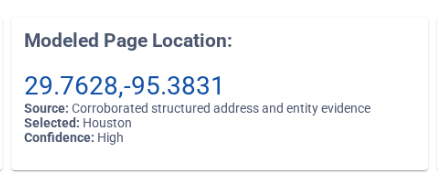
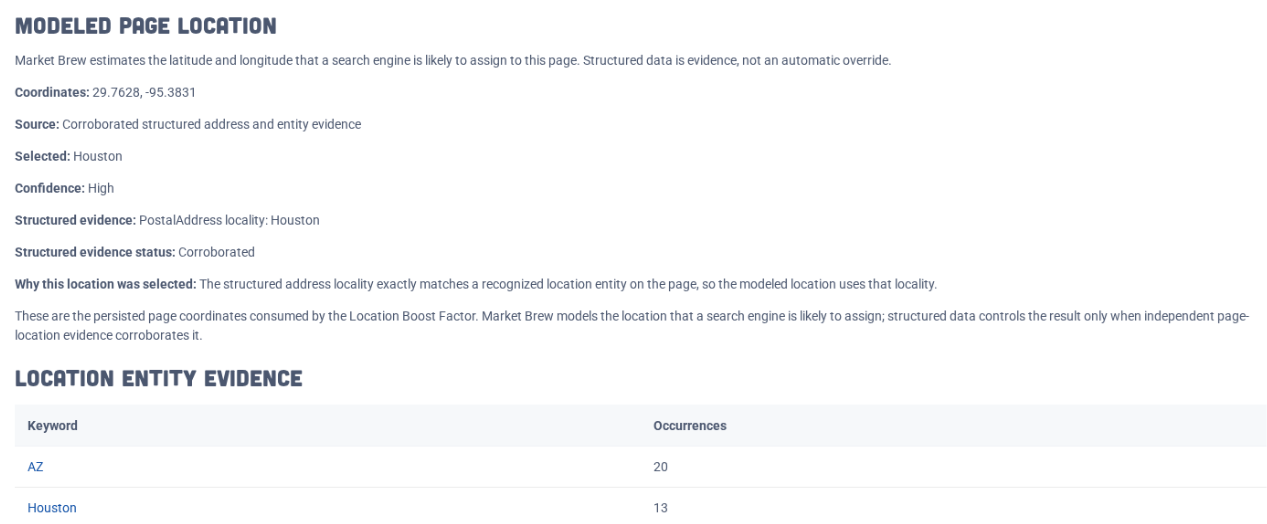
Page-location scoring now determines a page’s modeled location using corroborated structured data and detected page entities. This prevents inaccurate coordinates from being created by averaging unrelated location references found across a page.
Spotlight tools now provide greater transparency into each location decision, including the selected location, confidence level, supporting evidence, and data source.
What Changed
- Corrected modeled locations and downstream location-based scoring
- Added location evidence, confidence, source, and decision details throughout Spotlight
- Updated Visualizer to prioritize crawler-detected markup and clearly label when snippet fallback is used
- Added clear re-crawl guidance for affected results
- Standardized Spotlight summary card heights for a cleaner, more consistent layout
Clearer Listen Run Status
Manual Listen runs now clearly show when they are queued or actively processing, preventing misleading Run Now prompts during an active run.
What Changed
- Added a clear Running label for active Listen runs
- Replaced the run icon with an animated progress indicator while processing
Safer Staging Tests
Flight Engineers can now create licensed staging-site tests directly from a Ranking Sensor without changing the live sensor or disrupting its production calibration.
The staging workflow automatically crawls and recalculates the test site while preserving the original calibration settings. Target paths can be retained or intentionally replaced to match the staging environment.
What Changed
- Added licensed staging-site test creation from Ranking Sensors
- Automatically crawls and recalculates staging tests
- Preserves production calibration and leaves the live sensor unchanged
- Supports preserving or replacing target paths for staging environments
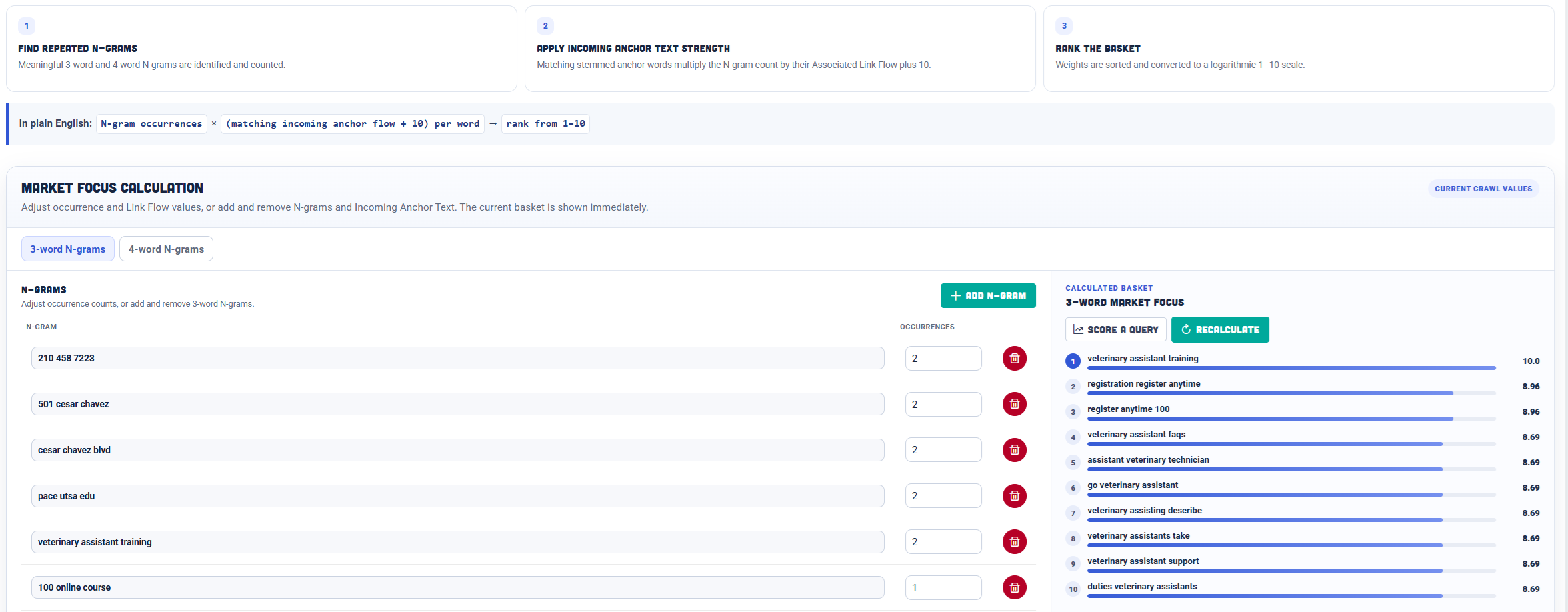
Redesigned Focus Calculation Workflows
Market Focus and Spotlight Focus now feature responsive, step-by-step calculation workflows that make it easier to understand, test, and refine how focus scores are produced.
You can edit existing focus inputs or add new phrases, entities, Link Flow values, and Topic Boosts to run what-if calculations. Preview the recalculated baskets before applying any changes, without modifying the underlying crawl data.
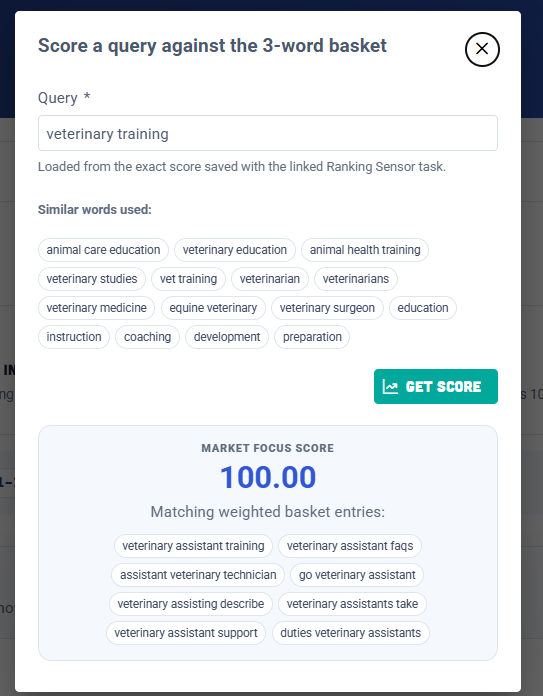
Query scoring is now available directly within both workflows, including queries opened from Ranking Sensor tasks. These scoring views preserve relevant Ranking Sensor context and account for enabled similar words.
What’s New
- Redesigned Market Focus and Spotlight Focus calculation screens
- Editable what-if calculations for phrases, entities, Link Flow, and Topic Boosts
- Query scoring with Ranking Sensor context and similar-word support
- Improved sorting, pagination, mobile responsiveness, and accessible feedback
- Clearer separation between preview calculations and stored crawl data
New: Calibration History for Structure Tasks
Structure Tasks now provide a clear, calibration-by-calibration view of progress over time.
The new Calibration History view separates every automatic and manual Ranking Sensor calibration into its own snapshot, making it easier to understand how task progress changes across calibration cycles. Each entry includes the calibration date, progress, points, child-task counts, and current status.
Progress is now calculated independently for every calibration, so each new calibration begins with a clean measurement rather than accumulating progress from previous cycles.
The public API has also been expanded to provide secure access to current and archived Structure Task data, including individual tasks, child tasks, and historical calibration records.
What’s New
- Added a responsive Calibration History view to Structure Tasks
- Added separate snapshots for automatic and manual calibrations
- Added calibration dates, progress, points, child-task counts, and current status
- Added API access for current, archived, child, and historical task data
- Added tenant-scoped security, filtering, sorting, and pagination
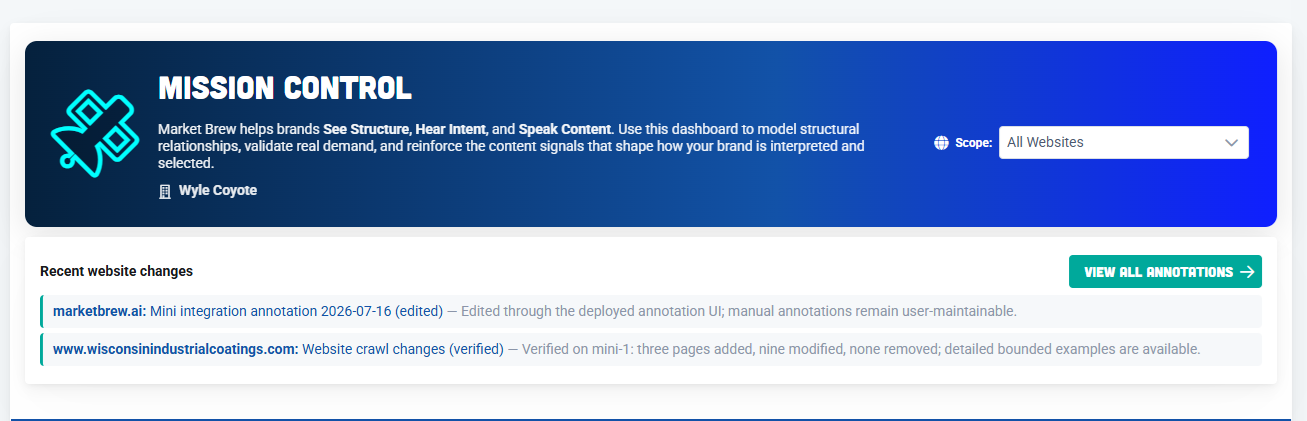
- Updated progress calculations so each calibration is measured independently
New: Website Annotations and Change History
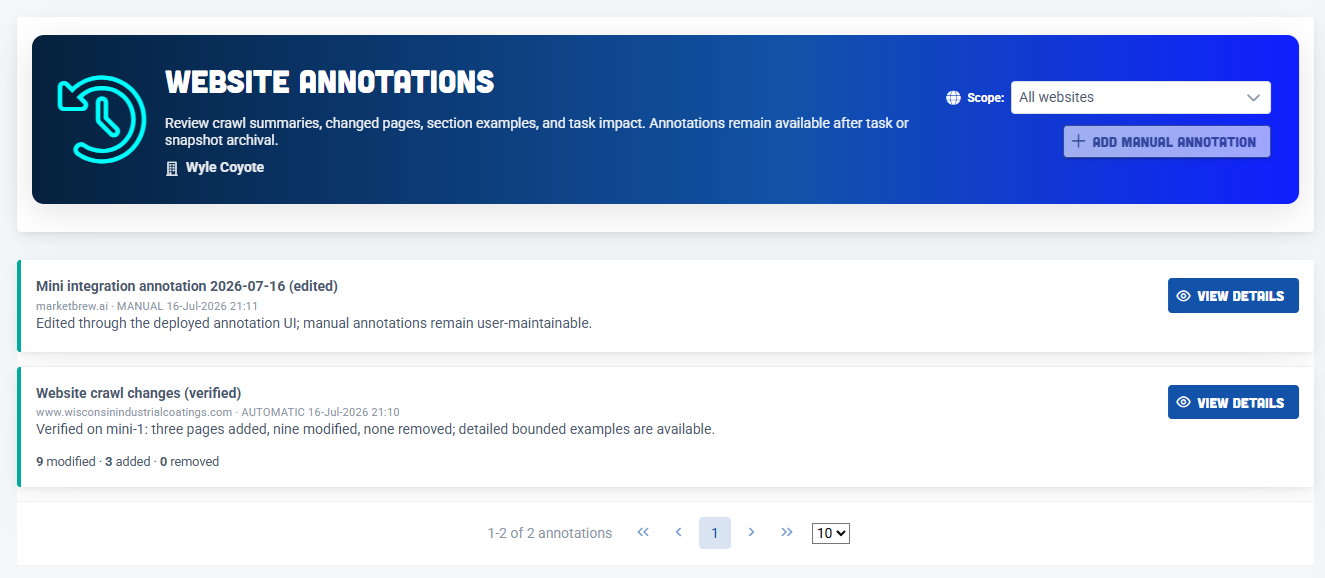
Website Annotations now provides a lasting timeline of meaningful website changes and their impact across Market Brew.
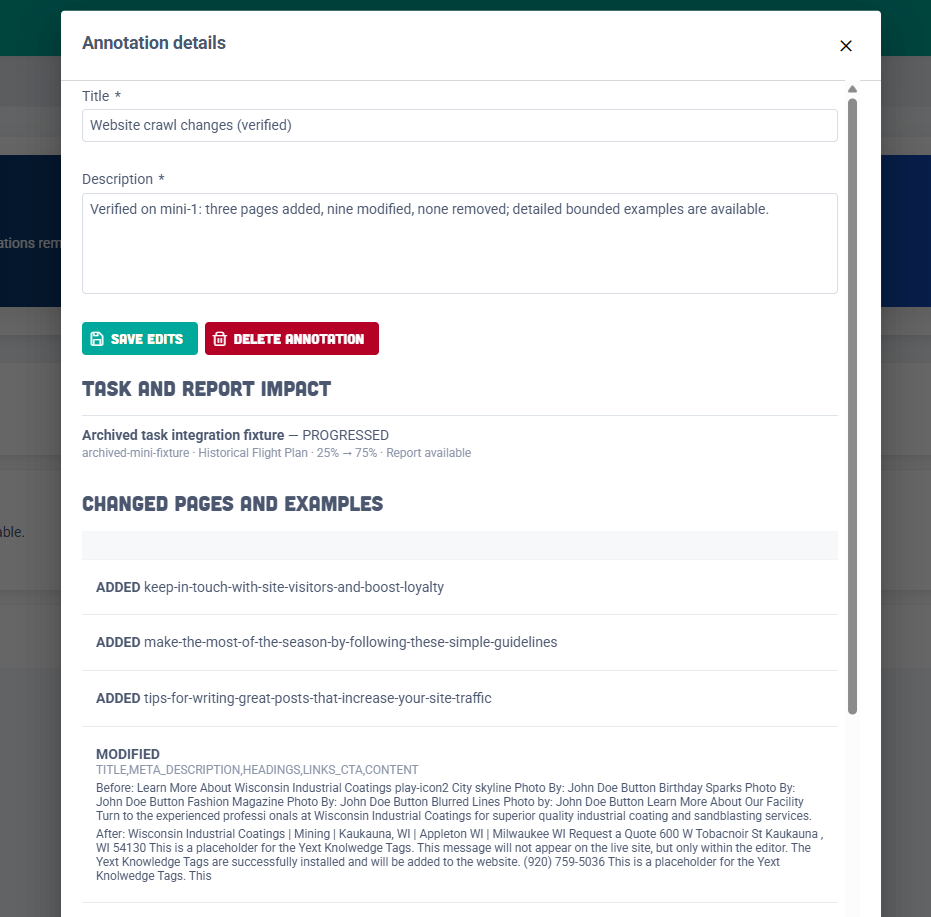
Completed website and modeling crawls can now generate automatic annotations summarizing what changed. Review added, removed, and modified pages, inspect before-and-after examples, and see how those changes relate to Structure Tasks, Ranking Sensors, Flight Plans, and reports.
Teams can also add dated manual annotations to document deployments, migrations, content releases, technical changes, or other events that may influence modeled performance.
Annotations can be filtered by website or Structure Task, and recent website changes are now available directly from Mission Control. Historical impact remains accessible even after related tasks, snapshots, or reports have been archived.
Automatic annotation history begins with newly completed crawls. Earlier crawl history will not be backfilled.
What’s New
- Added automatic annotations for completed website and modeling crawls
- Added a detailed, paginated website-change timeline
- Added evidence for added, removed, and modified pages
- Added before-and-after page examples
- Added dated manual annotations with editing controls
- Added annotation deletion controls, with automatic annotation deletion limited to administrators
- Added website-specific recent changes to Mission Control
- Added annotation links filtered by Structure Task
- Preserved task progress, Ranking Sensor, Flight Plan, and report impact after archival or snapshot cleanup
Improved: Significantly Faster Website Processing
Market Brew has completed a major redesign of its website scoring system, substantially reducing the time required to process modeled website data.
Scoring is one of the most computationally intensive stages of the Market Brew platform. It includes the processing of link relationships, semantic data, ranking factors, reports, and the supporting inputs used throughout the model.
Following the upgrade, average scoring time decreased by approximately 81% in observed production workloads. Median processing time improved by a similar margin, and controlled comparisons showed consistent gains across comparable websites.
Because scoring represents a major portion of the complete website processing cycle, the improvement reduced the average active crawl and modeling cycle by approximately 40%.
The result is faster website processing, greater platform capacity, and shorter turnaround times for Ranking Sensor setup and recalibration.
What’s Improved
- Reduced average scoring time by approximately 81%
- Reduced the average active website processing cycle by approximately 40%
- Improved processing consistency across comparable websites
- Increased available platform capacity
- Shortened turnaround times for Ranking Sensor setup and recalibration
- Preserved the same depth of link, semantic, ranking factor, and report analysis
Improved: More Reliable Ranking Sensor Calibration
Ranking Sensor calibration has received a substantial accuracy and reliability upgrade.
The updated calibration system improves how Market Brew aligns modeled search environments with observed rankings. This allows more Ranking Sensors to complete calibration successfully while producing stronger and more consistent model alignment.
In the initial production rollout, every newly validated calibration reached full ranking correlation. Sensors with prior comparable calibration data showed broad improvement, with average model-optimization scores increasing by approximately 65% across the measured group.
The upgrade also successfully calibrated many Ranking Sensors that previously did not have a valid baseline, expanding the number of sensors that can produce dependable modeled insights.
What’s Improved
- Increased Ranking Sensor calibration reliability
- Improved model alignment across a broad range of websites and search environments
- Achieved full ranking correlation across newly validated calibrations in the initial rollout
- Increased average calibration optimization scores by approximately 65% among comparable sensors
- Successfully calibrated sensors that previously lacked a valid baseline
- Improved the consistency and dependability of Ranking Sensor insights
New: Live Separation Lab Highlights in Market Brew Visualizer
Market Brew Visualizer now brings Keyword Separation and Embedding Separation analysis directly onto the live rendered page.
Select a duplicate-page comparison to see the strongest visible overlaps highlighted in context, including matching passages that span multiple page elements. The Visualizer identifies all relevant visible fragments while safely excluding crawler-only text that does not appear to users.
This release also improves the overall extension experience with clearer progress feedback, more descriptive tooltips, and enhanced accessibility across Separation Labs, Chunk Visualizer, and AI Overviews workflows.
What’s New
- Live-page overlays for keyword, page-embedding, and top-cluster comparisons
- Highlighting for matching visible fragments, even when passages are split across page elements
- Safe exclusion of crawler-only and non-visible text
- Progress feedback while highlights are being applied
- Improved button tooltips and accessibility labels
- Chrome extension renamed to Market Brew Visualizer
New: Location-Aware Ranking Sensor and Flight Plan Setup
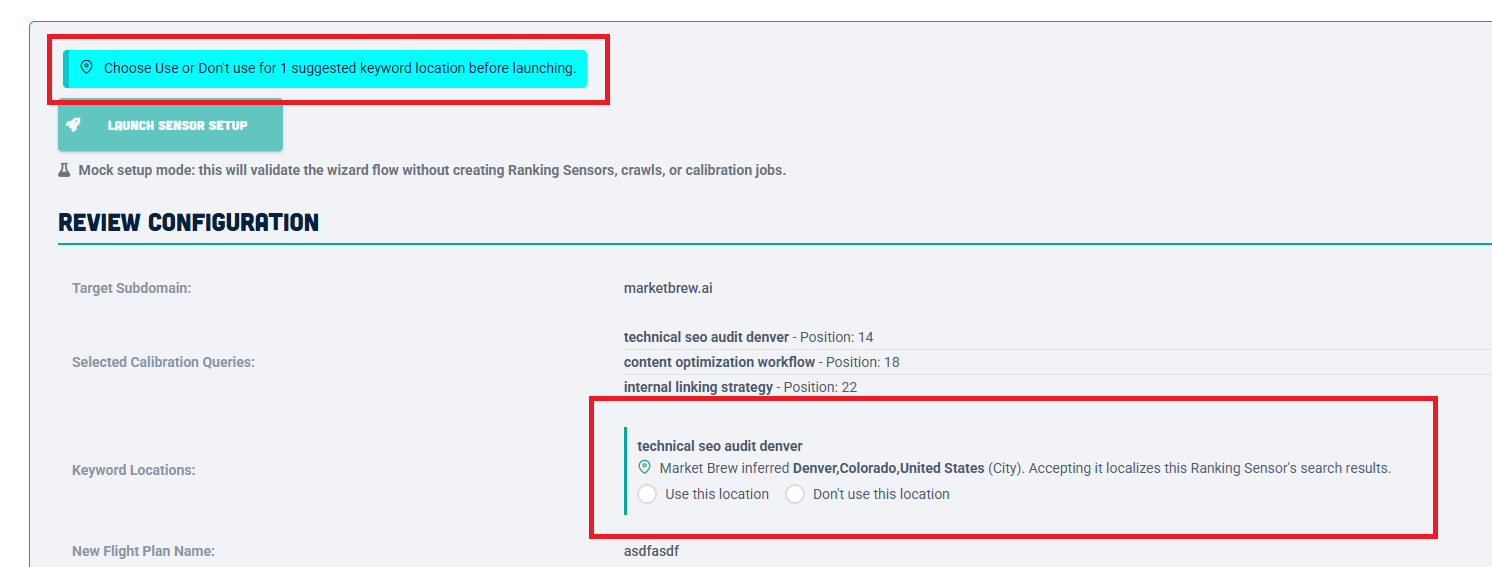
Ranking Sensor and Flight Plan auto-setup can now detect supported locations within calibration keywords and confirm how each location should be handled before launch.
When a location is detected, Market Brew asks you to accept or decline the suggestion. Accepted locations generate localized search results. Declined or unsupported locations use the TSEE default and are not inferred again later in the workflow.
Setup screens and Ranking Sensor details now provide clearer explanations of which location is being used, how it was selected, and when a fallback is applied.
What’s New
- Location confirmation added to both Ranking Sensor and Flight Plan automatic setup
- Accepted keyword locations produce localized search results
- Declined locations no longer influence later scoring
- Unsupported or failed location lookups fall back safely to the TSEE default
- Clearer explanations for automatic, selected, inferred, and fallback locations
- Improved location visibility throughout setup and Ranking Sensor details
New: Smarter Highlighting in the EmbeddNew: Structural Recommendations in Top Tasks
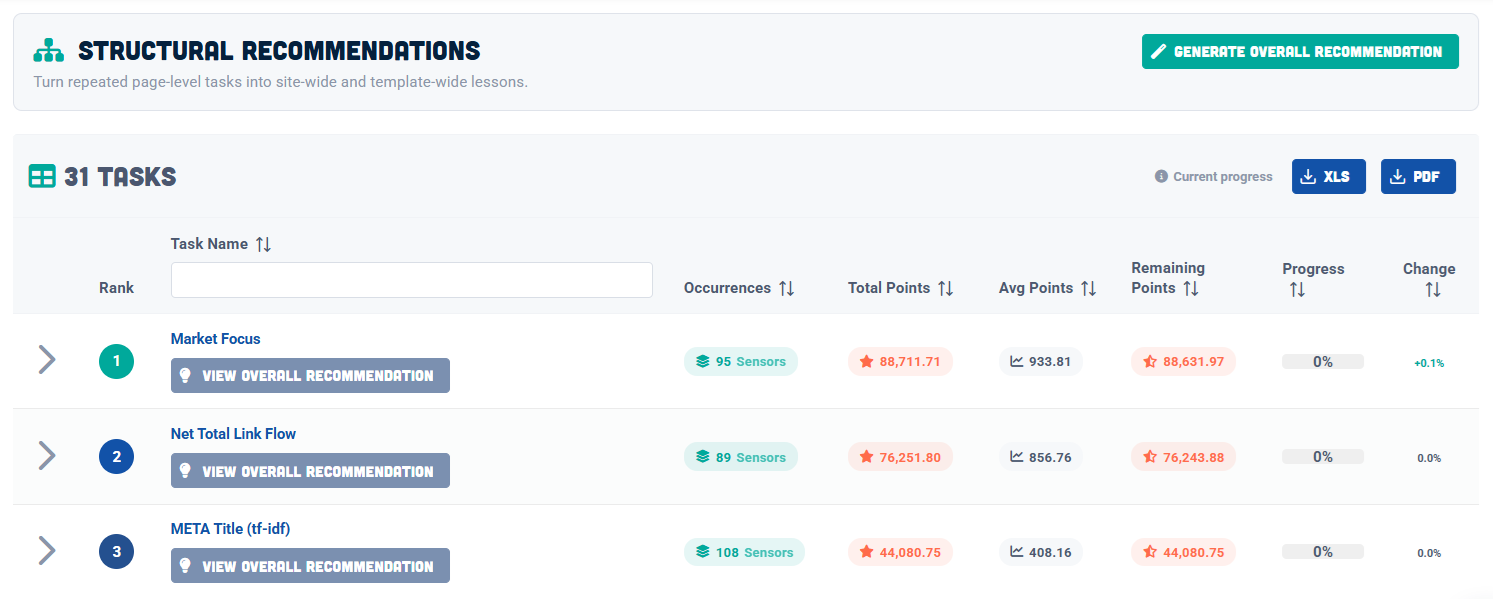
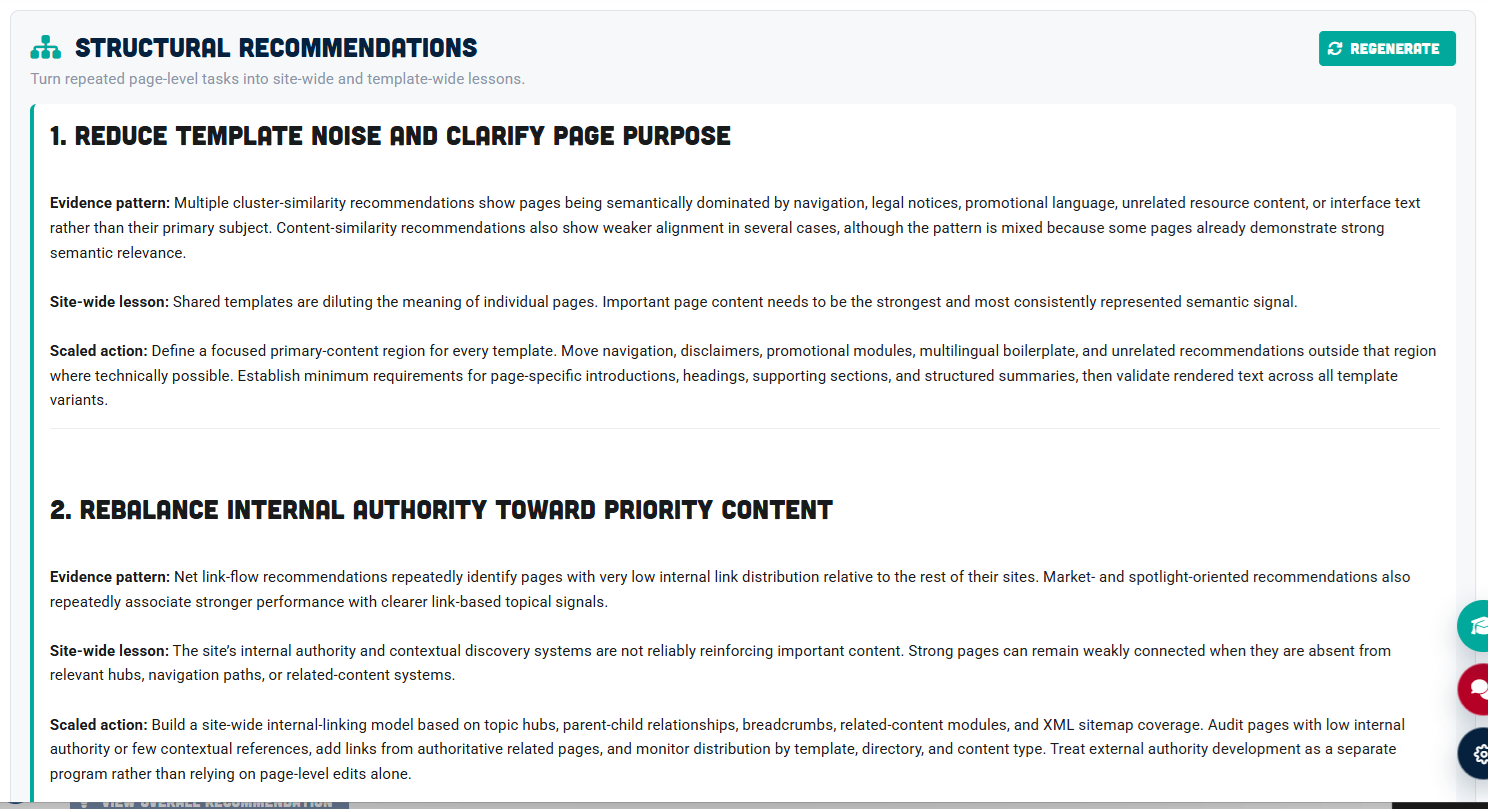
Top Tasks now transforms repeated Ranking Sensor findings into higher-level structural recommendations that can be applied across a website, template, or Flight Plan.
The See portion of Market Brew’s See. Hear. Speak. framework has always been designed as a measurement system. Ranking Sensors and Flight Plans reveal how specific pages and queries respond to changes in site structure, content, authority, and relevance. The strongest insights emerge when those findings are evaluated in aggregate.
In practice, users sometimes interpreted an individual Ranking Sensor task list too literally, as though each task were a direct prescription for improving one keyword and page. A Ranking Sensor is better understood as a controlled observation point. Any single sensor can contain findings that are specific to that query, page, or competitive environment. The broader value comes from identifying which findings repeat across many sensors.
Top Tasks Recommendations now makes that scientific workflow explicit.
Instead of focusing users on isolated keyword and page optimizations, Market Brew groups recurring findings, filters out one-off conditions, and surfaces the patterns that indicate a broader structural opportunity. These recommendations are keyword and page agnostic, allowing teams to focus on changes that can improve an entire site section, page template, internal linking model, or Flight Plan.
This helps teams move from:
“Make this change for this keyword and page”
to:
“This pattern is appearing across multiple independent measurements, which suggests a structural change should be evaluated.”
Recommendations can be generated for an entire Top Tasks scope, an individual task group, or a specific Flight Plan. Each summary is grounded in the underlying Ranking Sensor evidence, with improved drill-down navigation between recommendations, task instances, and the sensors that produced them.
Weekly Top Tasks reports now include this structural guidance, giving teams a recurring view of the most important patterns emerging across their monitored search environment. Market Focus and Spotlight Focus recommendations have also been improved to better account for enabled similar words and the broader semantic context surrounding each market.
What’s New
- Added overall structural recommendations across an entire Top Tasks scope
- Added recommendations for individual groups of recurring tasks
- Added Flight Plan structural summaries
- Added structural guidance to weekly Top Tasks emails
- Improved navigation between recommendations, task instances, and Ranking Sensors
- Improved Market Focus and Spotlight Focus guidance using similar-word context
- Reuses recent recommendations for consistency while allowing manual regeneration when new analysis is needed
Top Tasks Recommendations gives users a clearer path from individual measurements to statistically meaningful patterns, helping teams prioritize structural changes that can influence performance across many pages and queries rather than treating each sensor as an isolated optimization checklist.
New: Smarter Highlighting in the Embedding Separation Lab
The Embedding Separation Lab now makes it easier to see exactly where two pages are semantically similar.
The three strongest semantic matches are highlighted directly in the content editor, with stronger matches shown using greater color intensity. Highlights automatically update when you select a different comparison page or reanalyze edited content.
Freeform Comparison also highlights matching passages in both editors, without changing or saving the highlight formatting as part of the content.
What’s New
- Automatically selects the first available comparison page
- Highlights the three strongest semantic matches
- Uses color intensity to indicate match strength
- Refreshes highlights after selecting another page or running a new analysis
- Highlights matching passages in both Freeform Comparison editors
- Clears highlights correctly when the analysis is reset
- Excludes highlight formatting from saved content
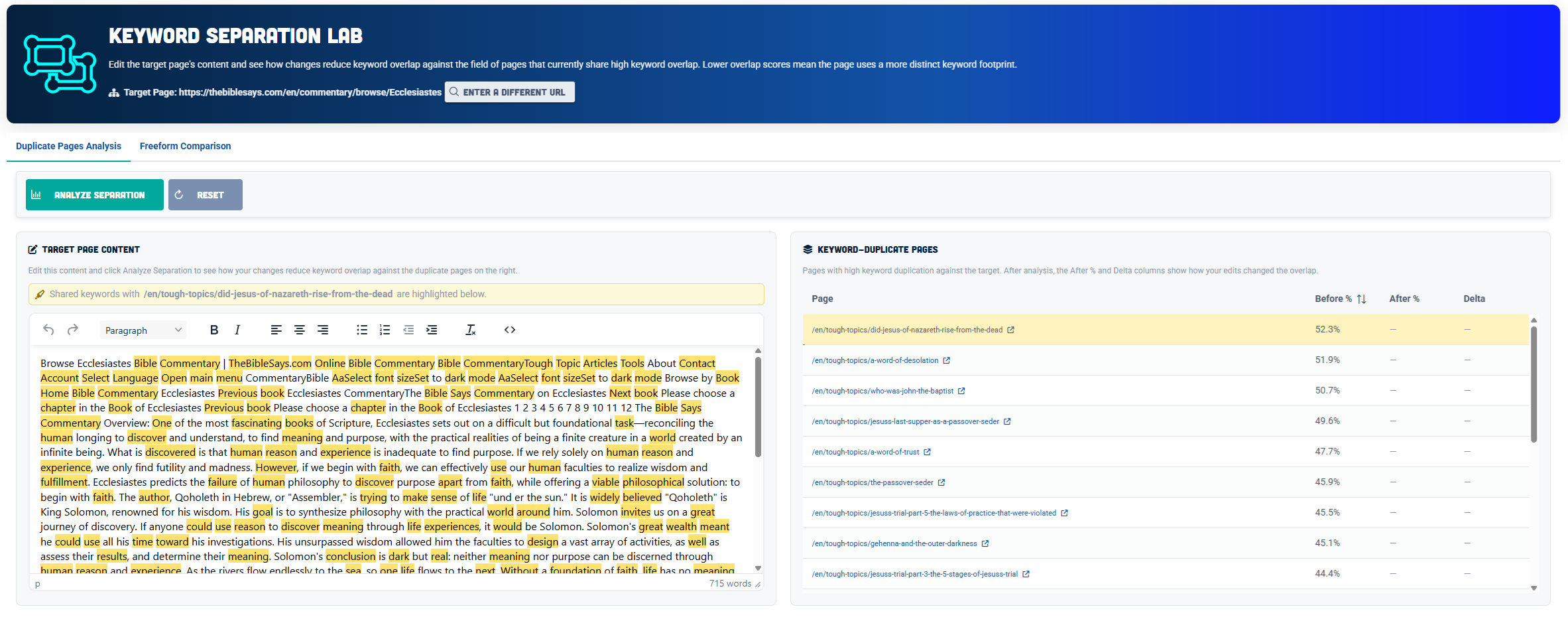
New: Shared Keyword Highlighting in the Keyword Separation Lab
The Keyword Separation Lab now highlights shared keywords directly inside the content editors, making duplicate-page overlap faster and easier to evaluate.
Select any duplicate-page row to compare it with the target page, or enter two freeform content blocks to identify overlapping terms. Analyses and row selections now consistently use the latest content currently shown in the editors.
What’s New
- Automatically selects the first duplicate-page comparison
- Allows any duplicate-page row to be selected for comparison
- Highlights shared keywords directly in the editors
- Keeps highlight formatting separate from the underlying content
- Highlights overlapping terms in both Freeform Comparison editors
- Uses the latest edited content when running an analysis
- Uses current editor content when switching between comparison rows
Guided Flight Plan Setup with Manual Templates
The Flight Plan Setup Wizard now lets users manually define site templates, then select Ranking Sensor candidates for each Flight Plan in a guided per-template setup flow.
Candidate rows show visible keyword and page rankings at position #10 and below, with filtering, pagination, multi-select, an exact target page filter, and manual page/query entry when needed.
Review and launch now include only selected candidates or completed manual rows, so unselected rows are not counted or created as Ranking Sensors.
What changed
- Manual site template naming now replaces automatic homepage layout discovery.
- Users can add or remove templates and must provide unique template names.
- Ranking Sensor setup now proceeds one Flight Plan at a time.
- Candidate keyword/page rows can be selected, cleared, filtered, and paginated.
- Exact target page filtering is available for candidate selection.
- Manual page/query rows can be added when candidates are missing or insufficient.
This gives teams more control over how Flight Plans are structured and which Ranking Sensors are created during setup.
Faster Access to Distribution Tools
Link Flow Distribution and Anchor Text Distribution are now easier to launch from the Tools menu.
Instead of first finding a Website or Ranking Sensor row, users can now choose the target website directly from a searchable website picker and launch the tool from there.
What changed
Link Flow Distribution
- Added a searchable Target Website dropdown.
- Added a direct launch button.
- Removed the old Ranking Sensor table detour.
Anchor Text Distribution
- Added a searchable Target Website dropdown.
- Added a direct launch button.
- Removed the old Ranking Sensor table detour.
Both tools now prompt users to select a website before launching, making the workflow faster and more direct.
Exact Target Page Filtering for Ranking Sensor Setup
Ranking Sensor auto setup now includes an Exact Target Page option in the Calibration Queries table.
This lets users filter calibration queries for one specific target URL without also matching child pages, similar folder paths, or broader URL patterns.
What changed
- Added an Exact Target Page toggle for Target Page filtering.
- Exact URL matching ignores case and trailing slashes.
- Default Target Page filtering still supports broader contains matching.
- The Calibration Queries summary is now more compact and easier to scan.
- Moving to the next step after selecting keywords is now faster.
This gives teams more control when calibrating a Ranking Sensor against one precise page.
New Cluster Drilldowns in Orbital Drift Website Visualizer
The Orbital Drift Website Visualizer now gives users a clearer view of how a site’s content is distributed across its top clusters and drift categories.
Users can see the site’s top three content clusters alongside Core, Focus, Expansion, and Peripheral drift categories, then drill into the matching URLs for deeper review.
What changed
- Added top-three site cluster cards with descriptions.
- Added drift-category page counts for each top cluster.
- Made overall Core, Focus, Expansion, and Peripheral counts clickable.
- Added per-cluster drilldowns for Core, Focus, Expansion, and Peripheral pages.
- Added a URL results table showing drift scores.
- Added links from URL results into the related page-level stabilizer view.
This makes it easier to understand which pages are central to the site’s authority, which pages are drifting, and where deeper stabilization work may be needed.
Flight Plan Scoping for Top Tasks and Structure Tasks
Top Tasks and Structure Tasks now support tighter website and Flight Plan scoping.
After selecting a website, users can narrow Top Tasks to a specific Flight Plan. Structure Tasks now offers the same website and Flight Plan filtering, helping teams focus recommendations around the plan they are actively working on.
What changed
Top Tasks
- Added a dependent Flight Plan selector after a website is selected.
- Top Tasks can now be narrowed by selected website and Flight Plan.
- Links from Top Tasks to Structure Tasks preserve the selected scope.
Structure Tasks
- Added account-level Website and Flight Plan filters.
- Duplicate and hour-breakdown toggles now preserve selected scope.
- Selected website and Flight Plan context is preserved in page URLs for reloads, navigation, and sharing.
Forecasting
- Links to the forecasting calculator now carry selected website and Flight Plan context.
- Forecasting calculator website changes now update URL state instead of relying on partial page updates.
This makes it easier to move between task discovery, structure work, and forecasting without losing context.
Cleaner Mission Control Platform Overview
Mission Control’s Platform Overview is now organized around Market Brew’s core workflows: See Structure and Hear Intent / Speak Content.
Flight Plans, Ranking Sensors, Content Gaps, and Content Generated are now easier to scan together in the context of the workflows they support.
What changed
- Platform Overview metrics were grouped into workflow-based sections.
- Mission Control now avoids repeating the workflow explainer on the main dashboard.
- The Flight Plan creation action was relabeled and visually emphasized.
- The creation button is now clearer and more direct: Create Plan.
This makes Mission Control easier to read at a glance and gives users a clearer path into Flight Plan creation.
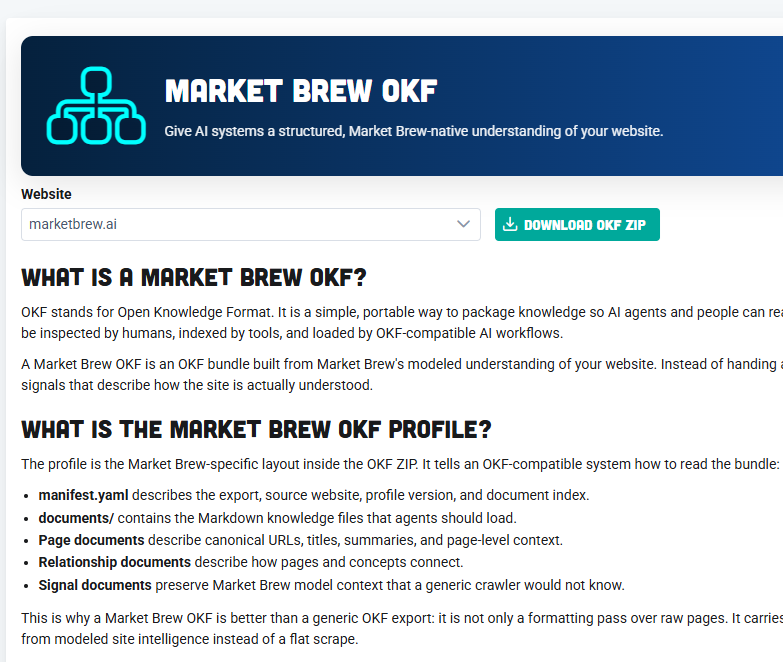
Market Brew OKF Export
Customers can now export a Market Brew OKF ZIP for any licensed website.
The export packages Market Brew’s modeled site intelligence into portable Markdown and metadata that can be used in AI workflows, agency handoffs, migrations, semantic audits, site maps, and content planning.
The export automatically selects the right bundle type for Brew or ASK/FSI systems.
The new OKF workflow includes:
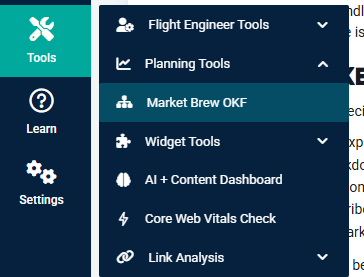
- A new Market Brew OKF download page in Planning Tools
- A direct OKF export action from Brand Briefing for the selected website
- Exported manifest, index, quality report, page evidence, and system-specific site intelligence
- ASK/FSI exports with navigation, sitemap-prefix, domain-cluster, and cleaned citation snippets
- Brew exports with Link Flow Distribution page context and internal link context
- Flight Director guidance for when and how to use OKF handoff workflows
- Cleaner exported evidence snippets that remove more common boilerplate, including navigation, login, cookie, app-store, calendar, and footer text
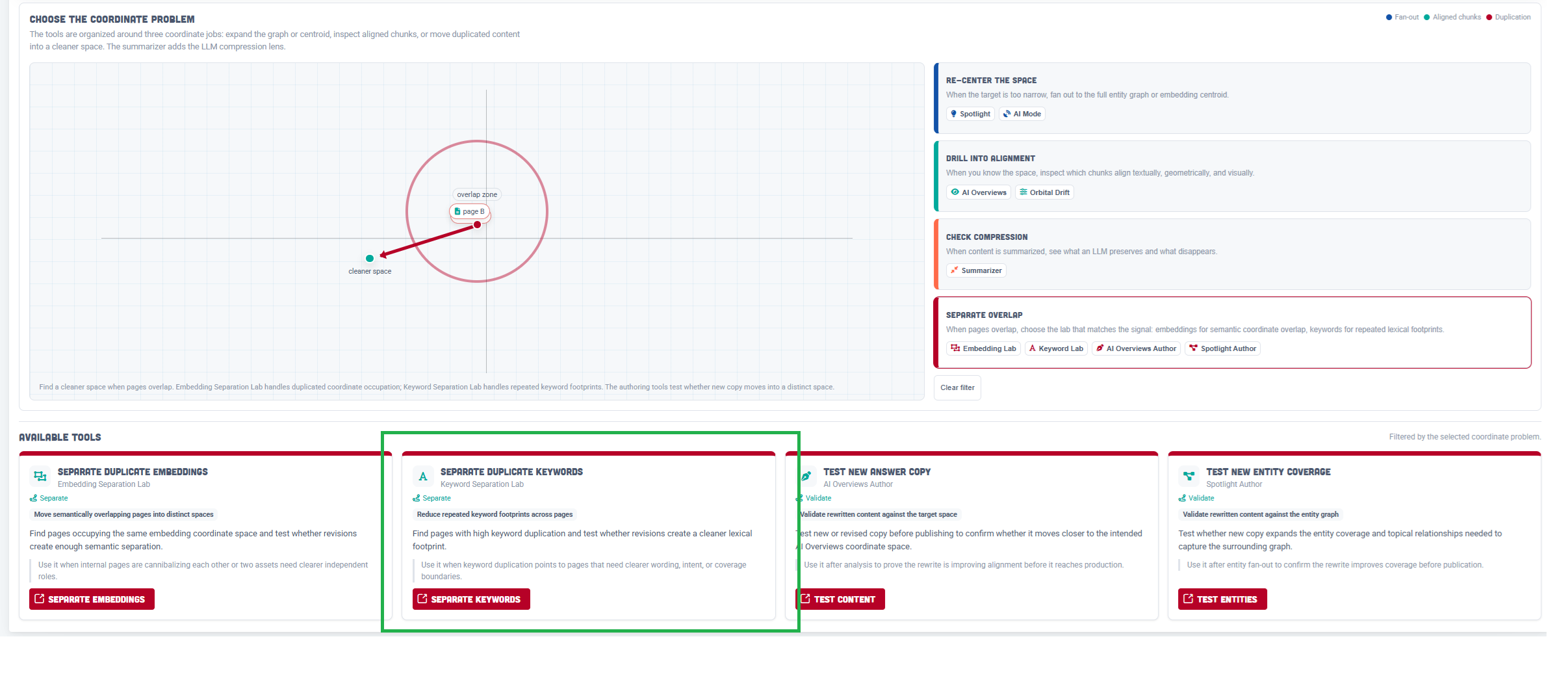
Keyword Separation Lab
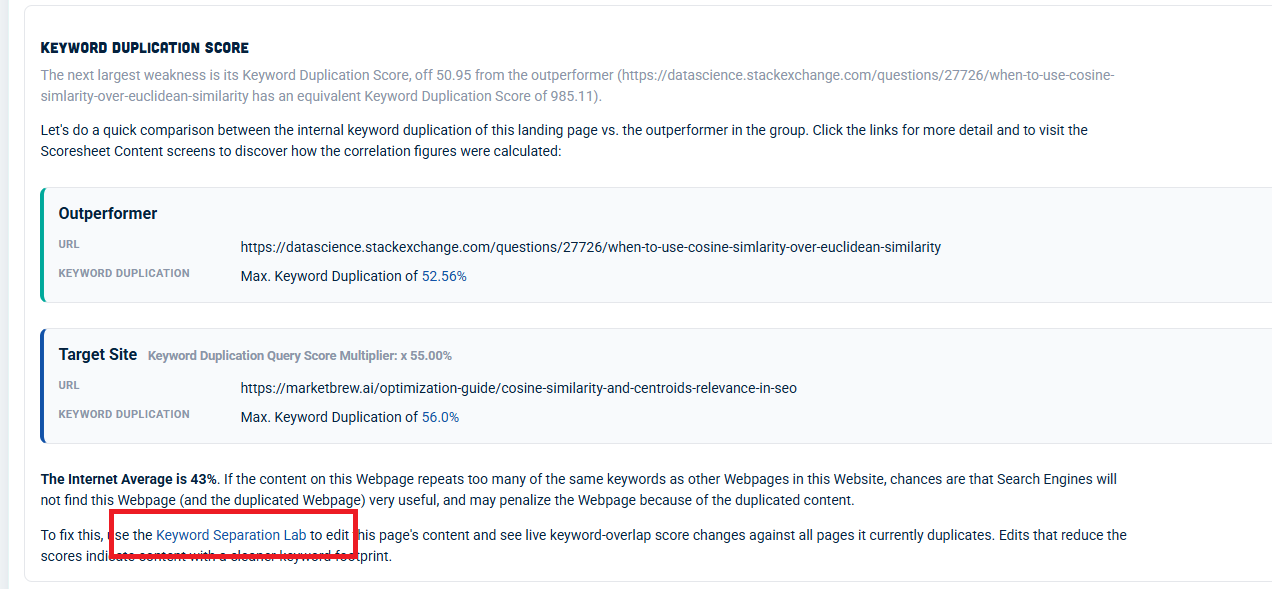
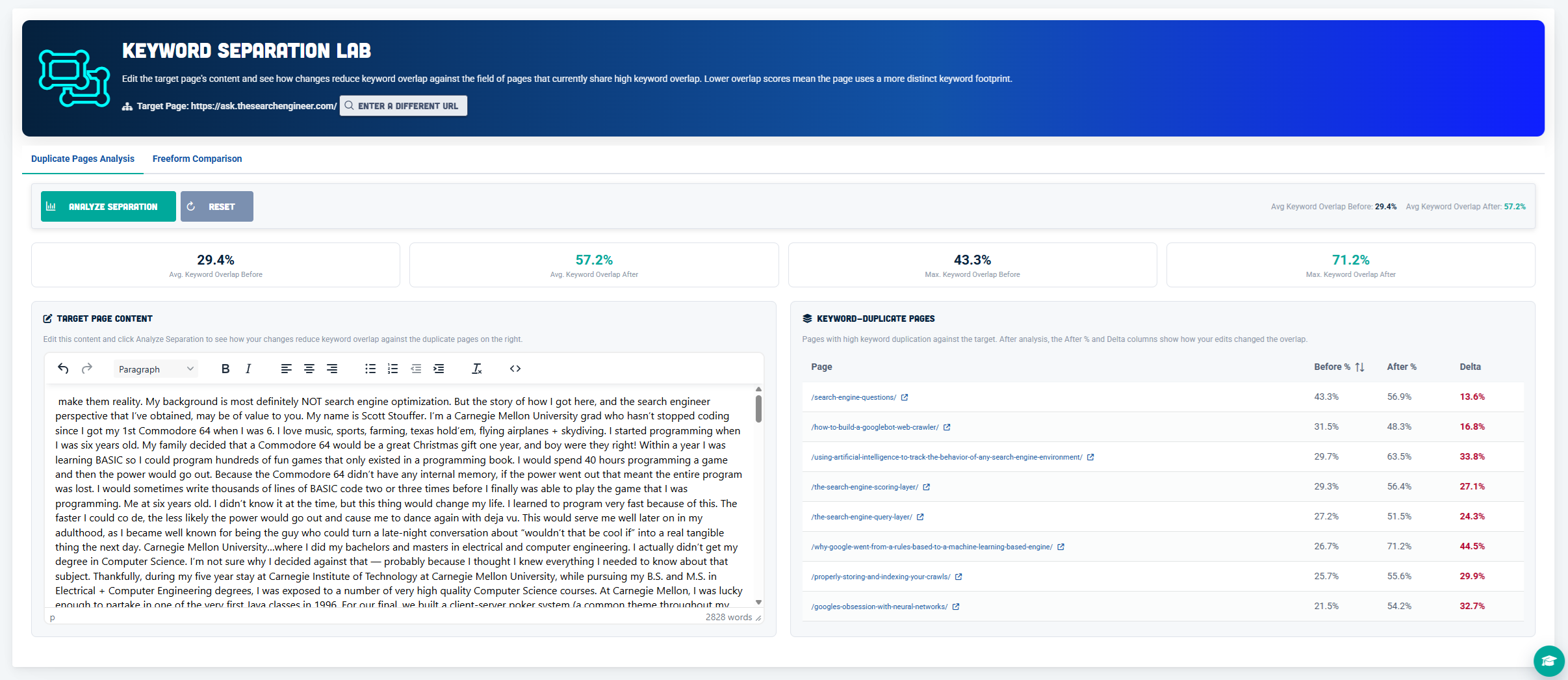
We’ve added Keyword Separation Lab, a new Content Tools workflow for reducing keyword duplication between pages.
Keyword Separation Lab helps you compare a target page against duplicate pages, edit the target content, and measure how keyword overlap changes before and after your edits. You can open it from Content Tools or directly from Keyword Duplication results in the scoresheet.
You can now:
- Review keyword overlap between duplicate pages
- Edit target page content and compare before/after overlap
- See delta, average, and max score feedback
- Compare keyword overlap between any two pasted content blocks using freeform mode
- Open the correct lab directly from guided tours, Flight Director recommendations, and scoresheet links
Keyword Duplication results now route to Keyword Separation Lab instead of the previous shared-words snapshot view.
Mission Control Content Alignment Scores
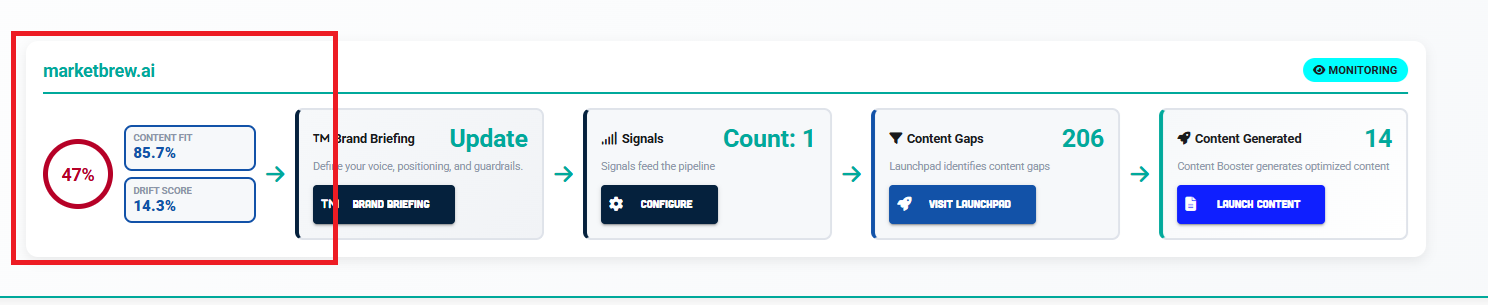
Mission Control now shows two site-wide content alignment metrics for each website: Content Fit and Drift Score.
Content Fit measures how closely a site’s page content aligns with the customer’s Brand Bible. Higher scores are better. Clicking the Content Fit chip opens a prefilled brand-alignment page review.
Drift Score measures how dispersed a site’s page content is from the site’s own content center. Lower scores are better. Clicking the Drift Score chip opens the site’s drift visualization.
Mission Control now displays:
- Content Fit for visible websites
- Drift Score for visible websites
- Helpful status coloring and tooltips
- Unavailable states when brand or embedding data is missing
These same metrics are also available through usage metrics, making it easier to review content alignment across visible website scopes.
Website Dashboard Links in Mission Control
Mission Control now provides direct links to the Website Dashboard for individual websites.
When a website is selected, you can open its scoped Website Dashboard directly from the website selector. You can also open the Website Dashboard from each site status card.
This reduces manual navigation and makes it faster to move from Mission Control into a website-specific dashboard.
Content Booster Metadata Language Consistency
Content Booster now keeps generated titles and descriptions in the same language and script as the original request.
This prevents unexpected language switches, stray non-request characters, or mixed-script metadata while still preserving support for non-English requests.
Embedding Separation Lab Reliability
Embedding Separation Lab now opens more reliably for pages with existing indexed content.
The lab now preloads from indexed page content already available to it, helping avoid long initial-load delays or gateway timeouts before users can begin reviewing and editing page similarity.
Pages without indexed content continue to follow the existing queue flow.
Recurring Crawl Schedule Fixes
Recurring crawl schedules now correctly support unlimited schedules.
Entering 0 for re-crawls now saves an unlimited recurring schedule instead of allowing the schedule to disappear after the next crawl.
This update also improves how crawl schedules are displayed and managed:
- Unlimited schedules display as 0 (UNLIMITED) in the schedule list
- Existing affected unlimited schedules continue running and advance after each crawl
- The edit dialog shows unlimited schedules as 0
- The # Periods Left column now sorts and filters by the displayed value
- Newly created schedules now show the actual creation date instead of the first scheduled crawl date
Triple Search for ASK and Search Widgets
ASK and Search widgets now support a new configurable Triple Search retrieval mode. Triple Search combines semantic page matching, full-page meaning, and keyword matching to produce more balanced ASK answers and Search widget results.
Widget management screens now make retrieval settings easier to review and tune. You can choose between Top Cluster and Triple Search, adjust retrieval weights, and validate that Triple Search weights total 100% before saving.
What changed
- ASK widgets now support Top Cluster and Triple Search retrieval controls.
- Search widgets now support Top Cluster and Triple Search retrieval controls.
- Triple Search weights can be configured across semantic, page-level, and keyword signals.
- Weight validation ensures Triple Search settings total 100%.
- Widget lists now use a cleaner responsive card layout.
- Widget cards show each widget’s configured search type and weights.
- ASK widget editing now keeps the preview visible while moving embed code into a collapsible Widget Code panel.
- Save dialogs now stay open and show inline errors when retrieval weights are invalid.
- ASK widget last-seen timestamps now display in the viewer’s timezone.
- ASK widget health and API responses now include retrieval mode and retrieval weights.
Webpage Scoresheet Selector
Website Dashboard and Webpage Scoresheet pages now include a searchable Webpage Scoresheet selector. Users can quickly search for a crawled HTML page, choose from valid pages prioritized by link flow, and jump directly to that page’s scoresheet.
This makes it easier to move from high-level website analysis into specific page-level diagnostics without manually navigating through separate views.
What changed
- Website Dashboard now supports direct navigation to webpage scoresheets.
- Webpage Scoresheet pages now let users jump between page scoresheets.
- Scoresheet selectors are searchable.
- Page options are ordered by link flow relevance.
- Dashboard and scoresheet toolbars now wrap better on smaller screens.
- Breadcrumb links back to the Website Dashboard now preserve the current customer and Ranking Sensor context.
Expanded Website Domain-Cluster Summaries
Website domain-cluster summaries now cover the top three content clusters instead of only the largest cluster. These summaries are available on the Website Dashboard and Website Embedding Listing, with expandable sections for easier review.
AI Overviews Visualizer and embedding-cluster task results now link directly into the expanded Website Embedding Listing view, so users can move from cluster-level insights into supporting details more easily.
What changed
- Website Dashboard now shows descriptions for domain clusters 1, 2, and 3.
- Website Embedding Listing now shows descriptions for domain clusters 1, 2, and 3.
- Cluster descriptions now appear in expandable accordion sections.
- Deep links can open the relevant cluster summary expanded.
- AI Overviews Visualizer links now point users to the expanded Website Embedding Listing view.
- Embedding-cluster task links now point users to the expanded Website Embedding Listing view.
- Missing cluster descriptions can be generated in the background when embeddings are available.
- Fixed a rendering issue that could prevent the expanded Website Embedding Listing view from loading correctly.
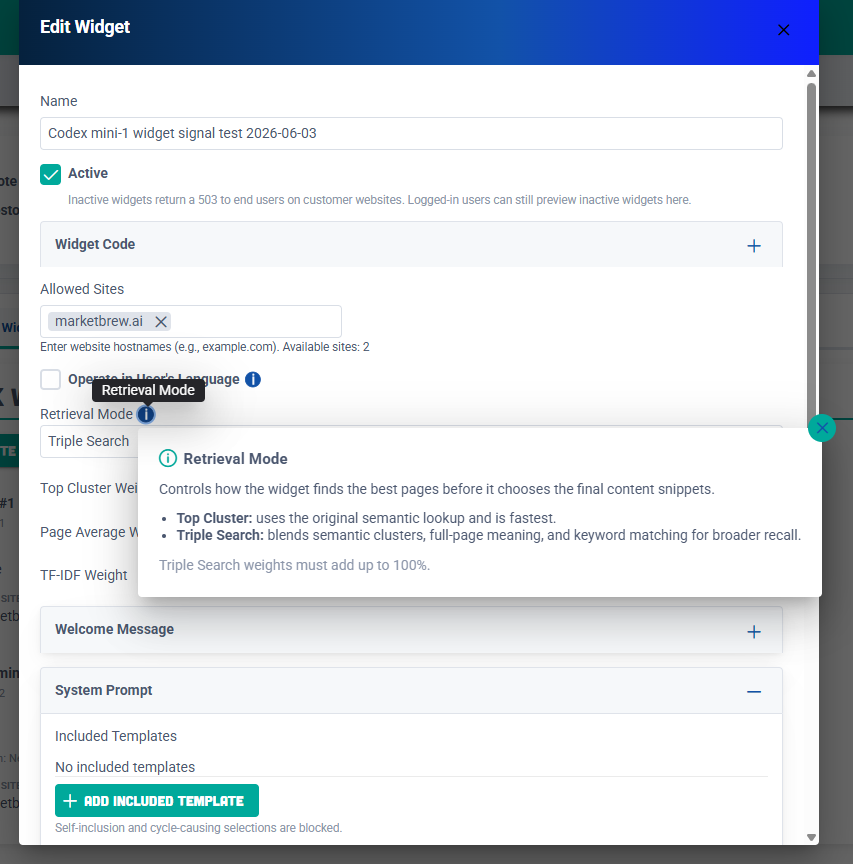
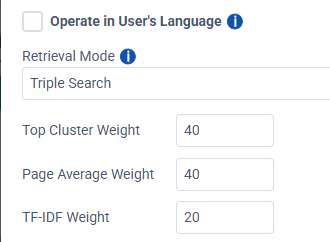
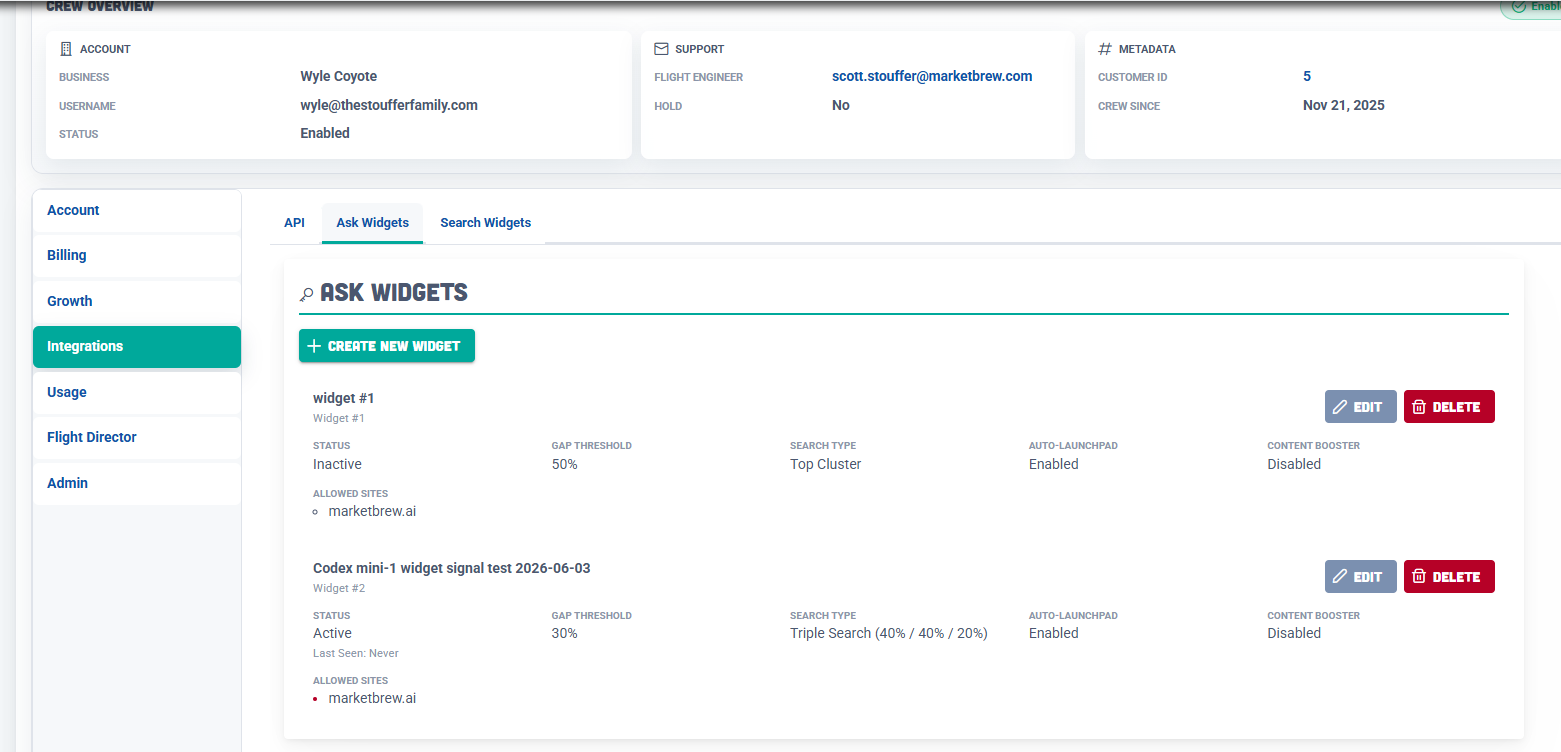
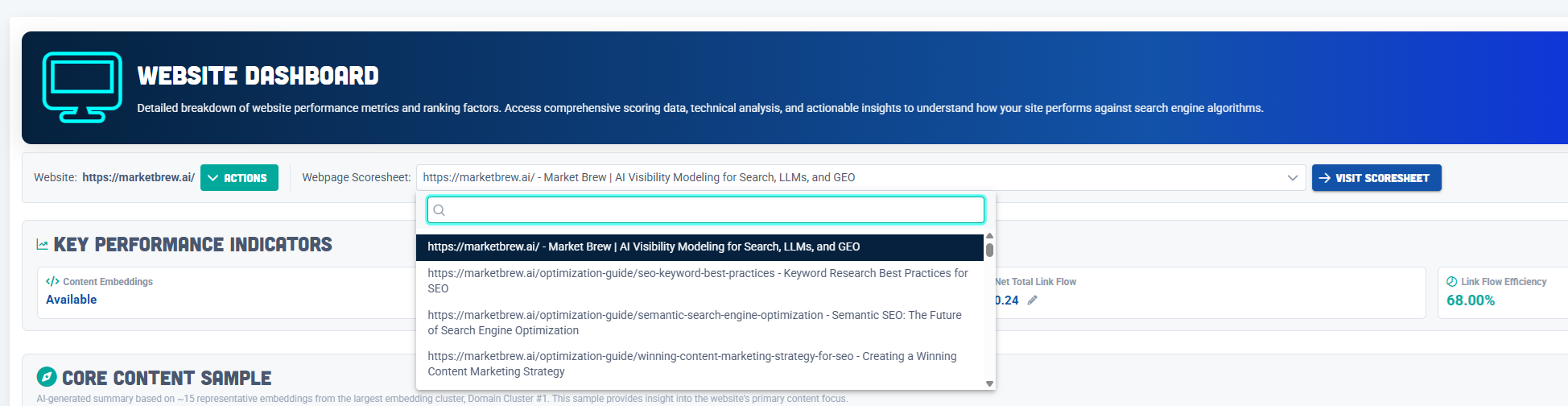
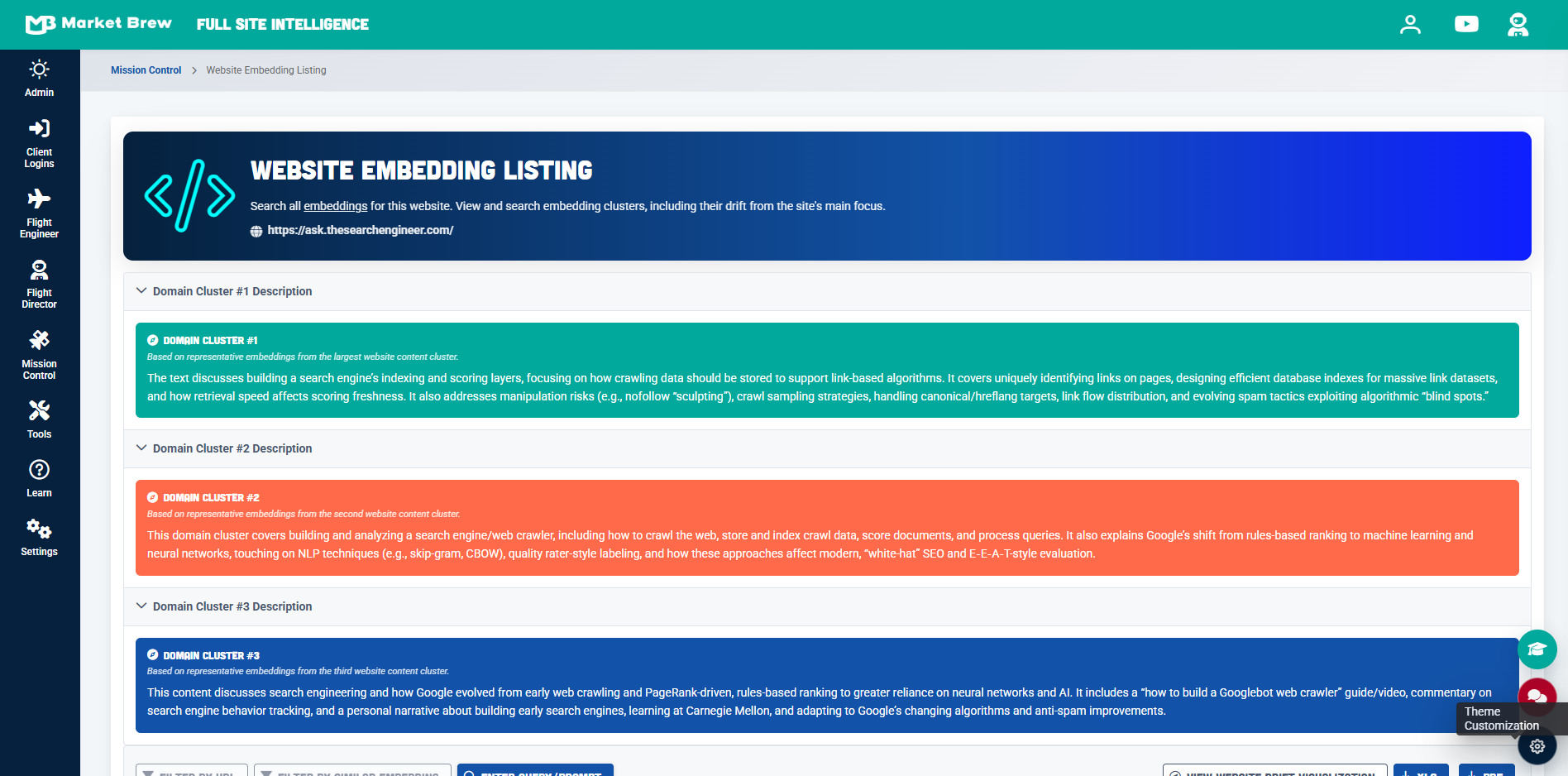
Mission Control Workflow Guidance
Mission Control now organizes Market Brew workflows around three clear paths: See, Hear, and Speak. These paths make it easier to move directly into structure modeling, signal configuration, opportunity prioritization, and content creation.
This update also improves setup guidance for Ranking Sensors and Flight Plans. Suggested queries are now framed as calibration inputs instead of keyword optimization targets, helping users select better examples for model calibration.
What’s improved:
- Mission Control now includes See/Hear/Speak workflow guidance.
- Direct links were added for Sensors, Flight Plans, Top Tasks, Brand, Signals, Launchpad, and Content.
- Ranking Sensor and Flight Plan setup now describe queries as calibration inputs.
- Automatic calibration query suggestions now focus on lower-ranking results that are better suited for calibration.
- Optimization Tasks have been renamed to Structure Tasks across dashboards, task views, admin usage, Flight Engineer, and related navigation.
- Top Tasks, Structure Tasks, Ranking Sensor summaries, the guided tour, and the customer manual now better explain when to use Ranking Sensors versus the AI Content Dashboard and Content Booster.
Clearer Top Tasks Date Controls
Top Tasks date controls are now easier to understand and more reliable. The dashboard now clearly separates snapshot date filtering from Current/Previous progress mode.
Users can also type snapshot dates manually and apply them directly, without needing to select dates from the calendar popup.
What’s improved:
- Date filter labels and help text now clarify that dates filter task snapshots.
- Current/Previous controls now clarify that they switch progress values for the selected snapshots.
- Added an Apply Dates action so manually typed dates refresh the task list.
More Accurate Top Tasks Progress Changes
Top Tasks progress changes now stay within the normal 0–100% progress range. Tasks whose previous crawl progress exceeded 100% no longer show exaggerated negative changes in tables or exports.
What’s fixed:
- Previous progress is now capped before calculating the Change value.
- Change sorting and exported Change % values now use the corrected calculation.
Stable Top Tasks Priority Ranks
Top Tasks now keeps each task’s priority rank consistent when the table is sorted, including when sorting by progress.
Rank badges and exported rank values now remain tied to the original task priority instead of changing based on the table’s current row order.
What’s fixed:
- Rank badges stay tied to the original priority order after sorting.
- XLS and PDF exports now use the stable task priority rank.
Custom Flight Plan Subfolders
Custom Flight Plans can now include an optional subfolder path. This allows manually added URLs to be checked against the intended section of a site.
Custom plans without a subfolder no longer show incorrect URL mismatch warnings.
What’s new:
- Added an optional subfolder path when creating a custom Flight Plan.
- Matching manually entered URLs no longer show incorrect mismatch warnings.
- Non-matching URLs now warn against the custom subfolder path when one is set.
- Existing custom plans using the old custom marker are treated as unrestricted instead of as a URL path.
Reliable Ask Widget Welcome Messages
Ask Widget welcome message changes now save reliably. After adding or editing a welcome message, the saved message remains in place after refreshing the page and reopening the widget editor.
What’s fixed:
- Welcome message edits now persist after saving and refreshing.
- The widget editor now keeps the saved widget state after updates, reducing stale editor behavior.
Better Support for URLs with Special Characters
URLs containing readable special characters, such as en dashes, are now accepted more consistently across Market Brew.
This applies to website settings, preferred pages, skipped URLs, backlink lists, and crawl processing. Encoded versions of those characters are also normalized to the readable form when saved, helping prevent duplicate page entries and validation errors for the same URL.
What’s improved:
- Preferred pages with readable non-ASCII characters now validate correctly.
- Known backlink and ignored backlink URL lists now accept these URLs consistently.
- Skipped website and custom crawl URL validation now accepts these URLs.
- Crawling and backlink analysis no longer skip valid URLs solely because they contain readable non-ASCII characters.
- Percent-encoded non-ASCII URL paths are saved and displayed in readable form, while ordinary ASCII percent escapes remain unchanged.
Added Market Brew Chunk Visualizer support
The Market Brew Chunk Visualizer is now available for download in the Chrome Web Store.
Orbital Drift Stabilizer and AI Overviews Visualizer now include a Market Brew Chunk Visualizer workflow. You can open the analyzed live page and see Market Brew chunks highlighted directly in context.
The visualizer supports clustered and all-content views, so you can inspect individual chunks or chunk clusters and see where they appear on the page.
What changed
- Added live-page chunk highlighting from Orbital Drift Stabilizer.
- Added live-page chunk highlighting from AI Overviews Visualizer.
- Added clustered and all-content chunk views.
- Added per-chunk and per-cluster selection.
- Added authenticated chunk lookup for analyzed live pages through the browser extension.
- Improved highlight matching across modern page layouts, SPA routes, tables, lists, headings, generated text, SVG labels, accessibility labels, shadow DOM, and same-origin iframes.
Improved Flight Plan and Ranking Sensor reliability
Flight Plan and Ranking Sensor workflows are now more reliable for larger sites and more complex setups. Bulk deleting Flight Plans now removes eligible plans even when some selected plans are blocked by Ranking Sensors that are still setting up or recalculating.
Similarity-based Ranking Sensor calculations are also more reliable when processing large uncached result sets.
What changed
- Flight Plan bulk delete no longer fails because of stale selected-row data.
- Eligible Flight Plans are deleted while blocked plans are still clearly reported.
- Ranking Sensor calculations using content, heading, and meta title similarity are more reliable for larger sites.
Fixed Ask and Search widget Content Gap Threshold controls
Ask and Search widget Content Gap Threshold controls now save and display values correctly from 0% to 100%.
Existing widgets with previously inflated threshold values now display in the expected percentage range when viewed or edited.
What changed
- Ask widget threshold sliders now save valid 0% to 100% values.
- Search widget threshold sliders now save valid 0% to 100% values.
- Widget tables and edit dialogs now normalize previously inflated threshold values.
- Threshold display updates are more reliable when multiple widget editors are open.
Improved Visibility Launchpad filtering
The Visibility Launchpad prompt Content Gaps table now handles path-like searches, such as /pt, without failing.
Prompt and Closest Match filtering continues to work for path searches, while numeric filters safely ignore nonnumeric values. Content Gap filters also now support percentage-style entries such as 62%.
What changed
- Prompt Content Gaps no longer errors on path-like searches.
- Prompt and Closest Match filtering remains active during global searches.
- Detections, Source, and Content Gap numeric filters safely ignore nonnumeric search terms.
- Content Gap score filtering accepts normalized percentage-style values.
Fixed dashboard and report downloads
Report downloads from dashboards and report listing screens now work correctly in hosted environments.
Spreadsheet and ZIP reports are served as browser downloads, and filenames that already include .zip no longer create broken duplicate-extension links.
What changed
- Dashboard and report listing downloads now work through production-style proxying.
- Existing XLS and ZIP report files now download correctly.
- Report filenames ending in
.zipno longer become.zip.zip.
Improved Manual Ranking Sensor setup
Manual Ranking Sensor setup now queues launches more reliably and no longer waits on live search result checks in the browser.
You can enter target phrases as comma-separated, semicolon-separated, or one-per-line lists, with support for up to 25 phrases per launch. During launch, keywords whose target site is not found are now marked as failed instead of creating incomplete sensors.
What changed
- Manual Ranking Sensor setup no longer hangs while validating live search results before launch.
- Target keyword entry now supports commas, semicolons, and new lines.
- Manual launches now allow up to 25 target phrases.
- A clear validation message appears when the 25-phrase limit is exceeded.
- The review step no longer labels unvalidated setup keywords as “Not Ranking.”
- Missing-target keywords now fail cleanly instead of creating unresolved sensors.
Improved Ranking Sensor location handling
Ranking Sensors with a specified searcher location now consistently use that location for scoring, keyword metadata, and Location Factor reporting.
The Ranking Sensor page also no longer shows a separate keyword-derived location when a searcher location is configured.
What changed
- Explicit searcher locations now override keyword-derived locations during scoring and recalculation.
- Location Factor explanations now identify the specified searcher location as the source.
- Ranking Sensor details hide the keyword-based location row when a searcher location is set.
Improved Flight Plan auto setup for locale-prefixed sites
Flight Plan auto setup now detects viable page layouts for websites that use locale-prefixed URLs.
When a non-US search database has no ranking keyword data, setup can fall back to US ranking data and show a warning, helping affected sites populate layout candidates and URL/keyword pairs instead of coming up empty.
What changed
- Locale-prefixed layout candidates are no longer dropped during Flight Plan auto setup.
- Organic keyword and sitemap-based layout detection now keeps locale-prefixed page groups while still skipping utility paths.
- Flight Plan setup can fall back to US ranking keywords when the selected or detected search database has no ranked keywords.
Improved Ranking Sensor deletion reliability
Deleting a Ranking Sensor is now more reliable when one of its websites is also used by another Ranking Sensor.
The delete process now handles cases where the website association was already removed during cleanup, preventing the deletion from failing and leaving the workflow incomplete.
What changed
- Ranking Sensor deletion no longer fails when a shared website membership has already been removed.
- Cleanup now treats already-removed website associations as complete instead of showing a stale delete error.
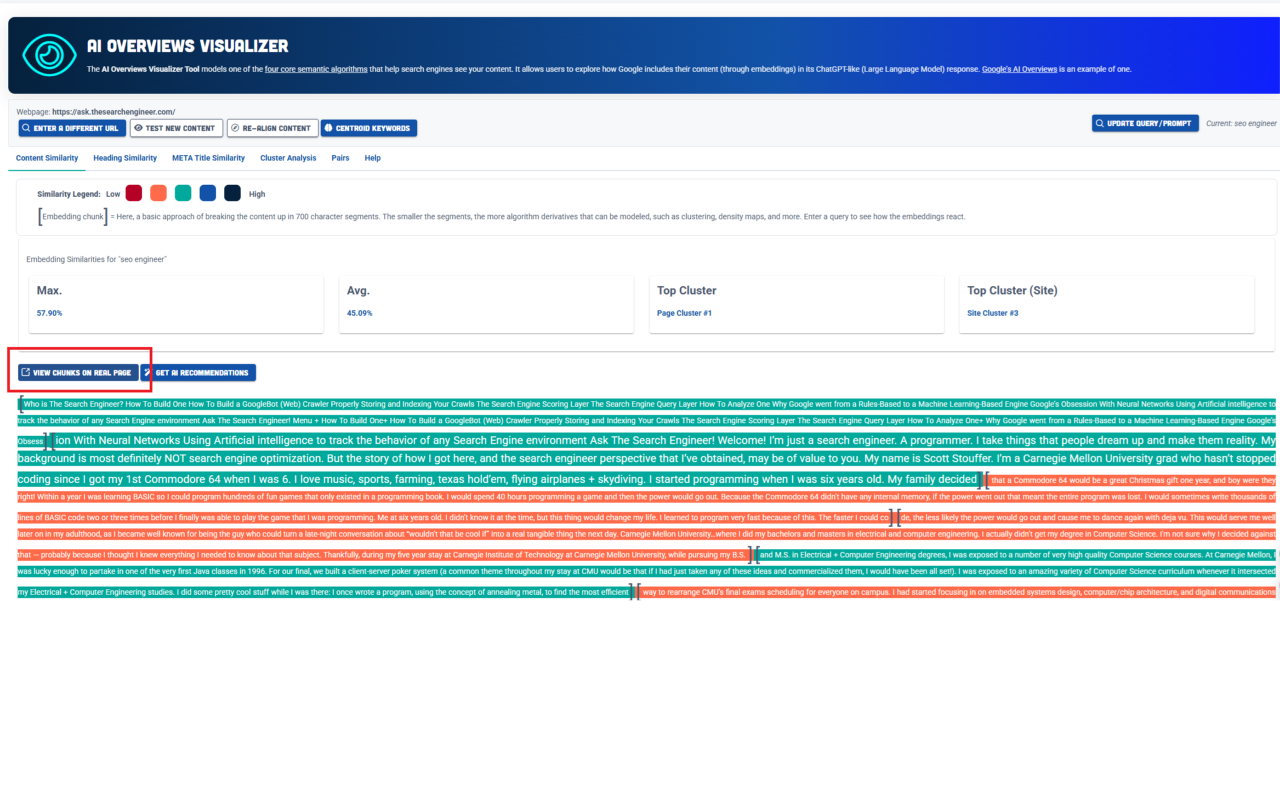
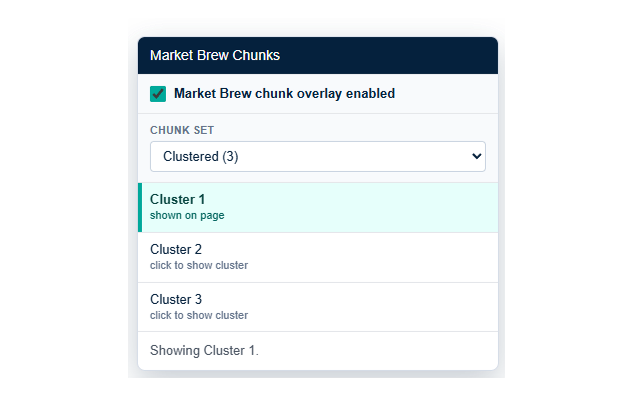
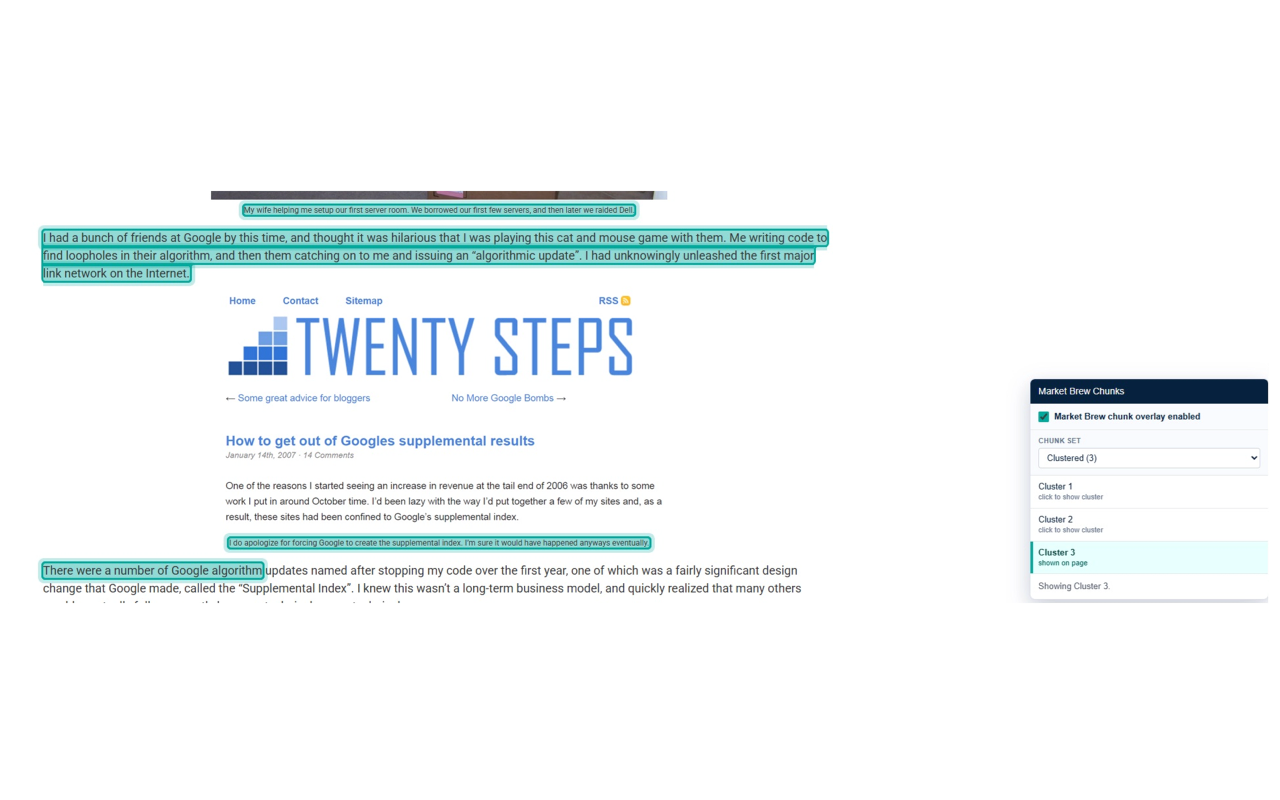
New: Content Gap Scores in Listen and EyesOver
Listen and EyesOver now show content gap percentages directly on extracted keywords and prompts, including items that have not been added to Visibility Launchpad.
Content gap scores are now calculated and saved during processing even when automatic Launchpad promotion is disabled or when the gap is below the promotion threshold.
We also improved matching for short keyword-like phrases, reducing cases where content gaps could incorrectly appear as 100% due to overly restrictive language filtering.
Fixed: Shared SEO Forecast Links
Shared SEO Forecast links now handle unavailable content more gracefully.
If a shared link has expired, been deleted, or is otherwise invalid, users will now see a clear “no longer available” message instead of a generic unexpected-error message.
Fixed: Language-Aware Visibility Launchpad Matching
Visibility Launchpad now does a better job matching keywords and prompts to pages in the same language.
This improves recommendations for multilingual websites and reduces cases where English opportunities could be matched to translated pages. Content gap checks and refreshed Launchpad scores now use the same language-aware matching logic.
Short, ambiguous terms such as names are also handled more reliably when language detection is uncertain.
Fixed: Top Tasks Website Filter
The Top Tasks dashboard now correctly updates when switching the Website filter back to All Websites.
Previously, the dashboard could continue showing task progress for the previously selected website. Task progress, links, and table refreshes now stay aligned with the current website selection.
Fixed: Bulk Deletion for Flight Plans
Bulk deletion from the Flight Plans listing now works more reliably.
Selected Flight Plans no longer fail with a technical error during deletion. If some selected Flight Plans cannot be deleted because related Ranking Sensors are still setting up or recalculating, eligible Flight Plans will still be removed, and the blocked items will be clearly reported.
Fixed: Headings Similarity Score Task Details
Headings Similarity Score tasks now show clearer, more structured guidance.
Task details now include recommended heading changes and a clearer explanation of how the score is calculated. Older saved tasks are also reformatted when viewed, so users no longer see outdated long-form descriptions for this task type.
Queries with special characters now display correctly in task details.
Fixed: Link Neighborhood Task Sorting
Link Neighborhood comparison tasks now prioritize links by Link Flow.
External incoming and outgoing links are shown in descending Link Flow order, so the highest-value links appear first for both target pages and outperformers. Unexpectedly formatted link rows will still display without preventing the rest of the list from rendering.
Fixed: Core Web Vitals URL Handling
Core Web Vitals Check now accepts page URLs entered without http:// or https://.
When a domain-only URL is entered, the HTTPS version is checked automatically instead of failing before the test runs. Explicit HTTP and HTTPS URLs are still respected.
Fixed: Knowledge Graph Links in Spotlight Tools
Knowledge Graph links now work more reliably in Spotlight Visualizer and Spotlight Author.
Admin and OEM users can open Spotlight entity links without first selecting a crew when no crew context is needed. Child expert entity links now open the selected child entity instead of the parent or source entity.
Fixed: Confirmation Popup Visibility
Confirmation popups now show a clearly visible No option on affected dashboard workflows.
This makes it easier to confidently cancel actions such as refreshing, recalculating, recalibrating, deleting, or updating Ranking Sensor-related items.
New: More Flexible Content Gap Automation
Content gap automation now separates Auto-Launchpad from Content Booster generation across Ask, Search, Listen, and Eyes Over.
Users can add qualifying gaps to Visibility Launchpad without automatically generating content. Content Booster generation can still be enabled separately when a configuration is selected.
This gives teams more control over whether a gap should simply be tracked in Launchpad or immediately turned into generated content.
New: Search Widget Query History
Search Widget queries are now saved in query history, shown in activity views, and available through the Search Widget API.
The API also now includes session readiness, making it easier to understand whether a Search Widget session is ready for follow-up activity.
Improved: Background Gap Processing
High-gap Ask and Search Widget activity is now processed in the background.
This reduces live widget side effects and fixes cases where eligible gaps could be missed or fail during synthesis.
Fixed: Automation Controls and Gap Capture
This release also improves automation behavior across several areas:
- Auto-Launchpad controls and statuses are now separate from Content Booster generation
- Listen and Eyes Over can now capture Launchpad gaps without requiring Content Booster generation
- Automation save, disable, and status messaging now work more reliably across separate automation states
- Ask Widget synthesis and page-fit edge cases have been fixed so eligible gaps are processed more consistently in the background
Fixed: Flight Director Routine Deletion
Flight Director routines can now be deleted successfully even after they have run.
Previously, deleting a routine could fail if the routine had related run history or engagement activity. This has been fixed, so completed or previously used routines can now be removed as expected.
Fixed: Path Search with Leading Slashes
Page path searches now work correctly when users include a leading slash.
For example, searching for /example-page will now correctly match stored paths such as example-page. This improves filtering across page and crawl listings, keyword ranking page lists, crawl comparison views, Orbital Drift, catalog webpage lists, and Visibility Launchpad closest-match tables.
Updated: Target Locale Support in Content Booster
Content Booster now supports a Target Locale in both the web experience and API.
When a locale is set, Content Booster keeps internal links and same-site source citations limited to pages in the same language. This helps localized content avoid linking to the wrong-language version of a site.
Visibility Launchpad now also passes the matched page locale into Content Booster keyword, prompt, and template flows.
API Update: Content Booster Creation Checks
The Content Booster API now applies the same creation checks as the web experience.
API clients will receive clearer errors when required setup is missing, including cases where:
- An eligible website is not available
- Ranking Sensor content is missing
- A Brand Briefing is missing
- Focus-prompt URLs have not been summarized
- Content Booster entitlements are exhausted
API clients creating Content Boosters should provide a valid website when using site context or internal linking, make sure the website has Ranking Sensor content and a Brand Briefing, summarize URLs before using them in focus prompts, and may optionally send targetLocale as a BCP 47 locale such as fr-FR.
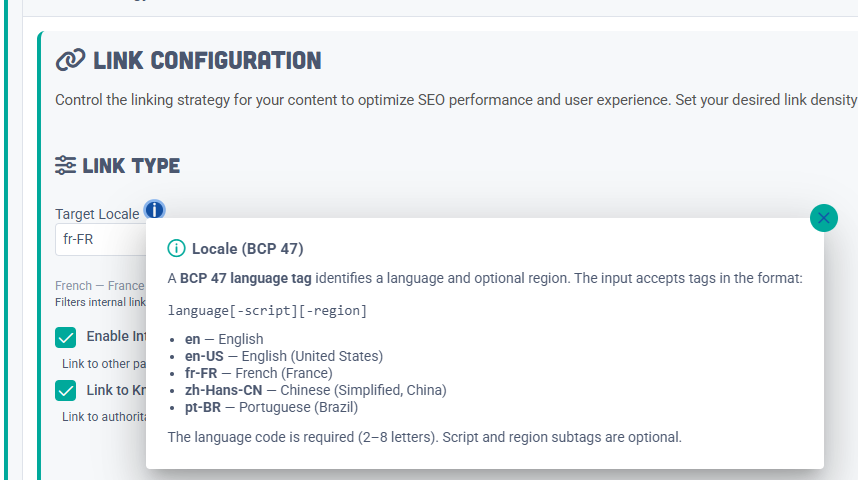
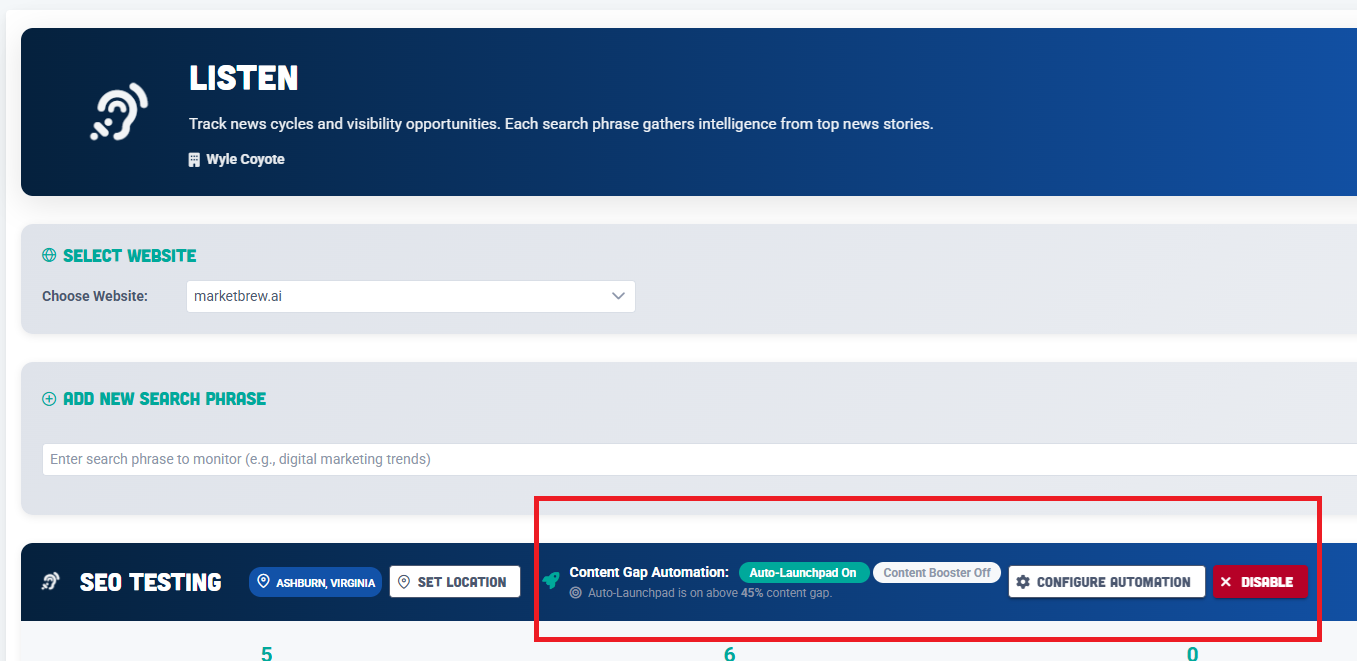
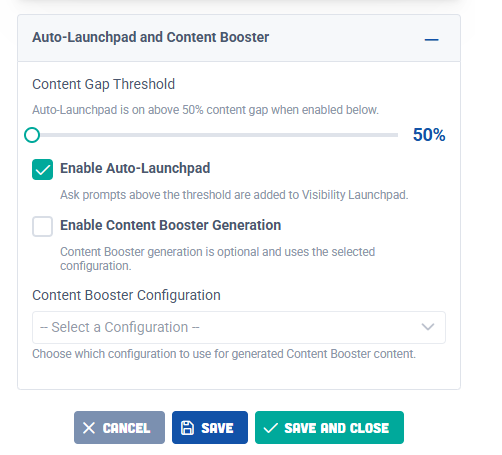
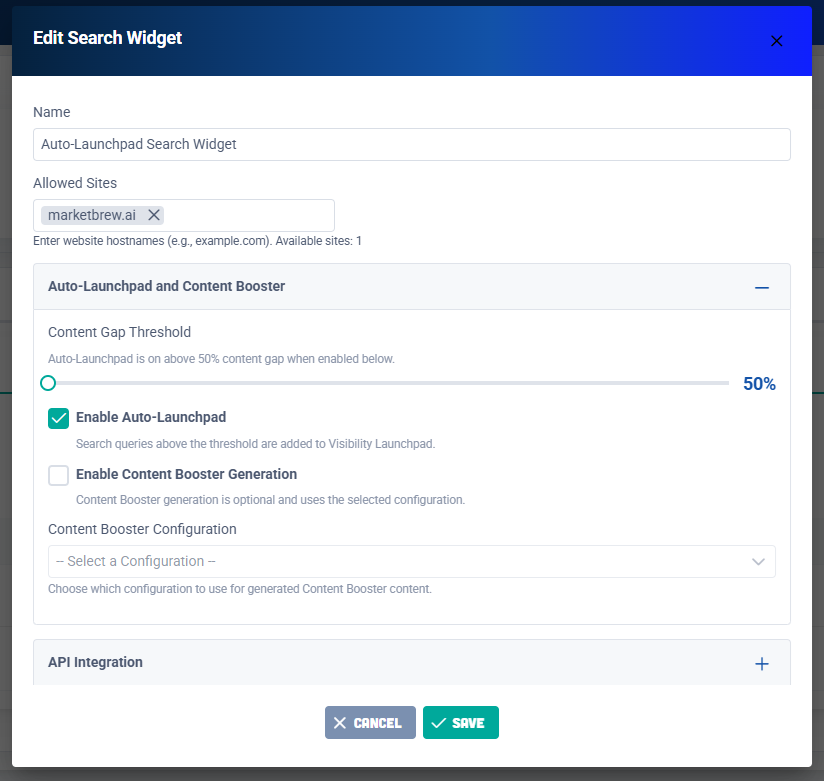
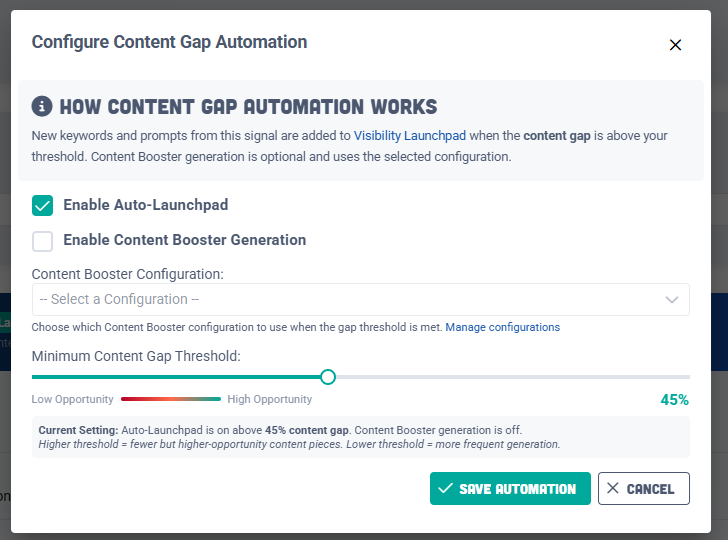
Fixed: Content Booster Editor Stability
Content Booster rich text editors are now more stable during page updates, helping prevent flashing, brief resets, or content mismatch while editing.
The Final Draft copy action has also been improved so it more consistently copies the content currently shown in the editor.
Fixed: Brand Bible Generation Reliability
Brand Bible generation is now more reliable for larger uploaded documents and longer AI runs.
Generated Brand Bibles should also include more complete branded keyword and centroid keyword coverage, helping improve downstream brand alignment and Content Booster workflows.
Fixed: Flight Director Conversation Recovery
Flight Director now keeps review progress tied to the conversation that started it.
Fresh Flight Director chats will no longer show logs, progress, or controls from another active review in the same crew. Reopened conversations will still resume their own active or recoverable review when available.
New: Multi-Website Bulk Content Booster Creation
Content Booster bulk creation now supports creating content across multiple websites at once.
Users can create bulk content from either target keywords or focus prompts, assign individual lines to specific websites, and use selected fallback websites for any untargeted inputs.
The bulk creation dialog now shows a clearer count of how many Content Boosters will be created, with button labels and entitlement warnings updated to match the actual generation total.
New: Improved Visibility Launchpad Matching After Deep Crawls
Visibility Launchpad now refreshes keyword and prompt page matches after completed deep crawls, helping opportunities reflect the latest crawled site content.
Closest-match results are also more accurate. Weak matches are now shown as “No close matches” instead of suggesting a misleading page.
Re-alignment workflows have been improved with better candidate page suggestions, clearer content gap visibility, and more reliable links from prompt gap visualizers.
Fixed: Knowledge Base Deletion
Knowledge Bases can now be deleted even if they were selected in Brand Briefing.
When a related Knowledge Base is deleted, the optional Brand Briefing assignment is cleared automatically.
Fixed: AI Overviews and Orbital Drift Navigation
Navigation between AI Overviews Visualizer and Orbital Drift Stabilizer has been improved.
Re-Align Content now opens more reliably with the selected page and query preserved. Orbital Drift links and URL entry also better handle target pages and anchor text with special characters, preventing malformed navigation.
The Auto-expand Anchor with AI option is now shown more consistently.
Fixed: Customer License Management Updates
Customer license management is now more reliable in Customer Settings. License changes now refresh correctly after creating, deleting, or updating licenses, so the visible license list and status messages stay accurate.
What changed
- The license table now refreshes correctly after license changes.
- Add-license forms remain stable after saving.
- Creating feature and enterprise licenses now updates the visible list immediately.
- Removing channel-specific limits now shows the correct updated status.
Fixed: Cleaner Crawl Results for Non-Web Links
Site crawls now better distinguish real webpage links from non-web links, such as email links or authoring-tool links. This prevents invalid URLs from being crawled or appearing in crawl results.
What changed
- Non-web anchor links are no longer treated as crawlable pages.
- CloudCannon authoring links no longer create bogus crawl URLs.
- Normal relative links continue to be handled correctly.
Fixed: Listen Now Respects Launchpad Gap Thresholds
Listen now checks your configured content-gap threshold before adding keyword or prompt opportunities to Visibility Launchpad. This keeps Launchpad focused on opportunities that meet your selected gap criteria.
What changed
- Keyword opportunities from Listen now respect the configured content-gap threshold.
- Prompt opportunities from Listen now respect the configured content-gap threshold.
- Low-gap signals are skipped instead of being added to Launchpad.
Fixed: Usage Reports Menu Improvements
Usage Reports is now easier to configure when selecting multiple crews or metrics. Selection menus stay open while you make multiple choices, and the preview updates in place.
What changed
- Crew selection stays open while choosing multiple crews.
- Metrics selection stays open while choosing multiple metrics.
- Report previews continue to refresh after selection changes.
- The Customer Edit Crew Actions menu no longer shows unnecessary scrolling on desktop.
New: Expanded Customer Manual Guidance for Orbital Drift, Brew, FSI, and Crew Holds
The customer manual now includes expanded guidance for Orbital Drift, Brew and FSI setup, and Crew Holds. These updates make it easier to understand recommended workflows, setup responsibilities, and account-hold behavior.
What changed
- Added standalone Orbital Drift strategy guidance.
- Clarified how Target Content and optional Anchor Content work.
- Explained what happens when Anchor Content is left blank.
- Added guidance for interpreting drift score ranges.
- Added guidance on when to use AI Assist for high-drift sections.
- Clarified Brew, FSI, Ask Side, and Ask Signal setup responsibilities.
- Added a Crew Holds reference explaining which screens remain available while an account is on hold.
New: Ranking Factors Reference Added to the Customer Manual
The customer manual now includes a Ranking Factors reference with clearer explanations of modeled signals and the Market Brew tools that support them.
What changed
- Added a Ranking Factors section to the customer manual.
- Updated Core Web Vitals guidance to reflect the current browser-based workflow.
- Clarified page-level and subdomain-level Core Web Vitals checks.
- Added Flight Director guidance for Core Web Vitals recommendations.
- Removed outdated Rapid Test references.
- Improved the display of Content Booster indicators in the manual.
Fixed: Visibility Launchpad Prioritization for Zero-Value Keywords
Visibility Launchpad priority scoring now better balances content gaps with measurable demand. Keywords with no search volume, CPC, or estimated value no longer rise to the top solely because they have a large content gap.
What changed
- Zero-value keyword gaps are now ranked lower by default.
- Repeated zero-value topics can still receive limited priority when detected multiple times.
- Existing Launch Priority scores refresh when a Launchpad site loads.
- Exported score labels now match the on-screen Launch Priority wording.
- The Launch Priority tooltip now better explains why zero-value gaps may appear but rank lower.
Fixed: Improved Domain-Level Cluster Analysis
Domain-level cluster analysis now produces more complete and reliable results when enough embedding data is available. This improves Top Cluster Similarity reporting and related recommendations.
What changed
- Top Cluster Similarity reports are less likely to show missing cluster values.
- Cluster-based guidance is less likely to be omitted when enough data exists.
- Missing Pages and site-level embedding history now use completed cluster data more consistently.
Fixed: More Reliable Website Crawls During Concurrent Processing
Website crawls are now more reliable when multiple crawl processes interact with the same page at the same time. Locked pages are handled more gracefully so crawls can continue and affected pages can be picked up later.
What changed
- Reduced crawl failures caused by concurrent page processing.
- Locked pages are deferred instead of being treated as successfully crawled.
- Broader crawl progress is less likely to be interrupted by a single page conflict.
Fixed: Content Booster Final Draft Editor Stability
Content Booster now keeps the Final Draft editor stable while assets are generated or refreshed. This prevents the editor from falling back to raw HTML and improves copy/save reliability.
What changed
- Asset updates no longer refresh the entire Content Booster form.
- Final Draft content stays in the rich text editor during asset updates.
- Copying and saving Final Draft content is more reliable.
- Read-only editor states are preserved more consistently.
New: Full Site Intelligence Crawl Session History and Page Change Tracking
Full Site Intelligence now includes crawl session history and session-to-session page change tracking. Admins can review crawl sessions and see which pages were added or removed compared with the previous completed crawl.
What changed
- Added an admin crawl session history view.
- Added searchable and sortable crawl session details.
- Added session diff views for Added Pages and Removed Pages.
- Added “View Sessions” links from the FSI crawler site list and catalog webpage list.
- New completed crawl sessions retain page snapshots for future comparison.
Ranking Sensor Calibration Triage Reports
Ranking Sensor calibration issues now generate an automated triage report in the Notifications tab, giving users a clearer path to understand and resolve setup or calibration problems.
When calibration needs attention, users will now see a Ranking Sensor page alert with a direct link to the triage details. Calibration-related emails have also been updated with clearer guidance and next steps.
This update also improves calibration accuracy and recovery. Ranking Sensor calibration will no longer appear successful when no active index data is available, and target setup failures can now be corrected and recalibrated on the existing Ranking Sensor without requiring users to recreate it.
What’s New
- Added automated calibration triage reports to Ranking Sensor Notifications.
- Added a Ranking Sensor page alert with a direct link to calibration triage details.
- Updated setup and calibration issue emails with clearer next steps.
- Prevented empty active index data from being treated as a successful calibration.
- Fixed stale calibration selection state after target setup errors, allowing recalibration to proceed correctly.
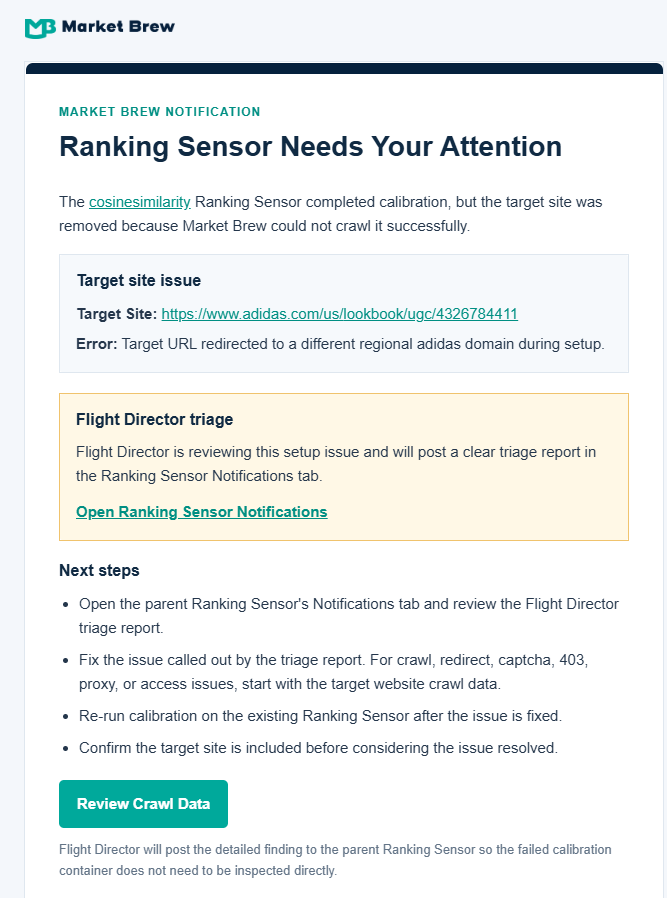
Fixed: Flight Plan Setup Reliability
Flight Plan auto setup is now more reliable for websites that block direct homepage crawling or return incomplete crawl responses. The setup wizard can now continue using rendered homepage content, identify stronger starting page patterns from ranking and sitemap evidence, and avoid selecting locale, legal, account, checkout, and other utility paths as default Flight Plans.
The wizard also now preserves URL and keyword suggestions when users move into the review step.
What changed
- Flight Plan setup can continue when direct homepage validation is blocked or times out.
- Rendered homepage content can now be used as a fallback during setup.
- Initial Flight Plan detection now finds useful ranking landing-page patterns that may not appear in homepage links.
- Locale-only, legal, account, checkout, and other utility paths are filtered or demoted.
- Preloaded URL and keyword pairs are retained when advancing to URL and keyword review.
- Valid pages are less likely to be rejected with a “didn’t return OK” style validation error when the page actually loads successfully.
Fixed: Orbital Drift Target Page Accuracy
Orbital Drift Target Page Visualizer now opens and stays focused on the selected target page when launched from AI Overviews, Analysis Group, or Website Embedding Listing. This prevents analyses from falling back to the site root and ensures the visualizer reflects the intended page.
Embedding chunk labels also now show the correct webpage URL without duplicating the path.
What changed
- Orbital Drift links from AI Overviews now preserve the selected page URL.
- Analysis Group visualizer links now use the exact target page.
- Website Embedding Listing drift links now open the correct embedding page.
- Target page and embedding links now resolve to the canonical page URL.
- Embedding chunk display no longer duplicates the page path.
Fixed: Flight Plan Keyword Selector
The Flight Plan keyword selector now reliably applies suggested keywords. Selecting a keyword immediately updates the Target Keyword field, including after the field was cleared or manually edited.
What changed
- Keyword suggestion selection now submits correctly from the dialog.
- The Target Keyword field now refreshes immediately with the selected keyword.
- Stale typed or cleared input no longer remains after a suggestion is selected.
Fixed: Ranking Sensors Row Expansion
Expanding rows on the Ranking Sensors page is now more reliable when loading the Flight Plans section. Expanded rows now correctly show linked Flight Plans, or the option to add one when none are assigned.
What changed
- Fixed a row expansion render failure on the Ranking Sensors page.
- The Flight Plans section now loads reliably for sensors with assigned Flight Plans.
- Sensors without assigned Flight Plans now correctly show the add option.
Fixed: AI Chat Context Reliability
AI chat responses are now more reliable when using prior conversation context. Messages missing similarity data are skipped during context lookup, and new chat messages are prevented from being saved without the data needed for future context retrieval.
What changed
- Prevented AI chat context lookup from failing on prior messages with missing embeddings.
- Avoided unusable chat history entries that could break later similarity searches.
- Added defensive handling for missing similarity scores during chat context retrieval.
Fixed: Ask Widgets and Search Widgets Integration Tabs
Licensed customers can now reliably access the Ask Widgets and Search Widgets tabs in customer integrations. This fixes an issue where eligible customers could be prevented from viewing or managing those widgets from the customer settings screen.
What changed
- Ask Widgets tab now appears for customers licensed to use Ask Widgets.
- Search Widgets tab now appears for customers licensed to use Search Widgets.
Fixed: Flight Director Chat Context Handling
Flight Director chat now handles documentation and how-to conversations more reliably. Recent conversational context is preserved for follow-up questions, while the latest user message is prioritized so answers do not get pulled back to older, similar topics when the user changes subjects.
What changed
- Fixed stale or blended Flight Director answers caused by older similar chat messages being reused.
- Preserved recent chronological chat context so follow-up questions still work.
- Improved topic handling so new user questions take priority when the conversation changes direction.
Fixed: Ask Chat Missing Conversation Handling
Ask chat session requests now return a clear “conversation not found” response when a saved or stale conversation no longer exists, instead of failing with a server error.
What changed
- Missing Ask chat conversations now return a 404 response.
- Stale conversation resume and session reload requests no longer surface as generic server errors.
Fixed: Website Validation and Crawl Setup
Some reachable websites could previously be rejected during crawl or Flight Plan setup validation with an unknown or non-OK response status, even when the page loaded successfully. Site validation and crawl setup now handle these cases more reliably.
What changed
- Flight Plan setup validation can now accept valid pages that previously failed with an unknown response status.
- Website crawl requests are less likely to be blocked when a page loads successfully but its response status cannot be read.
- Rendered page checks now preserve successful same-site page loads instead of treating them as failed.
📘 Interactive Customer Manual
The Customer Manual is now available as a searchable, interactive web manual instead of a static PDF.
Users can now explore documentation directly in the browser, search across sections, preview screenshots, copy direct section links, print the manual, and follow guided links into relevant Market Brew screens. The new manual is available from navigation, footers, guided tutorials, customer emails, and signed-out login shortcuts.
Authorized admins can also manage manual content through a built-in CMS with draft publishing, version history, rollback, media uploads, reusable callouts, audits, and manual health checks.
What’s New
✅ Replaced PDF manual links with the new interactive customer manual
✅ Added a public manual reader with search, screenshots, navigation, copy links, print support, and static crawler rendering
✅ Added contextual “Explore” buttons that hydrate crew and website values when available
✅ Improved manual link handling so active crew context is preserved when available
💬 Ask Widget → Visibility Launchpad Improvements
Ask Widget conversations can now produce clearer opportunities inside Visibility Launchpad.
Instead of logging each widget message directly, completed Ask Widget conversations are now analyzed for distinct, substantive customer topics, prompts, and keyword phrases. These opportunities are then added or refreshed in Visibility Launchpad without creating unnecessary duplicates.
Ask now also shows more accurate Launchpad status messaging when a content gap is detected, including whether the opportunity was logged, refreshed, pending, or could not be logged.
What’s New
✅ Ask Widget chats now generate synthesized Launchpad prompts and keywords from full conversations
✅ Widget-derived Launchpad opportunities are tracked separately from regular Ask opportunities
✅ Ask content gap panels now show accurate logged, not logged, refreshed, or pending Launchpad outcomes
✅ Similar Launchpad prompts are refreshed instead of duplicated
✅ Detection dates are updated when existing similar opportunities are refreshed
⚡ Core Web Vitals Check Tool
A new Core Web Vitals Check tool is now available for logged-in users.
Users can test any page URL, review loading, stability, response, and interaction metrics, view suggested fixes, and reuse recent checks from their account history. Core Web Vitals task recommendations can now link directly to this tool when a fresh page test is useful.
Market Brew also now captures crawl-time Core Web Vitals for scored pages when available, reducing cases where recommendations show unavailable data. CWV labels, task text, alerts, dashboards, scoresheets, and exports have also been cleaned up for clearer metric names and formatting.
What’s New
✅ Added a new Core Web Vitals Check page to the Tools menu
✅ Users can analyze URLs, review results, view guidance, and access recent-check history
✅ CWV task recommendations can deep-link to the new check and autorun the relevant page or domain
✅ Scored crawl pages can now receive browser-measured CWV values when crawl-time metrics are missing
🧩 Content Booster Marketing Assets
Content Booster now supports saved, on-demand marketing assets from a completed final draft.
Users can generate and download video scripts, social posts, email newsletters, ad copy, Google Business posts, and executive summaries. Each asset can be customized with options such as audience, call to action, length, hashtags, outline, and video style.
A new assets listing makes saved assets searchable and filterable, shows generation status and stale indicators, and links each asset back to its source Content Booster. API clients can also create, list, update, regenerate, and delete Content Booster assets.
This release also improves login handling behind proxies that send multiple forwarded IP addresses and returns clearer bad-request messages for malformed JSON API requests.
What’s New
✅ Added an Assets tab to Content Booster with on-demand asset generation
✅ Users can generate, poll status, download, and delete saved assets
✅ Added support for video scripts, social posts, email newsletters, ad copy, Google Business posts, and executive summaries
✅ Added a searchable and filterable Content Booster Assets listing
✅ Asset listings include format, status, website, customer, updated date, stale indicators, source links, and downloads
✅ Added public API support for Content Booster asset create, list, get, update, regenerate, and delete workflows
✅ Added background processing, queue visibility, and requeue support for asset generation jobs
✅ Saved assets are removed when their source Content Booster is deleted
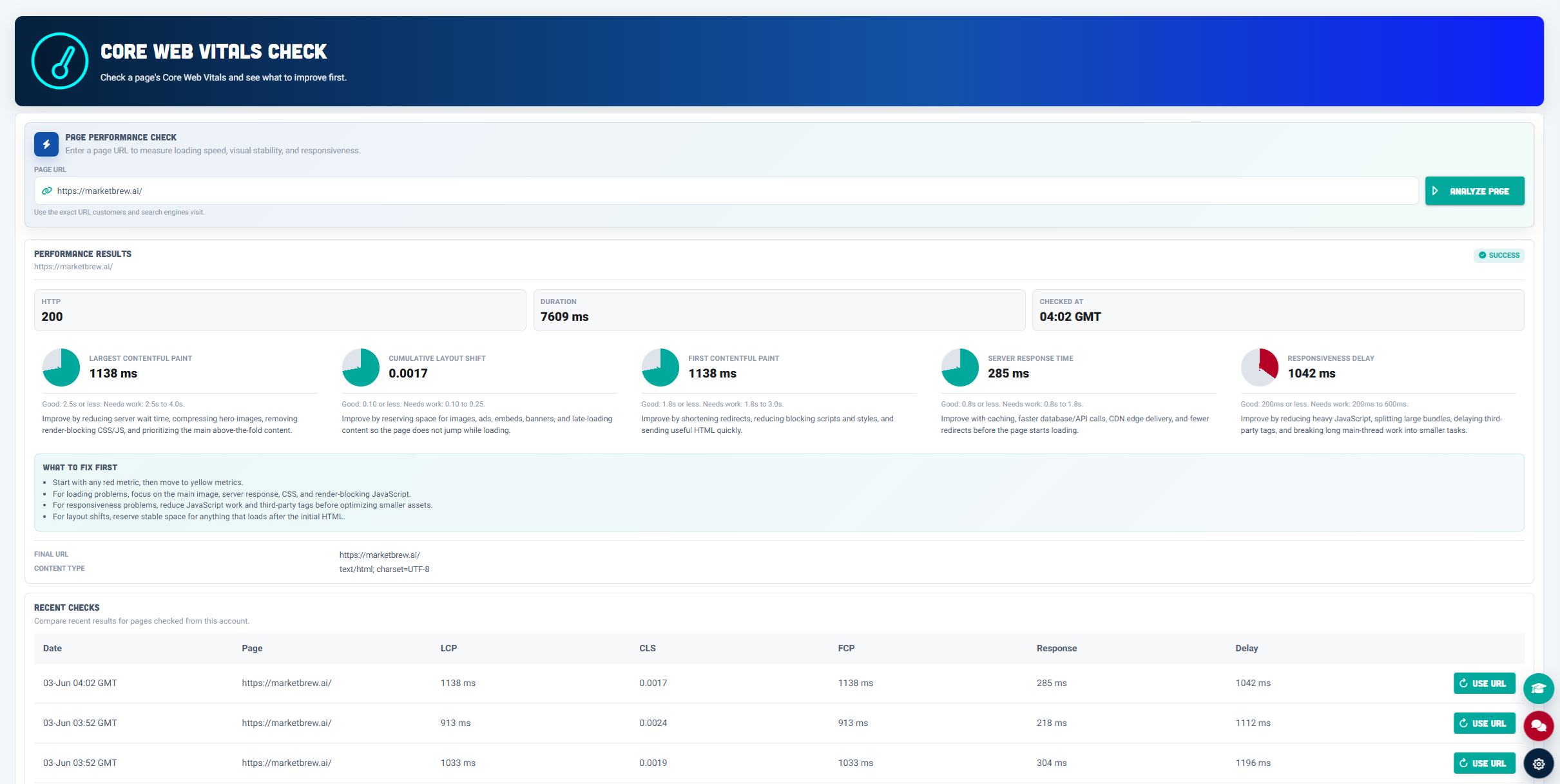
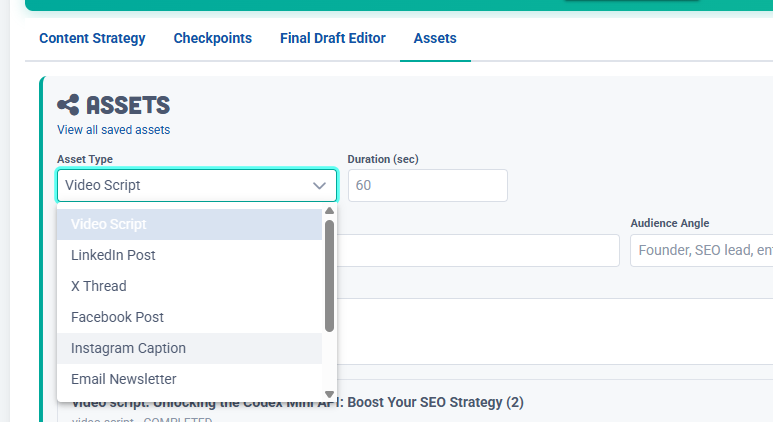
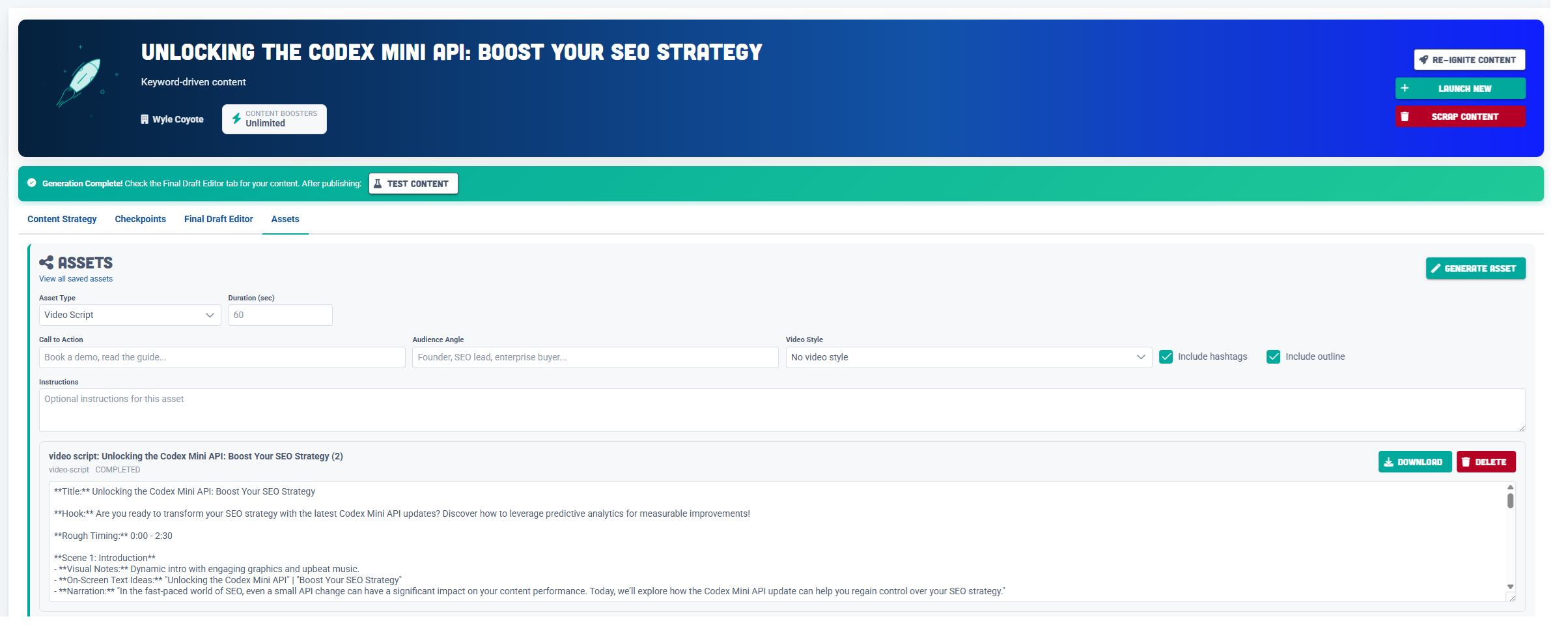
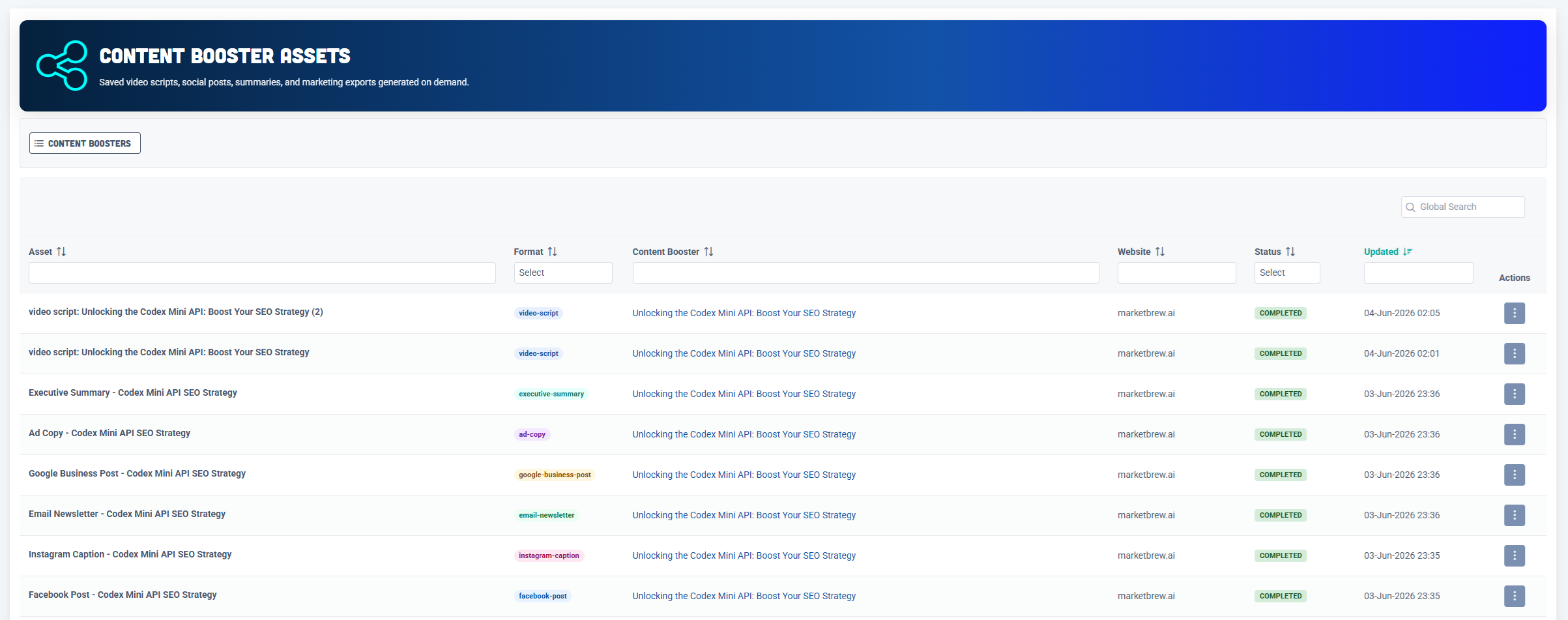
Visibility Launchpad: Bulk Noise Management
Visibility Launchpad now makes it easier to clean up prompt opportunities in bulk.
Users can now select multiple prompt opportunities and mark them as noise in one action. After confirmation, matching opportunities are removed for the current website, duplicate selected prompts are handled only once, and the table refreshes with clear success or error messaging.
The Launchpad also now preserves the currently selected tab across interactions, making the workflow smoother when reviewing and refining opportunities.
What’s New
✅ Added bulk Mark Selected as Noise action for selected prompt opportunities
✅ Matching opportunities are removed for the current website after confirmation
✅ Duplicate selected prompts are handled once
✅ Selection is cleared after the bulk action completes
✅ Results refresh automatically with success or error feedback
✅ Visibility Launchpad tab state is preserved across interactions
Usage Reports: Admin, Flight Engineer, and Crew-Level Reporting
Usage Reports are now available for admins, flight engineers, and crew settings.
Users can view current usage metrics, review daily or monthly history, configure which crew accounts and metrics are included, save and delete report configurations, copy matching API calls, and schedule weekly email reports.
The public API has also been expanded to support usage metric totals, usage history, report definitions, and report history. Usage metrics now respect account visibility and selected crew filters more consistently across admin, flight engineer, crew, and selected-crew scopes.
API key creation has also been tightened up: users must now enter a key name before generating a new API key.
What’s New
✅ New Usage Reports dashboard and configuration screen
✅ Usage history charts and current metric summaries on admin, flight engineer, and crew settings views
✅ Scheduled weekly usage report emails with report history
✅ Public API support for usage metrics, usage history, report listing, report details, report history, and related metric counts
✅ Admin visibility into usage report job status, including a reset action for failed jobs
✅ Usage metric aggregation now supports admin, flight engineer, crew, and selected-crew scopes more consistently
✅ API key generation now requires a key name before creating a key
Task Summary and Ranking Sensor Reports: Cleaner, More Actionable Reports
Task Summary and Ranking Sensor reports are now easier to scan, understand, and act on.
Prioritized opportunities are now grouped into sticky tabs, target pages are easier to switch and open, and users can copy the target URL directly from the summary. Report formatting has also been improved across task details and conversation reports, including cleaner evidence sections, comparison tables, semantic cluster notes, and legacy generated content.
Users will now see clearer target-vs-outperformer values, expected impact, effort breakdowns, and supporting evidence throughout the reporting experience.
What’s New
✅ Improved Task Summary header, metrics, target selector, target links, scoresheet link, and copy URL feedback
✅ Prioritized opportunities now appear as sticky tabs in Task Summary and conversation reports
✅ Generated task summaries now show target page, outperformer, expected impact, and effort breakdown
✅ Task evidence now shows actual factor values instead of internal scoring fields where available
✅ Legacy task details now remove repeated or empty boilerplate
✅ Evidence lists and markdown tables now render more cleanly
✅ Conversation reports now better format opportunity sections, semantic cluster text, markdown tables, dividers, and logo sizing
✅ The tutorial overlay no longer auto-opens over the Task Summary report

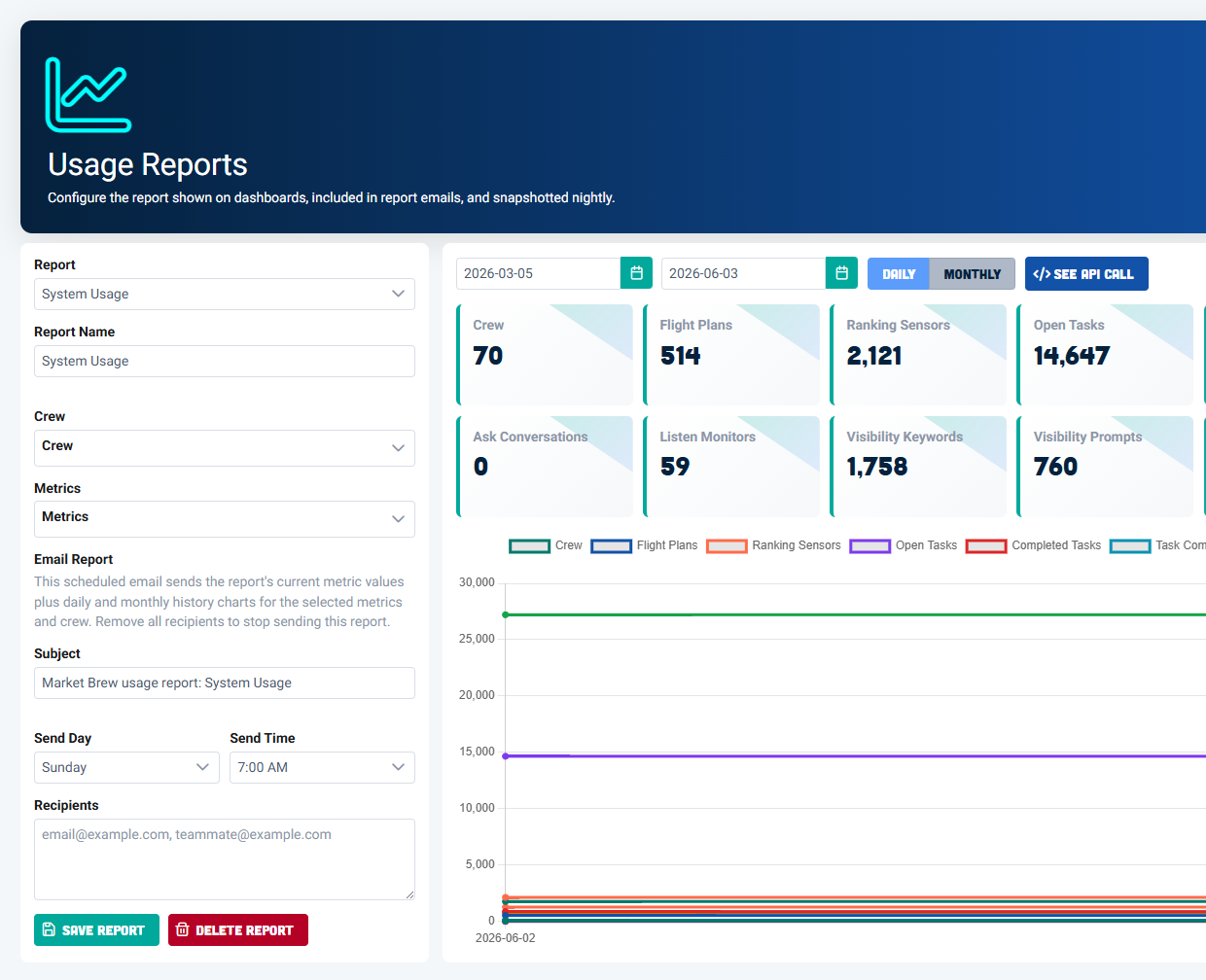
🌉 Bridge: Turn Expert Entity Gaps Into Content Opportunities
Market Brew has added Bridge, a new Visibility Launchpad Signal that turns Spotlight’s expert entity intelligence into actionable content opportunities.
Spotlight already helps users understand the expert entities connected to a page, topic, or content graph. Bridge now makes that intelligence actionable by allowing users to export weak, missing, or strategically selected expert entities directly into Visibility Launchpad.
In simple terms: Spotlight reveals the graph. Bridge activates it.
With Bridge, teams can now move beyond traditional keyword gaps and identify expert entity gaps: the missing or underdeveloped concepts that may prevent content from feeling complete, authoritative, and well-centered for AI search systems.
What’s new:
- Export expert entities from Spotlight into Visibility Launchpad.
- Select individual expert entities and add them to a Bridge Cart.
- Explore entities visually in Spotlight Entity Visualizer and send selected entities into the content pipeline.
- Use the Bridge Signal page to bulk-select Spotlight-computed pages and generate entity-based opportunities.
- See exported opportunities in Visibility Launchpad with Source = Bridge.
Bridge is designed to fit naturally into the broader Market Brew content workflow:
Ask captures user demand.
Listen captures market demand.
Keyword Fueler captures paid-search demand.
Bridge captures semantic completeness gaps.
📝 Content Booster Markdown Export
Content Booster users can now export the Final Draft as a Markdown .md file from the Final Draft Editor actions menu.
The export preserves common formatting such as headings, links, lists, emphasis, images, code blocks, quotes, and tables. Market Brew also generates a clean filename based on the content title when available.
What’s new:
- Added an Export Markdown action to the Content Booster Final Draft Editor.
- Converts Final Draft HTML into a UTF-8 Markdown download.
- Preserves common formatting in the exported file.
- Adds the content title as a Markdown heading when needed.
- Uses sanitized
.mdfilenames with a fallback filename. - Shows a clear message when there is no Final Draft available to export.
🧭 New AI + Content Dashboard
Market Brew now includes a consolidated AI + Content Dashboard that brings key AI and content tools into one guided hub.
Users can enter a target URL and optional query once, filter tools by the type of content problem they are solving, and open the right tool with that context carried forward.
The dashboard now connects tools including:
- AI Mode
- AI Overviews
- Spotlight
- Orbital Drift
- Embedding Separation Lab
- Content Summarizer
- AI Overviews Author
- Spotlight Author
What’s new:
- Added a consolidated AI + Content Dashboard.
- Added grouped tool cards and coordinate-problem filtering.
- Added shared URL/query context across tools.
- Updated the Tools menu to point to the new dashboard.
- Improved entry screens, breadcrumbs, visual guidance, and email verification flows across related tools.
- Improved AI Overviews URL/query handling.
- Improved Content Summarizer pasted-content workflows through email verification.
- Improved no-URL and pre-analysis states for Orbital Drift and authoring tools.
🔗 Content Booster Website Context Requirement
Content Booster creation now requires a target website so generated content can use the correct site context and internal linking.
In the app, users will now be asked to select a website when creating a Content Booster. When there is only one available website, Market Brew may preselect it automatically.
For API users, Content Booster creation requests must now include a website object with either a website ID or server host.
What’s new:
- Content Booster now requires a target website.
- The UI shows a required-field message instead of allowing blank website context.
- API creation requests now validate website context.
- Website selection may default from the only available website, the most recent Content Booster website, or the first available website.
🕷️ Improved Full Site Intelligence Crawl Coverage
Scheduled Full Site Intelligence crawls now more reliably pick up stale, previously uncrawled, and previously errored pages, including pages that may not be refreshed through the sitemap path alone.
The Page Crawl Activity Summary also handles larger result sets more effectively and more accurately attributes completed crawl activity to the correct website.
What’s improved:
- Scheduled crawler refreshes now queue stale catalog pages after sitemap refreshes.
- Crawl handling better covers missed, uncrawled, stale, or errored pages.
- Page crawl entitlement/activity handling now distinguishes successful, skipped, and failed crawl outcomes.
- Page Crawl Activity Summary now supports pagination.
- Website attribution has been improved for completed crawl activity.
✈️ Weekly Flight Engineer Briefs
Flight Engineers can now create a private weekly Flight Director brief for each crew.
The Flight Director screen now shows the brief’s status, next scheduled run, latest run, and most recent result, with options to create or manage the brief.
Weekly brief emails are sent only to the Flight Engineer and include clearer routine details plus a direct link back to the brief.
What’s new:
- Added a Weekly Flight Engineer Brief panel in Flight Director.
- Flight Engineers can create a private weekly brief for a crew.
- Configured briefs now show status, next run, latest run, and latest result.
- Weekly brief emails now use a dedicated subject and safer agency-only wording.
- Routine completion emails now include clearer details and direct links.
📈 Organic Value Chart Loading Fix
The Organic Value chart on customer Growth pages now loads more reliably and stops unnecessary background updates after the chart has rendered.
What’s fixed:
- Organic Value chart loading state now transitions more reliably.
- The chart refreshes once after its panel updates.
- Repeated background polling stops after the chart has loaded.
🔎 Visibility Launchpad Keyword Opportunity Fix
Fixed an issue where Keyword Opportunity values could appear blank for users who do not have permission to create Ranking Sensors.
Keyword Opportunity filtering and sorting now use the same keyword values shown in the table.
What’s fixed:
- Keyword Opportunity text now displays as plain text when users cannot create Ranking Sensors.
- Keyword Opportunity sorting now matches the displayed keyword values.
- Keyword Opportunity filtering now matches the displayed keyword values.
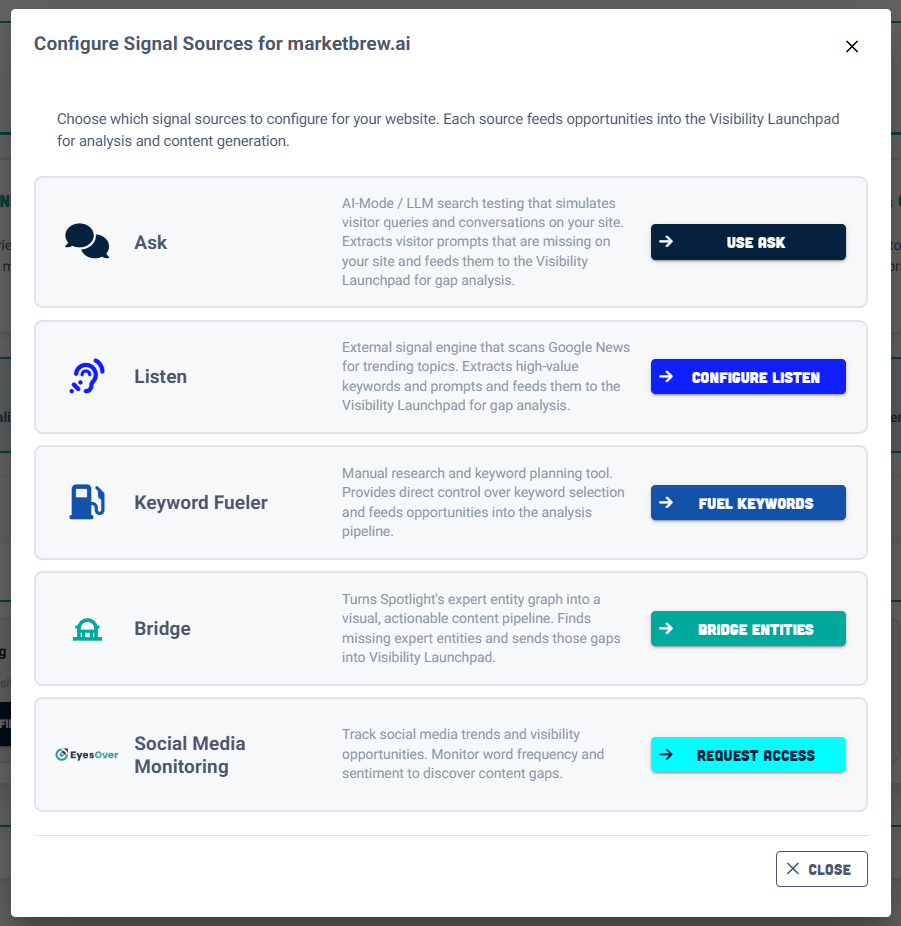
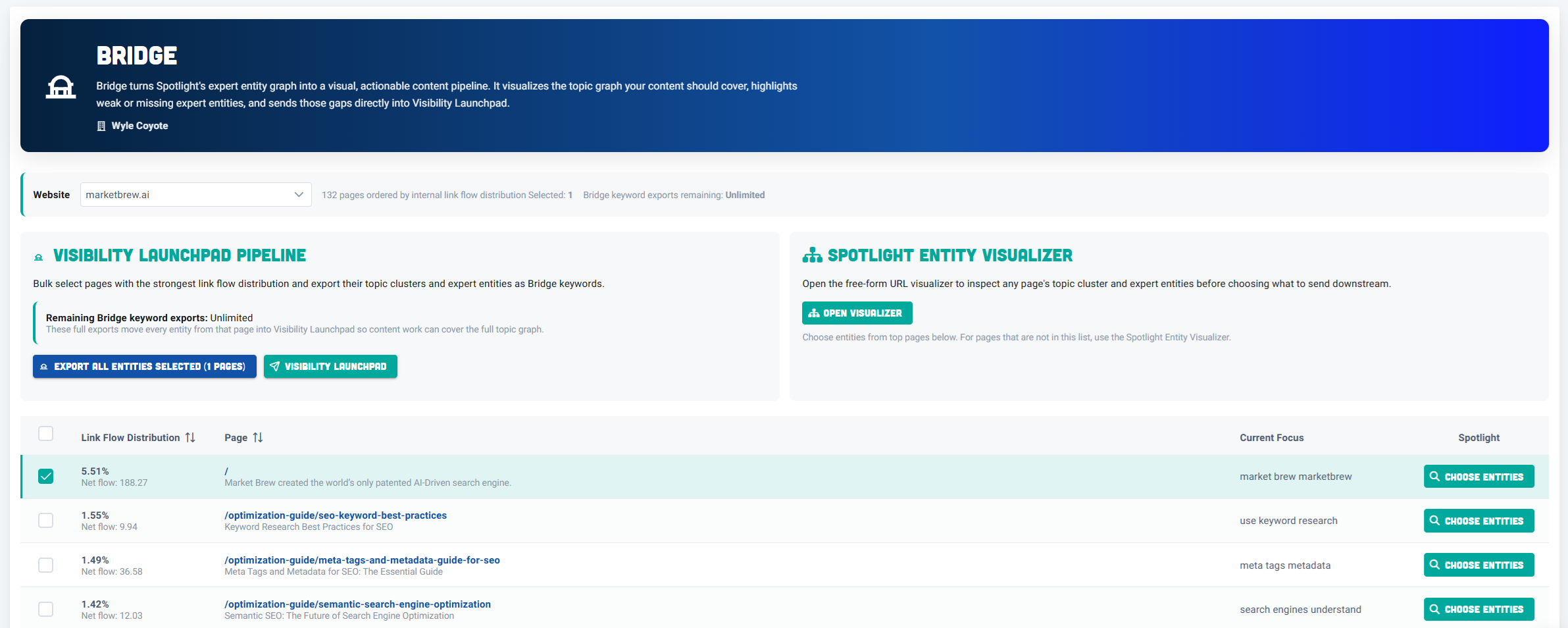
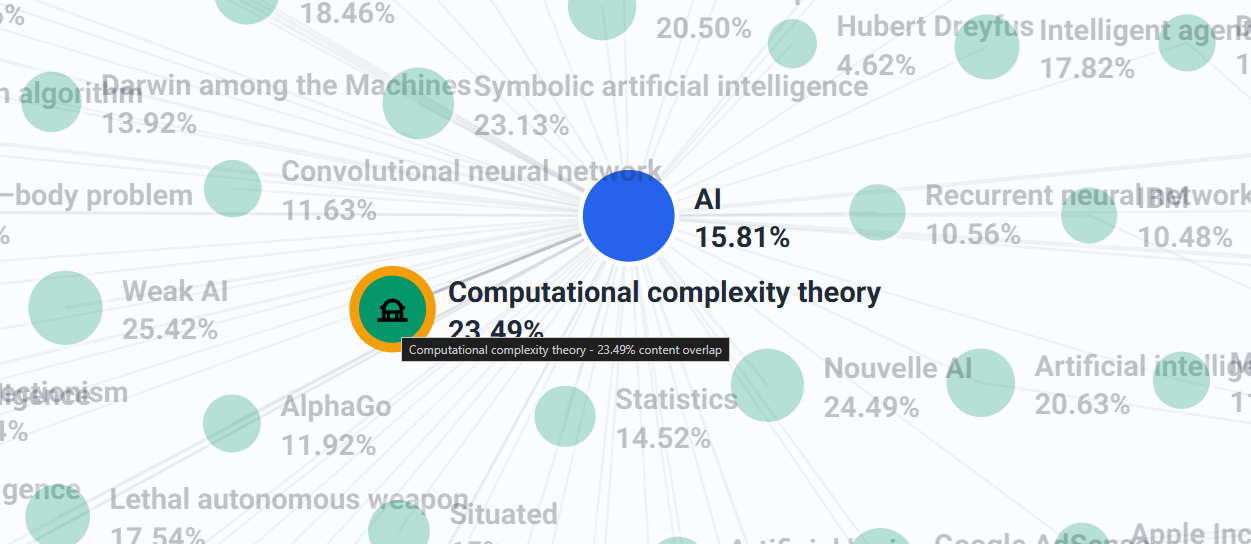
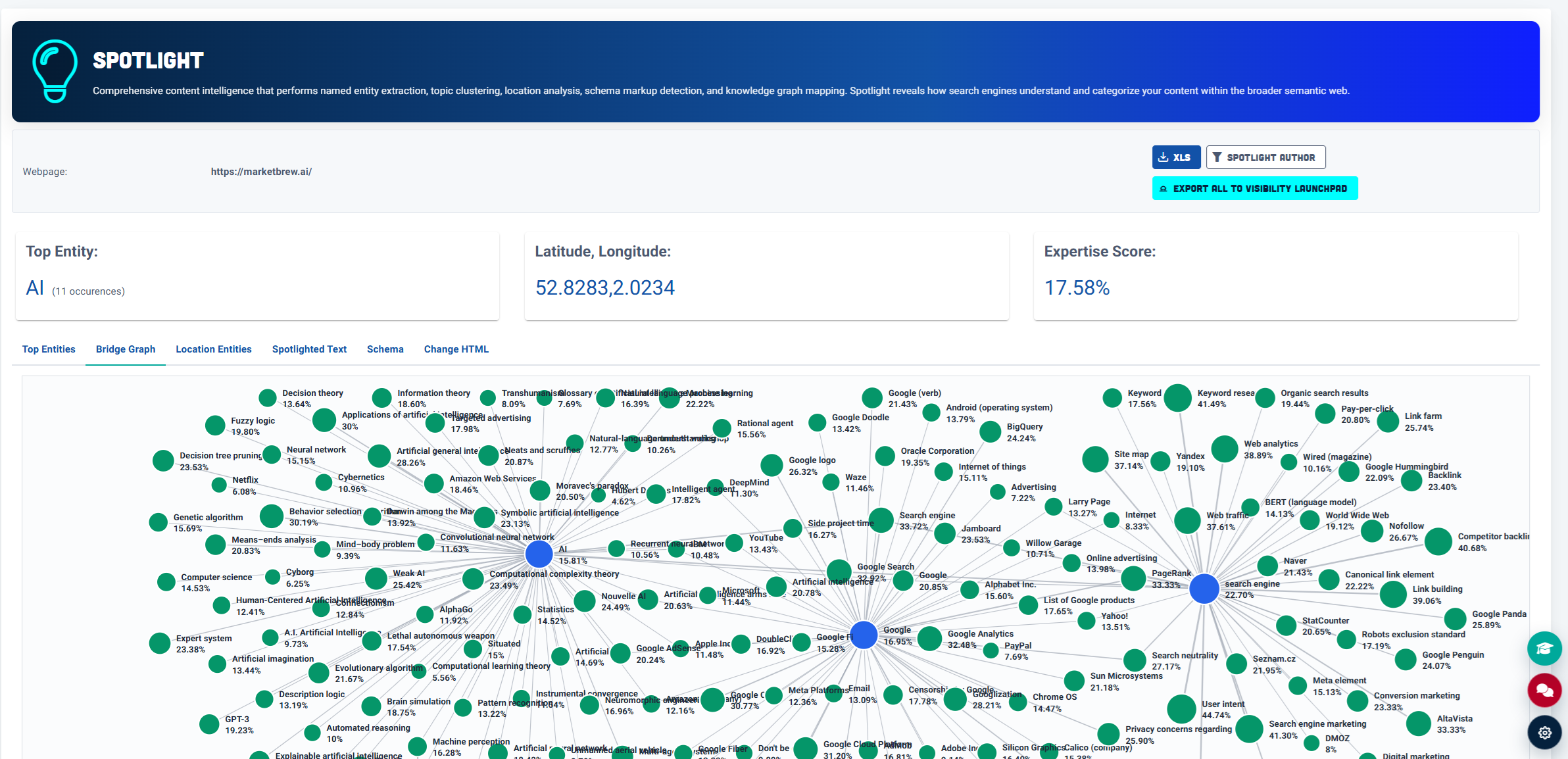
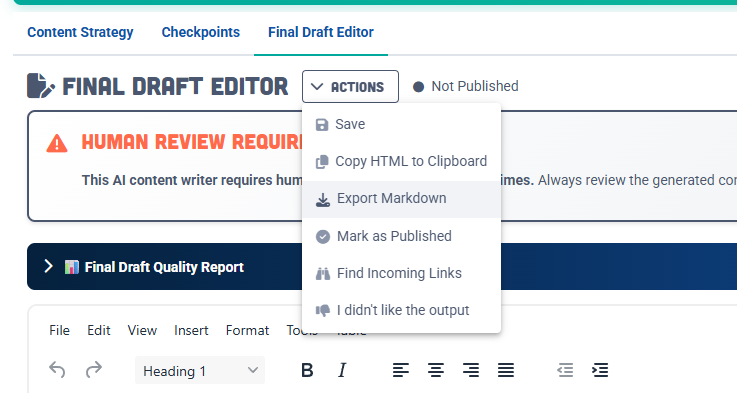
🚀 New: Compare Current vs. Previous Top Tasks Progress
The Top Tasks report now lets users switch between current progress and progress saved before the most recent crawl or calculation.
This makes it easier to see how task completion has changed over time, especially after a new crawl or recalculation. The report clearly shows which progress mode is active, displays the relevant date range or previous progress source dates, and keeps the on-screen table and export data aligned with the selected mode.
What’s new:
- Added a Top Tasks toggle for switching between current progress and previous crawl/calc progress.
- Previous progress mode updates progress, remaining points, and progress deltas.
- Date controls now show either the selected task date range or the previous progress source dates.
- Top Tasks exports now reflect the selected progress mode.
🚀 New: Top Tasks Change Column
Top Tasks now includes a separate Change column that shows progress movement since the last recrawl.
Users can now sort progress changes by the actual numeric percentage delta, while the Progress column sorts by the current completion percentage. Tasks with prior recrawl data and no change now display 0.0%, while tasks without prior recrawl data display --.
What’s new:
- Added a separate Top Tasks Change column for progress delta since the last recrawl.
- Made percent change sortable by numeric delta.
- Restored Progress sorting to use current completion percentage.
- Clarified displays for zero-change tasks and tasks without prior recrawl data.
🚀 New: Multi-Site Flight Director Routines
Flight Director routines can now be scoped to multiple licensed sites.
Selected sites are shown on the routines screen and included in routine email context. Leaving the site selection blank continues to include all licensed sites. Ranking Sensor selection is now limited to single-site routines, and routines with selected site scopes can now be deleted cleanly.
What’s new:
- Routine setup now supports selecting multiple licensed sites instead of only one site or all sites.
- Blank site selection still includes all licensed sites.
- Multiple selected sites now display in the routines table and routine email context.
- Ranking Sensor selection is hidden and cleared when multiple sites are selected.
- Selected routine sites are validated against the customer’s active licenses.
- Routine deletion now clears selected site associations so scoped routines delete cleanly.
✅ Fixed: Flight Director Conversation Continuity
Flight Director now preserves conversation continuity more reliably.
Documentation chats stay in the same conversation when users follow up with an action request, and returning to Flight Director restores the selected conversation along with any active task progress or logs.
What’s fixed:
- Preserves the selected Flight Director conversation across navigation.
- Prevents action requests from being saved into a new, separate conversation unexpectedly.
- Reconnects active task status, progress, and polling when users return to the conversation.
✅ Fixed: Flight Director Chat Message Layout
The Flight Director chat layout has been corrected so messages appear on the expected sides of the conversation.
User messages now appear on the right, assistant responses appear on the left, and chat bubble styling has been updated to match the corrected alignment.
What’s fixed:
- User chat messages now align to the right.
- Assistant chat messages now align to the left.
- Chat bubble corner styling now matches the corrected message sides.
✅ Fixed: Crew Account Permission Handling in Flight Director
Flight Director now correctly enforces permissions for Crew accounts.
Crew users are prevented from using Flight Director to perform admin-only or Flight Engineer-only actions, including creating Flight Plans or Ranking Sensors, releasing account holds, enabling or disabling accounts, changing license entitlements or limits, adding Flight Engineers, or moving Crew accounts between Flight Engineers.
When a Crew user requests one of these restricted actions, Flight Director now explains that an admin or Flight Engineer is required, while still helping describe the needed change.
What’s fixed:
- Crew requests for privileged account or setup actions now receive a direct permissions response instead of starting an automated task.
- Confirmed setup requests from Crew accounts no longer allow restricted Flight Plan, Ranking Sensor, account, entitlement, or Flight Engineer changes.
- Flight Director can still provide read-only guidance by identifying the exact action that needs admin or Flight Engineer approval.
🆕 Flight Director: Portfolio-Wide Review Mode
Flight Director can now answer portfolio-wide customer questions for admins and Flight Engineers.
Admins can review health signals across active customers, while Flight Engineers can review customers assigned to them. Flight Director can summarize customer health, identify customers or websites that need attention, and recommend prioritized next actions across the allowed customer scope.
Portfolio-wide reviews are read-only, keeping deeper browser-driven analysis and setup changes scoped to individual customers.
What’s new:
- Added portfolio-wide Flight Director review mode for all-customer and assigned-customer prompts.
- Admins can review active customers across their permitted customer scope.
- Flight Engineers can review customers assigned to them.
- Portfolio reviews summarize customer, website, strategy, Ranking Sensor, and task coverage signals.
- Portfolio findings are separated from single-customer follow-up work.
- Ask and Flight Director chat inputs now display the
Ctrl+Entersend shortcut.
🆕 Visibility Launchpad: Bulk Custom Prompt Opportunities
Visibility Launchpad now supports adding multiple custom prompt opportunities in a single submission.
In the prompt dialog, users can enter one prompt per line. The system will add new prompts, skip exact duplicates, and merge highly similar prompts with existing opportunities when appropriate.
What’s new:
- Users can now add multiple custom prompts at once.
- The prompt dialog and buttons now clearly describe bulk prompt entry.
- Duplicate prompts within the same submission are ignored.
- Existing prompts are skipped with clearer bulk result messaging.
- Highly similar prompts continue to update the existing opportunity instead of creating duplicate entries.
✅ Forecast Summaries: Consistent Totals Across Market Brew
Forecast summaries are now consistent across Mission Control, Flight Plans, the Top Tasks Forecasting Calculator, and Top Tasks metrics API responses.
Projected traffic, projected revenue, completion percentage, and loaded Ranking Sensor counts now use the same grouped task calculation. This prevents mismatched totals when the same task appears across multiple Ranking Sensors.
What changed:
- Mission Control forecast cards now match the calculator’s grouped task totals.
- Flight Plan forecast summaries now use the same grouped forecast totals.
- Top Tasks metrics API forecast totals now match the forecasting calculator.
- Duplicate task types across multiple Ranking Sensors are now aggregated consistently before forecasting traffic, revenue, and completion.
✅ Customer Edit Page: Cleaner Crew Overview and More Reliable Organic Value Charts
The customer edit page has been reorganized to make account management easier.
The page now includes a clearer Crew Overview, grouped settings tabs, and a consolidated Crew Actions menu. Organic Value charts now load in the background, remain visible after switching tabs, and handle unavailable data providers more reliably.
What changed:
- Customer edit navigation was reorganized into grouped sections.
- Crew status, support, metadata, and key account details are now summarized at the top.
- Header actions were consolidated into a single Crew Actions menu.
- Organic Value charts now load asynchronously.
- Organic Value charts remain visible after tab changes.
- Organic Value metrics now fall back safely if a deprecated provider is unavailable.
✅ Top Tasks: Account-Timezone Date Filtering
Top Tasks date range filters now use the account’s configured timezone and include the full selected end date.
This keeps dashboard and API results aligned with the selected local calendar days, preventing results from shifting to the wrong crawl day or excluding tasks from later on the selected end date.
What changed:
- Top Tasks dashboard date filters now use account-local day boundaries.
- Selected Top Tasks end dates now include the full day.
- The Top Tasks date range UI now displays the timezone boundary being applied.
- Public API Top Tasks date filters now document account-timezone start and end behavior.
Guided Product Experience
🧭 New Market Brew Self-Guided Tour
Market Brew now includes a new Self-Guided Tour experience.
Users can choose between:
- Current Page Tour — get help understanding the page they are currently viewing.
- Full System Tour — take a guided walkthrough of the entire Market Brew platform.
This gives new users a clearer path through the system while helping existing users discover features they may not be using yet.
Flight Director
Flight Director is now available to all crew accounts!
🔁 New Flight Director Routines
Flight Director now supports Routines, allowing eligible users to schedule recurring prompts for a crew.
Routines can optionally be scoped to:
- A specific website
- A Ranking Sensor
- A crew-level workflow
Completed Routine results can also be emailed to one or more recipients.
Users can now:
- Create Routines from the new Routines page
- Create Routines directly from an existing Flight Director prompt
- Edit existing Routines
- Run Routines immediately
- Enable or disable Routines
- Delete Routines
- Filter Routines
- Review Routines by next run time or status
Routine runs are read-only and include a manage-routines link in the result email.
On FSI system, Ranking Sensor and Flight Plan options are unavailable.
Content Booster
🔒 Improved Focus Prompt URL Summaries for Paywalled URLs
Content Booster Focus Prompt URL Summaries now better support paywalled URLs by using Market Brew’s proxy network as a workaround.
This improves the reliability of summaries when source content is otherwise difficult to access.
⚙️ Fixed Bulk Content Booster Configuration Loading
Bulk Content Booster now refreshes correctly when changing the target website.
The following elements now stay properly synchronized:
- Configuration dropdown
- No-configuration warning
- Create button
Leaving the website field blank now correctly shows all available configurations as expected.
💾 Content Booster Configurations Can Now Be Saved Without a Target Keyword or Prompt
Content Booster configurations can now be saved without entering a target keyword or target prompt.
Saved configurations now appear correctly in Load Configuration, while reusable configurations still leave the target keyword and prompt blank for each new Content Booster run.
This makes it easier to create reusable configuration templates without locking them to a specific run.
Website Embeddings
📊 Fixed Drift Sorting in Website Embedding Listing
The Website Embedding Listing now correctly reorders results when users sort by Drift.
User-selected sorting now takes precedence cleanly, while query results still default to Similarity until another column is selected.
General App Improvements
🔐 Better Autofill Handling
App forms now better suppress unwanted browser and password-manager autofill outside the login screen.
Flight Director is now available for Flight Engineers!
What is Flight Director?
Flight Director is our new agentic AI search engineer inside Market Brew. It replaces Calvin and is one of the most advanced AI SEO agents in the world.
This is a major step beyond a normal chat/RAG assistant. Instead of only answering questions from docs, Flight Director can inspect a customer account, review Market Brew data, understand the configured website strategy, watch model signals, and recommend or even configure the next concrete actions an SEO engineer would normally have to figure out manually.
Things to try
• “What should I do next?”
• “Should I create more Ranking Sensors?”
• “What Flight Plans should I create?”
• “What page changes would you recommend?”
• “How do I improve AI Visibility?”
• “What should I do for LLM Optimization / GEO?”
• “Which Market Brew signals look weakest right now?”
When Flight Director needs to inspect account data or configure data for your account, it will kick off a background runner. You can watch progress in Flight Director Logs, and the final recommendation / execution results will appear back in the chat.
Why this matters
Flight Director targets one of our biggest operational blind spots: turning Market Brew’s data into clear, expert SEO action.
Today, customers often need a trained Market Brew SEO to interpret Ranking Sensors, Flight Plans, Visibility Launchpad, Listen, Keyword Fueler, Content Booster, Brand Briefing, and task outputs. Flight Director is the first version of an active helper that can do that work directly inside the product.
Flight Director can become the customer’s “AI search engineer in their account.”
It helps answer:
• What should I work on first?
• Which pages need attention?
• Which signals are weak?
• Which Ranking Sensors or Flight Plans should I create?
• What exact page/content changes should I make?
• How do I turn Market Brew data into AI search visibility gains?
This is a strong story for customer success and onboarding:
• Customers get expert guidance without waiting for a Market Brew specialist.
• Flight engineers can scale their work across more accounts.
• Market Brew becomes not just the system of record for AI/search signals, but the active operator that tells teams what to do next.
• This moves us toward selling Market Brew as an AI SEO operating system, not just analytics.
Before testing: configure the website strategy
Flight Director uses the new Flight Director Website Strategy section in Crew Settings.
For each licensed website you want Flight Director to analyze, fill out the Flight Director strategy fields. This is how Flight Director knows which sites are in scope and what business/search strategy it should optimize toward.
The key fields are:
• Website strategy / goal
• Hero keywords
• Hero landing pages
Important behavior:
• If a website does not have Flight Director strategy filled out, Flight Director should not act on that site.
• If multiple sites exist, Flight Director should only focus on the sites with strategy configured.
• If the user asks for account-data recommendations and no strategy is configured, Flight Director should ask them to complete Flight Director Website Strategy in the Crew Settings first.
• Generic “how do I use Market Brew?” questions should still be answered without requiring strategy setup.
This is still early, but it’s the shape of something big: Market Brew data interpreted by an agent that knows our workflows and can tell customers exactly what to do next.





Smarter URL Summarization in Content Booster
- The Ignite/Re-Ignite button now enables immediately after entering a valid keyword or focus prompt.
- Validation and mode messaging now refresh live while typing.
- Alternate input modes are disabled sooner to prevent keyword and focus prompt conflicts.
- URL summary and short-prompt helper actions now keep the Ignite state synchronized automatically.
- The global loading animation has been reduced in size for a less intrusive experience.
Content Booster now summarizes URLs more reliably inside the Focus Prompt workflow, including pages that redirect, initially return empty content, or require standard browser-style request headers. Summaries are also cleaner and more focused on the actual article or primary page content instead of navigation, layout elements, or surrounding page chrome.
Additional improvements include:
Additional improvements include:
Content Booster now reacts immediately while typing target keywords or focus prompts. Validation states, Ignite actions, helper options, and prompt/keyword mode changes now update in real time without requiring users to click outside the field first.
- Improved Focus Prompt URL summarization reliability for redirected or partially loaded pages.
- Better compatibility with websites that require browser-like request headers before serving content.
- Cleaner extracted text that prioritizes readable article and main-page content before summarization.
- Redirected Focus Prompt URLs no longer preserve keyword or prompt text in the browser URL when no content item is selected.
Faster, More Responsive Content Booster Input Experience
🚀 Visibility Launchpad, Prompt Noise Management & Performance Improvements
Prompt Noise Management Now Available
Market Brew now gives teams direct control over filtering unwanted prompt activity across both Visibility Launchpad and Ask Widget Conversation Activity.
✨ New Prompt Noise System
A new Prompt Noise management page allows you to:
- Create noise entries per website
- Edit existing entries
- Bulk-delete noise entries
Prompts are normalized before comparison (whitespace and punctuation are ignored), ensuring variations of the same unwanted prompt are consistently filtered.
Any prompt matching a noise entry is permanently excluded from future prompt opportunities.
Visibility Launchpad Improvements
🧹 Manage Noise Directly from the Prompts Tab
The Prompts tab in Visibility Launchpad now includes:
- A new Manage Noise toolbar button
- A per-row Mark as Noise action
When a prompt is marked as noise:
- All existing matching prompt opportunities for that website are immediately removed
- Future matching prompts are automatically ignored
Ask Widget Conversation Activity Updates
💬 Route Bad Conversations to Noise
The Ask Widget Conversation Activity screen now includes:
- A new Manage Noise toolbar button
- A per-row action that marks the conversation’s first message as noise
This makes it easy to suppress:
- spam
- garbage prompts
- accidental submissions
- repetitive low-value activity
across future visibility opportunities.
Automatic Prompt Filtering
🤖 Smarter Prompt Qualification
Ask Widget prompts are now filtered automatically before becoming prompt opportunities.
Prompts are silently ignored if they:
- are too short
- contain no meaningful words
- match customer-managed noise entries
This helps keep Visibility Launchpad focused on actionable demand signals instead of clutter.
Bulk Delete Support Added
✅ Multi-Select Deletion in Visibility Launchpad
Both the Keywords and Prompts tabs now support bulk deletion.
You can now:
- select multiple rows with checkboxes
- remove multiple items at once using Delete Selected
Additionally:
- the Delete Selected button now activates immediately when rows are checked
- no additional page interaction is required
Expanded Source Filtering
🔍 Additional Visibility Sources
The Visibility Launchpad source filter dropdown now includes:
- Eyes Over
- Search
- Ask Widget
This provides more granular control when reviewing visibility opportunities and prompt sources.
🧠 Knowledge Base Editing Fixes
The Knowledge Base edit page previously failed to render correctly when opening existing entries. Saved values such as the name, description, and URL rule patterns would not load into the form, preventing users from editing previously created entries.
This issue has now been resolved.
✅ Improvements
- Knowledge Base edit pages now render correctly for existing entries
- Saved names and descriptions load properly
- URL rule patterns are displayed and editable again
- Wildcard and regex rule configurations are now restored correctly during editing
🌐 Ask Widget Script URL Update
The Ask Widget script URL has changed.
All Ask Widget installations should now use:
https://ask.marketbrew.ai/mb-resources/js/ask-widget.js
Please update any existing Ask Widget integrations to ensure compatibility with the latest widget updates and functionality.
⚡ Flight Plan Save Performance Improvements
Saving a Flight Plan with large numbers of Ranking Sensors is now dramatically faster.
Previously, saving a Flight Plan required loading and updating each Ranking Sensor individually. As the number of selected Ranking Sensors increased, save time increased linearly — causing large Flight Plans to become progressively slower and, in some cases, risk timing out.
This process has now been optimized so save performance remains fast regardless of the number of Ranking Sensors included.
✅ Improvements
- Flight Plan save time no longer scales with the number of selected Ranking Sensors
- Large Flight Plans save significantly faster
- Flight Plans with extensive Ranking Sensor selections no longer risk stalled or delayed saves
- Improved reliability when managing enterprise-scale Flight Plans
🔎 Smarter Website Filtering Across Forecasting & Mission Control
You can now filter forecasting insights by a specific website directly from Mission Control and carry that context throughout the platform.
When a website is selected:
- The task list and forecast summary now update together
- Forecasting links preserve your selected website automatically
- The Forecasting Calculator now includes a built-in website selector with instant updates, no full page reload required
📊 Forecasting Calculator Improvements
- “Target %” renamed to Completion % for better clarity
- Added tooltips explaining completion simulations
- Removed duplicate progress indicators for a cleaner experience
- Forecast estimates are now more stable and accurate when adjusting completion percentages
✏️ Better Content Generation for Shorter Articles
Content Booster now adapts article structure more intelligently based on target word count.
Short-form articles now receive:
- Fewer, more focused sections
- Better-balanced introductions
- Shorter, more natural FAQ answers
This helps shorter content feel appropriately sized instead of overly expanded.
✨ Additional UI & Workflow Enhancements
- Website filtering moved higher within Mission Control for easier access
- Forecast summaries now clearly indicate when a website filter is active
- “SEO Performance Summary” renamed to Market Brew Impact Summary
- Forecasting workflows now maintain context more consistently between tools
Expanded Ranking Sensor coverage: Map Pack, AI Mode, and News
Ranking Sensors can now be calibrated to a broader range of search environments:
- Map Pack (Local Search): Model and measure performance in Google’s local results
- AI Mode: Calibrate sensors to AI-driven retrieval environments, including long-tail and fan-out queries
- News: Track visibility within news-focused search experiences
This expansion allows you to analyze performance across the full spectrum of how content is surfaced today—not just traditional organic rankings.
To access these new calibration options, use the manual Ranking Sensor setup wizard.
Major upgrade: Sovereign embeddings with BGE-M3
We’ve migrated our embedding infrastructure from OpenAI’s text-embedding-small model to BGE-M3, a state-of-the-art retrieval model—now fully hosted within our own infrastructure.
This is a foundational upgrade that improves accuracy, control, and performance across the entire system:
- Sovereign data control
Your content embeddings are no longer sent to third-party APIs. All embedding generation is handled within our own environment, giving you greater control, privacy, and consistency. - Significantly improved retrieval accuracy
BGE-M3 is one of the top-performing models on modern retrieval benchmarks, with strong gains in:- Semantic search precision
- Passage-level matching
- Long-form content understanding
- Better alignment between queries and the exact passages that should be retrieved
- Stronger clustering of your content around its true topical center
- More reliable similarity scoring across your site and competitors
- Stronger performance in AI-driven environments
BGE-M3 is built for modern retrieval systems, making it especially effective for:- AI Mode modeling
- Fan-out query matching
- Long-tail and low-frequency queries
- Improved multilingual and cross-domain understanding
The model performs consistently across a wide range of topics and languages, improving stability in complex datasets. - Ask Widget and ChatGPT Simulator improvements
This upgrade directly enhances retrieval quality inside both the Ask Widget and the ChatGPT Simulator:- More precise passage selection when generating answers
- Better grounding of responses in your actual content
- Reduced drift and fewer irrelevant citations
- Stronger alignment between user questions and the sections of your site that get surfaced
This upgrade improves every feature powered by embeddings, including Ranking Sensors, Content Gap analysis, clustering, and AI Mode modeling.
Top Tasks SEO Forecasting Calculator
A new forecasting experience is now available directly from the Top Tasks page.
The Top Tasks SEO Forecasting Calculator extends the existing Ranking Sensor calculator by working across multiple Ranking Sensors at once—either within a Flight Plan or across your entire account.
- Aggregates recommended improvements across sensors
- Groups work by task type
- Estimates potential traffic and revenue impact
- Lets you model outcomes by adjusting completion levels
This provides a system-wide view of what your work can produce, not just page-by-page or query-by-query projections.
Manual traffic input for emerging and long-tail queries
During manual Ranking Sensor setup, you can now define your own traffic estimates when search volume data isn’t available.
- Enter estimated monthly volume for long-tail or emerging queries
- Or proceed without traffic modeling for those keywords
This is especially valuable when working in AI-driven environments, where many important queries don’t have traditional volume or CPC data.
Limited-data indicators on simulation tasks
Simulation tasks now clearly indicate when projections are based on limited data.
- Visual indicators highlight tasks using conservative assumptions
- Tooltips explain when data constraints may impact estimates
This gives you better context when prioritizing work and interpreting projected outcomes.
Mission Control redesign
The Mission Control overview has been redesigned to better reflect how work is organized across the system.
You’ll now see a clearer separation between:
- Site Architecture Realignment
- Answers
This makes it easier to understand where effort is being applied and how it contributes to overall performance.
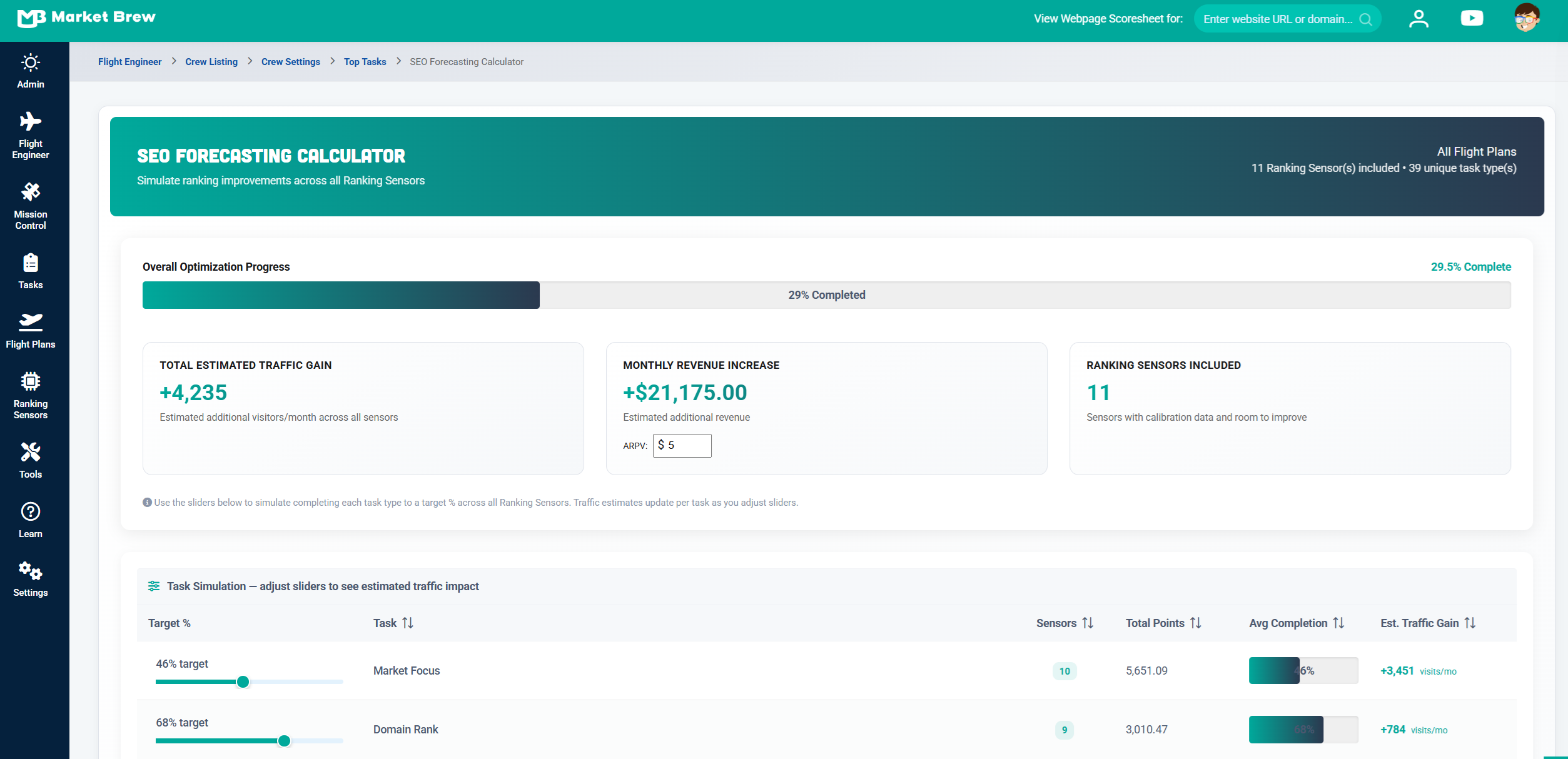
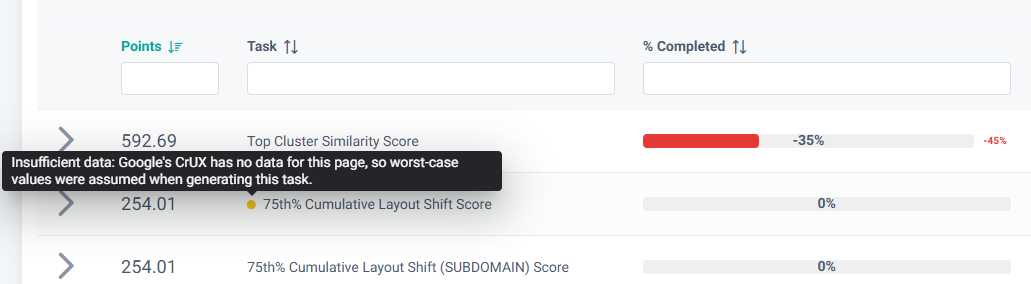

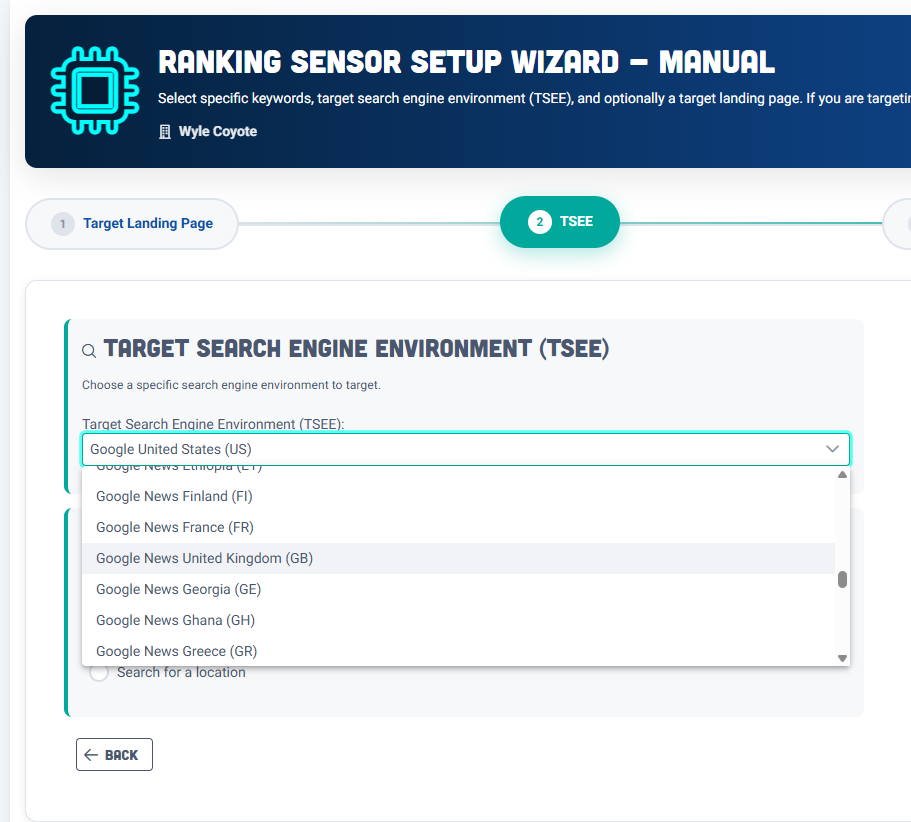
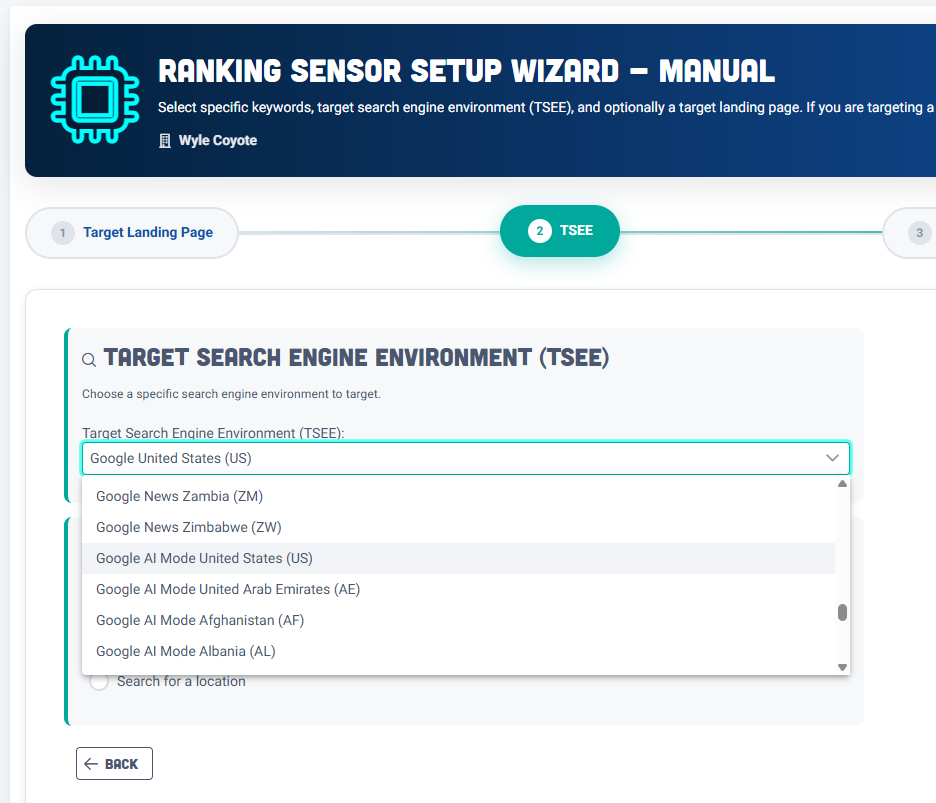
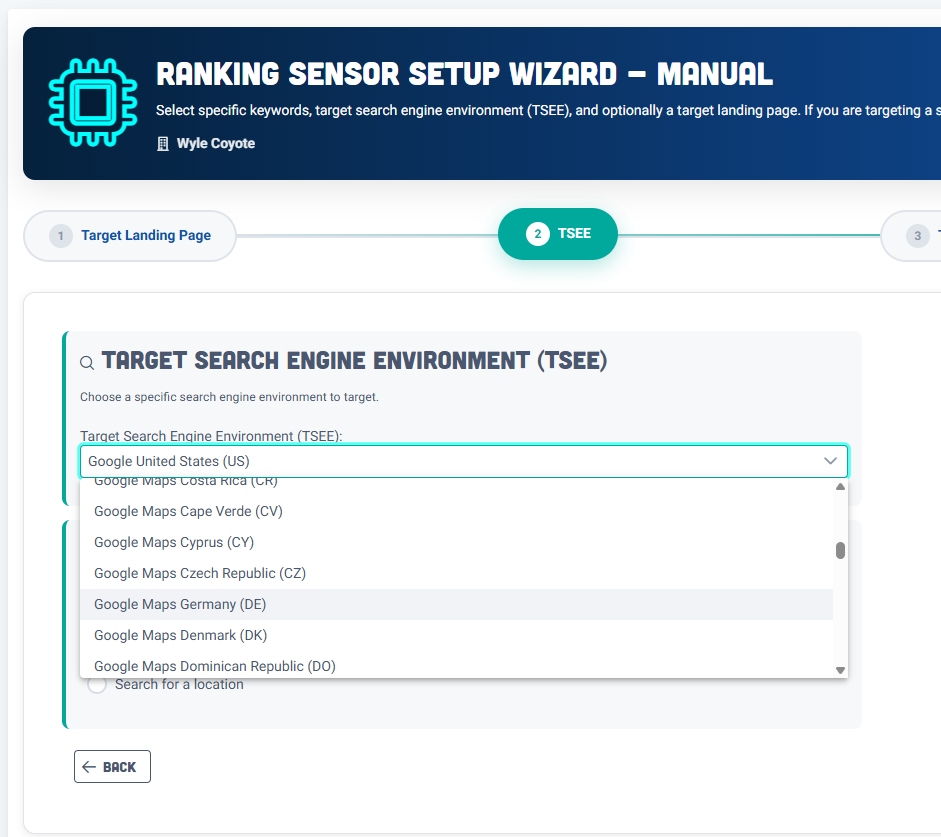

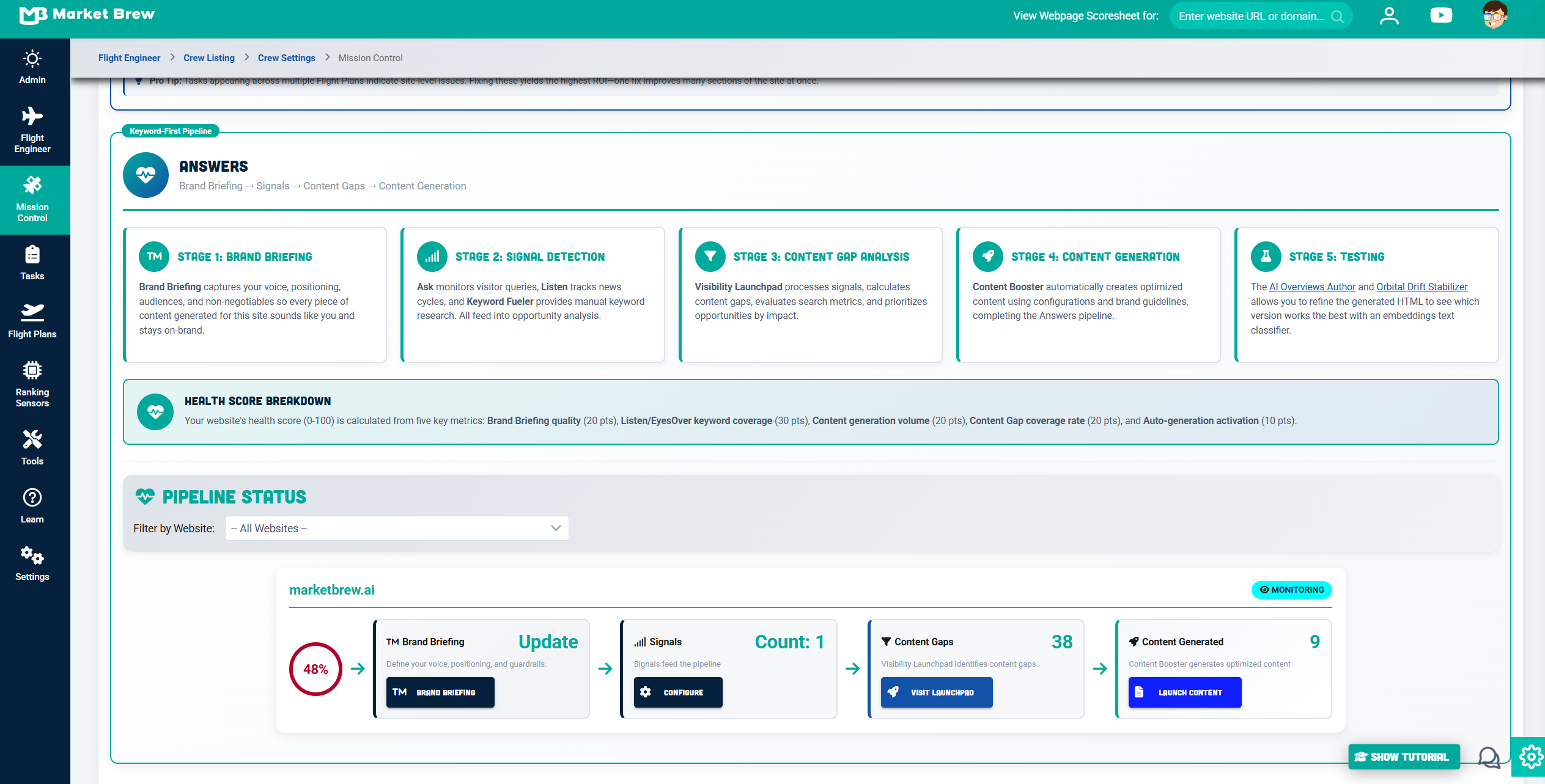
✏️ Behavior Template Editing Permissions Fixed
Users who own a Behavior Template can now edit and save their changes as expected. Previously, only admins could make updates.
- Edit access now correctly applies to:
- Template owners
- OEM engineers managing the associated customer
- Users without permission will see:
- Disabled instructions field and Save button
- Tooltip explaining why editing is restricted
📊 Optimization Task Progress: Faster Insight into Gains & Losses
We’ve made it easier to track how your optimization tasks are evolving over time.
- Progress bars now include a delta badge showing change since the last recrawl:
- 🟢 Green = improvement
- 🔴 Red = regression
- Tasks that lose ground now display:
- A red progress bar
- A leading “−” indicator
- New Task History view available from snapshot listings:
- See how task completion has changed across recalibrations
🔍 Visibility Launchpad Improvements & Fixes
Several fixes to improve accuracy and reliability within the Visibility Launchpad.
- Fixed an issue where keywords containing hyphens (e.g., “k-12 educational reform”) could not be added
- Prompts section now correctly refreshes after a site re-crawl
- Resolved stale data in gap analysis:
- Pages returning 404s or redirects are no longer included
🛫 Flight Plan Setup Enhancements
Expanded flexibility and keyword selection during Flight Plan setup.
- New sorting option: “Top Keywords”
- Increased keyword selection per URL:
- From 5 → 20 keywords
🧠 Content Booster — Knowledge Base Override
You can now select a specific Knowledge Base per Content Booster, overriding the site’s default set in Brand Briefing.
What’s new:
- A Knowledge Base Override dropdown now appears in the Content Booster create/edit form
(visible when Enable Data Sources is on and at least one Knowledge Base exists) - Select a Knowledge Base to force that Content Booster to use only that dataset
- Default option (“Use site default”) preserves existing Brand Briefing behavior
- The override is saved with the Content Booster and applied on every generation / regeneration
Why it matters:
- Gives you surgical control over context sources
- Enables testing different data sources without changing Brand Briefing
- Supports multi-strategy content workflows across the same site
API Update:
POST /api/v1/content-booster
→ New optional field:overrideKnowledgeBaseIdGET /api/v1/knowledge-base
→ Retrieve available Knowledge Bases and IDs
📊 Visibility Launchpad — Prompt Gap Analysis Auto-Refresh
Prompt-based gap analysis now stays fully in sync with your latest crawl data.
What was happening:
- After a crawl, keyword gap analysis updated
- But prompt-based gap records did not
- This caused stale visibility scores in the Launchpad
What’s fixed:
- Prompt gap similarity scores are now automatically recalculated after every crawl
- Results reflect the latest catalog embeddings and newly indexed content
- Visibility Launchpad now provides accurate, real-time prompt performance insights

🚀 Market Brew API Expansion — Now Available
We’re expanding the Market Brew API to give you direct programmatic access to capabilities that have already been powering results inside the platform.
Everything below reflects functionality our customers already use in the UI — now fully accessible via API so you can integrate Market Brew directly into your own systems, dashboards, and workflows.
👉 Explore and test endpoints in the API Playground:
https://brew.marketbrew.ai/openapi-ui.html
https://ask.marketbrew.ai/openapi-ui.html (Full Site Intelligence)
💬 Ask Widget API — Conversation Counting
The Ask Widget API now includes endpoints to retrieve total conversation counts across your account, with optional date range filtering.
This is the same engagement data you see in the UI, now available to:
- feed internal dashboards
- track AI adoption
- measure user interaction trends programmatically
Available via API on:
brew.marketbrew.ai
ask.marketbrew.ai (Full Site Intelligence)
✍️ Content Booster API — Counting + Advanced Listing
We’ve expanded the Content Booster API to match the flexibility of the UI.
📊 Count Endpoint
Retrieve total Content Booster entries with filters for:
- website
- title
- status
📋 Listing Endpoint (Enhanced)
The API now supports:
- filtering
- sorting
- pagination
Previously, this endpoint returned unfiltered datasets. You can now query exactly what you need, just like in the interface.
Available via API on:
brew.marketbrew.ai
ask.marketbrew.ai (Full Site Intelligence)
👂 Listen API — Keyword Monitor Management (New API Access)
The Listen system is now fully accessible via API.
Manage and analyze keyword monitoring outside the UI:
- Create, update, and delete keyword monitors
- Count or list monitors across your account or per website
- Retrieve full run history (news crawl tracking over time)
- Extract URLs and keywords from individual runs
This brings real-time monitoring workflows into your own systems.
Available via API on:
brew.marketbrew.ai
ask.marketbrew.ai (Full Site Intelligence)
📈 Top Tasks API — Optimization Intelligence (New API Access)
Top Tasks data is now available via API, enabling direct integration into reporting and execution workflows.
📋 List Endpoint
Retrieve prioritized optimization tasks:
- ranked by impact (points)
- filterable by website, Flight Plan, date range, task title
- includes sorting and pagination
📊 Metrics Endpoint
Aggregate performance insights across tasks:
- total points
- average points
- completion rate
- overall optimization progress
This is the same task intelligence used in the UI, now accessible for automation and reporting.
Available via API on:
brew.marketbrew.ai
🧠 Visibility Launchpad API — Content Gap Analysis (New API Access)
Content gap analysis from the Visibility Launchpad is now fully exposed via API.
📊 Stats Endpoint
Retrieve a high-level summary of your content gap posture:
- counts by source
- average similarity scores
🔍 Keyword Gap Endpoints
- list keyword opportunities with filtering, sorting, and pagination
- programmatically add keyword gaps with automatic deduplication
💡 Prompt Gap Endpoints
- list missing AI prompt opportunities
- add prompt gaps programmatically with deduplication
These endpoints mirror the insights available in the UI and make them actionable inside your own tooling.
Available via API on:
brew.marketbrew.ai
ask.marketbrew.ai (Full Site Intelligence)
🔗 Why This Matters
Market Brew is no longer just a platform you log into.
With this API expansion, it becomes infrastructure you can build on.
- Embed Market Brew into internal dashboards
- Power reporting systems with real ranking intelligence
- Integrate directly into CMS, workflows, and enterprise pipelines
- Automate optimization at scale
Two New Tools!
Content Summarizer
Compress any long-form content into a structured summary — bullet points, key details, and verbatim quotes — in one click.
Built on the same compression pipeline Market Brew's Content Booster uses internally when processing Knowledge Base sources before generating articles. Use it to preview exactly what the AI sees when it reads your sources, or to compress content for use in your own LLM workflows.
- Enter a URL to auto-populate the editor, or paste content directly
- Three compression levels: Low (detailed), Medium (balanced), High (concise)
- Output always includes a Detailed Summary, Key Details, and Important Quotes with speaker attribution
Embedding Separation Lab
Edit a page's content and watch its semantic similarity scores change in real time against the field of pages it currently duplicates. Lower scores mean greater separation — and less duplicate-content risk in search.
- Field Pages mode: enter a URL, edit the content in the built-in editor, click Analyze — the table shows Before %, After %, and Delta for every similar page
- Freeform mode: paste any two pieces of content and get an instant similarity score with no URL required
- Supports both page-average and top-cluster embedding comparisons, and is now linked from all new Embedding Duplication Tasks

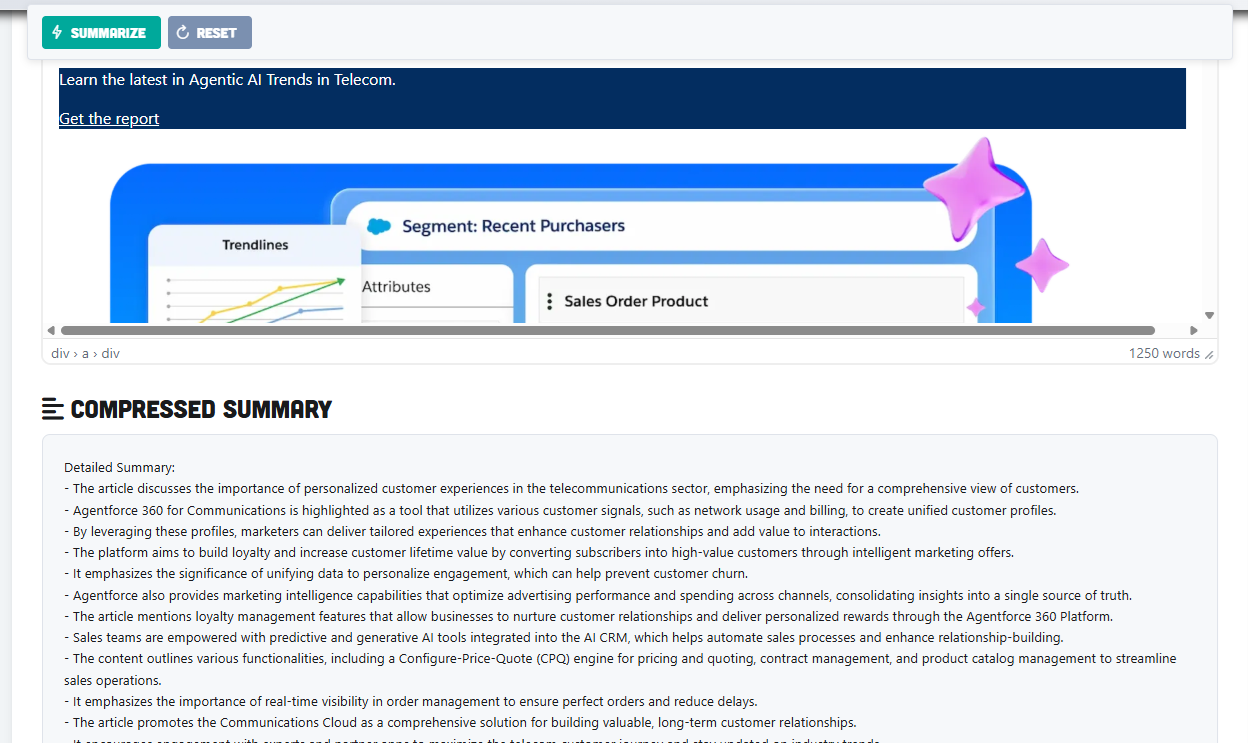

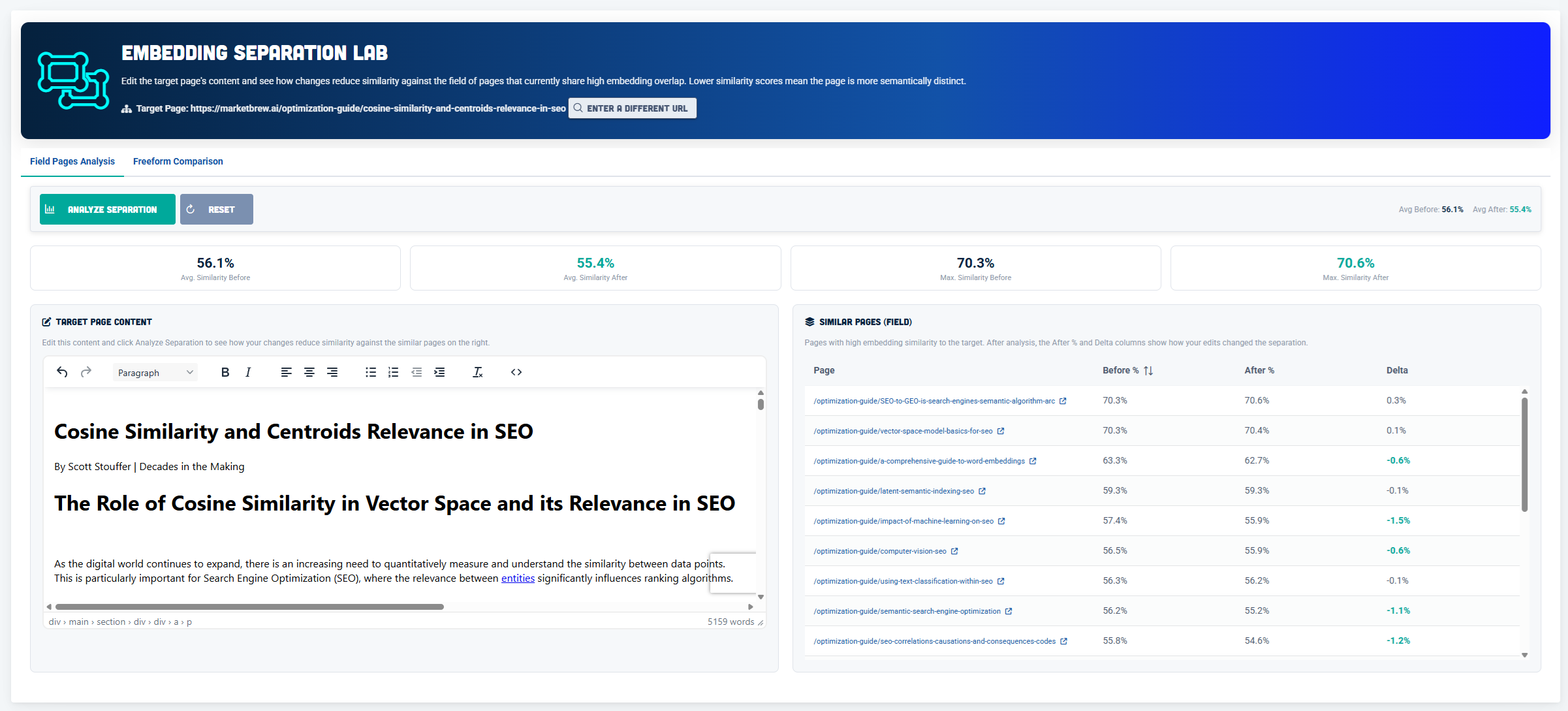
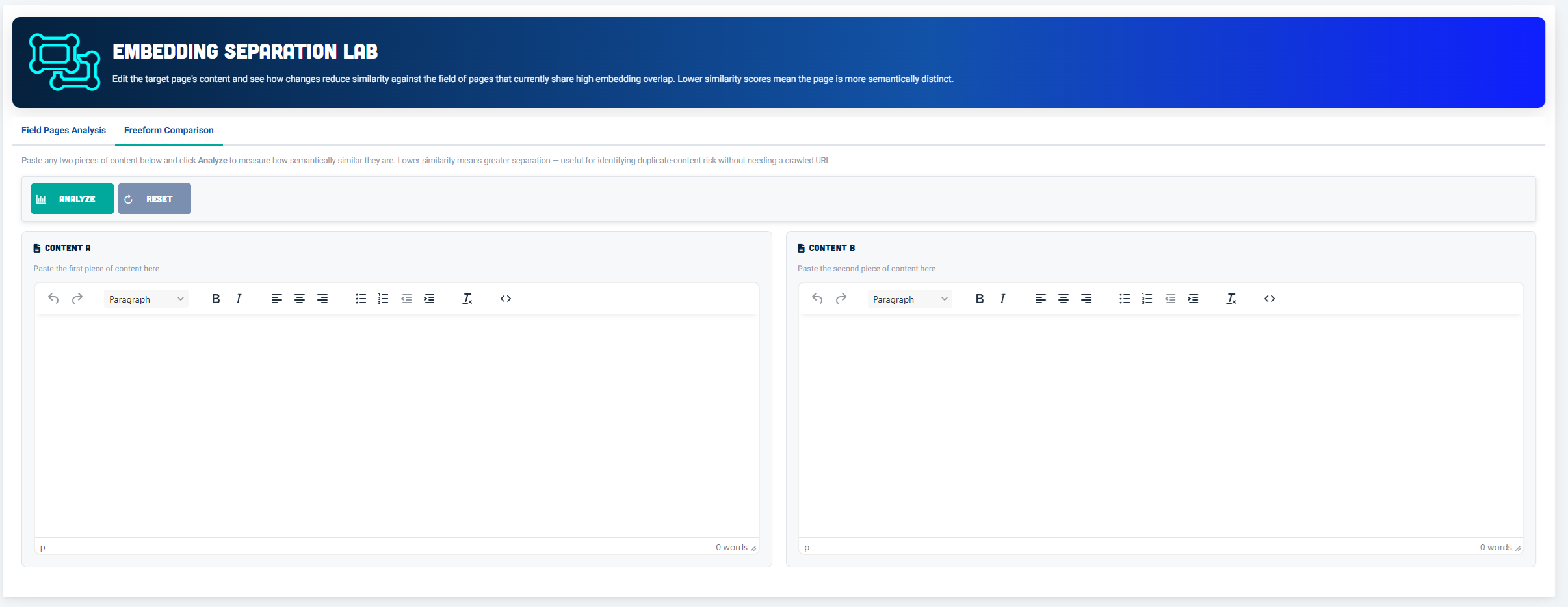
Content Booster Improvements
WYSIWYG Editor Toolbar Always Visible
Updated the editor layout to ensure the toolbar remains visible at all times. The WYSIWYG editor is now properly sized, eliminating the need to scroll back up to access formatting controls.
“Test Content” Button Integration Fix
Fixed an issue where the “Test Content” button in Content Booster did not properly populate content and metrics in the AI Overviews Author Tool. Content now transfers correctly for immediate testing and analysis.
Removed Sticky Header Behavior
Removed the sticky behavior of the Content Booster header (blue title bar with action buttons). This resolves display issues on mobile and various screen sizes, providing a more consistent and responsive experience.
Brand Briefing — AI Generation Dialog Improvements
New Features
Crawled Content Toggle: Added a checkbox to the AI-Powered Brand Bible Generation dialog allowing you to control whether crawled website content is included in the generation. Previously, crawled content was always included. You can now uncheck "Include crawled content from [domain]" to generate the Brand Bible solely from uploaded documents.
Input Validation: The Generate button now validates that at least one content source is selected before submitting. If crawled content is disabled and no PDF documents have been uploaded, generation is blocked with a clear error message.
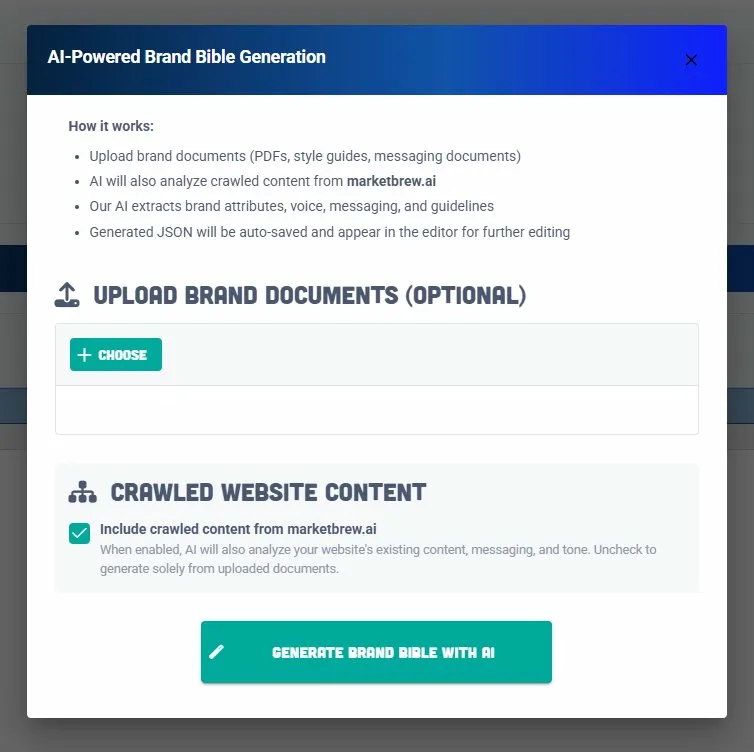
🐞 Bug Fixes
🔧 Knowledge Base – Save & Duplicate Handling Improved
Issue
Users could encounter errors when saving Knowledge Base entries if a full URL was entered instead of a domain. In some cases, duplicate entries were not properly detected.
Resolution
Improved input handling to support both full URLs and domain-only entries. Enhanced duplicate detection to prevent conflicting records.
Impact
- Users can now enter either full URLs or domains seamlessly
- Duplicate entries are properly identified and prevented
- More reliable Knowledge Base setup experience
🔧 Keyword Fueler – Visibility Launchpad Integration & UX Improvements
Issue
Keywords generated in Keyword Fueler were not appearing in the Visibility Launchpad, and the workflow lacked clarity.
Resolution
Fixed the synchronization issue and introduced clearer action controls by separating functionality into two buttons:
- Add to Launchpad
- Go to Launchpad
Impact
- Keywords now reliably appear in the Visibility Launchpad
- Improved user control and clarity in workflow
- More intuitive transition from keyword discovery to tracking
🔧 Content Booster – Improved Performance on Large Sites
Issue
Content Booster experienced slow startup times on large websites due to inefficient database queries when checking for embeddings.
Resolution
Optimized the embedding lookup process to eliminate unnecessary full-table operations.
Impact
- Significantly faster initialization on large datasets
- Reduced database load during startup
- Improved scalability for enterprise-level sites
⚙️ Performance Improvements
- Enhanced database efficiency for large embedding datasets
- Improved responsiveness during Content Booster initialization
Content Booster & Link Injector — Smarter Internal Linking
Internal links now stay on-topic
When the Content Booster or Link Injector adds internal links to your content, it previously found pages by matching the anchor phrase alone. This worked well for straightforward matches, but could send readers to unrelated pages — for example, a phrase like "snow removal" in a Bobcat article might link to a generic snow removal page rather than a Bobcat attachment page.
Links are now chosen with the full article topic in mind. The system understands what the content is about as a whole — the brand, product, and subject — and uses that understanding to prefer pages that fit both the phrase and the article's context. That means a Bobcat article will link to Bobcat pages, a skid steer article will link to skid steer content, and attachment phrases will resolve to the right attachment pages.
What this means for your content
Internal links will be more relevant and useful to readers. You'll see fewer cases where a link technically matches the anchor text but lands on a page from the wrong brand, product line, or category. Links should feel like a natural part of the article rather than an accidental detour.
Link Injector gets the same upgrade
The standalone Link Injector tool — used to add internal links to existing content — now applies the same topic-aware matching. It automatically reads your content to understand what it's about before selecting link targets, so pasted articles benefit from the same quality improvement as content generated through the Content Booster.
📊 Forecasting Calculator – Sticky Metrics
Enhancement
Metrics in the Forecasting Calculator will now remain “sticky” at the top of the screen.
Why this matters
Users analyzing projections were required to repeatedly scroll back to the top when adjusting inputs or navigating within the calculator.
Impact
• Easier to see metrics
• Reduced repetitive scrolling
🧠 Content Booster – Bio / Author Bio Template
New Template Added
A new Bio / Author Bio template is being introduced to the Content Booster library.
Why this matters
Author bios play a critical role in EEAT signals and brand authority. This template allows teams to systematically generate and optimize structured author pages.
Impact
• Standardized author bio creation
• Better authority signaling
• Expanded Content Booster coverage
🏷 Content Booster – “Mark as Published” Action
New Workflow Action
Users will be able to mark an individual Content Booster as Published.
Implementation Note
The action will be consolidated into the existing Actions dropdown for UI consistency.
Why this matters
Teams need visibility into which boosters have moved from draft to live status. This adds workflow clarity without cluttering the interface.
Impact
• Clear production tracking
• Cleaner user workflow
• Better internal coordination
📤 Top Tasks – Export to CSV
New Capability
Top Tasks data can now be exported to CSV / spreadsheet format.
Why this matters
Teams often need to share task lists externally, manipulate them in spreadsheets, or incorporate them into reporting decks.
Impact
• Downloadable task reports
• Easier client sharing
• Improved reporting flexibility
🖥 Bulk Content Booster – Scroll Fix
Bug Fix
Resolved an issue where long keyword lists in the Bulk Booster modal:
• Pushed the action button below the viewport
• Prevented scrolling inside the modal
• Caused the background page to scroll instead
Fix
The modal now properly contains its own scroll behavior and keeps action controls accessible regardless of keyword volume.
Impact
• No more blocked launch button
• Proper modal scrolling
• Improved large-scale keyword workflows
🔗 Quick Pick Screens – Crew Context Filtering
Contextual Filtering Improvement
The Link Flow Distribution Quick Pick screen will now only display sites associated with the currently selected Crew.
Why this matters
Users operating within a Crew context were seeing unrelated sites and needing to manually search for the correct one. This update aligns UI behavior with contextual expectations.
Impact
• Cleaner site selection lists
• Reduced searching
• Stronger Crew-context consistency
🛠 Optimization Task Recommendations – Heading & Meta Title Similarity Fix
Bug Fix
Optimization Task Recommendations for Heading Similarity and Meta Title Similarity were displaying "null" instead of the calculated values.
This has now been corrected.
Important:
The underlying calculations and task accuracy were not affected. This was strictly a display issue. The similarity metrics were being computed correctly in the model — they were simply not rendering properly in the UI.
Immediate Workaround (if needed)
• Click into the AI Overviews Visualizer
• Navigate to the Title / Headings tab
• The correct similarity values are visible there
For Existing Tasks
For tasks that were already generated prior to this fix:
• Flight Engineers can recalculate Tasks within the Ranking Sensor
• This will regenerate and properly display the similarity values
Impact
• Accurate similarity metrics now display correctly
• No more null values in Optimization Task Recommendations
• No impact to modeling accuracy or scoring logic
• Clear recovery path for previously generated tasks
Ask System + Ranking Sensor Performance Upgrade
This release improves AI snippet precision and significantly accelerates core modeling calculations.
1️⃣ Ask System — Accuracy & Performance Improvements
Area: Snippet Retrieval + Response Generation
Impact: Higher relevance, faster responses, stronger grounding
Overview
We upgraded the snippet retrieval layer inside the Ask system to improve passage selection accuracy and response latency.
Technical Improvements
- Refined cosine similarity scoring against page-level centroid embeddings
- Improved passage segmentation alignment for cleaner contextual boundaries
- Enhanced top-cluster filtering to reduce semantically adjacent but non-authoritative matches
- Optimized ANN vector lookup execution path
- Improved snippet de-duplication and ranking logic prior to LLM synthesis
Result
- More precise snippet selection
- Stronger alignment to authoritative pages
- Reduced hallucination risk through tighter grounding
- Faster Ask response times across large deployments
These improvements directly enhance both the Ask Widget and internal Ask workflows.
2️⃣ Ranking Sensor — 40% PSO Speed Improvement
Area: Particle Swarm Optimization (PSO) Engine
Impact: Faster modeling cycles + improved scalability
Overview
The Ranking Sensor’s PSO calculation engine has been optimized at both the algorithmic and execution layers.
Technical Improvements
- Improved fitness evaluation batching
- Reduced redundant scoring operations
- Optimized memory allocation during iteration cycles
- Improved thread scheduling and concurrency handling
- Reduced transactional overhead during boost factor evaluation
Measured Outcome
- ~40% reduction in PSO computation time
- Faster Ranking Sensor recalculations
- Increased modeling throughput across multi-site environments
- Improved scalability for larger catalogs and embedding datasets
These upgrades strengthen both the AI retrieval layer and the core modeling engine, improving real-time usability and backend performance simultaneously.
🔄 Ranking Tasks Update: Fixing Missing Tasks + Clarifying Ranking Models
We’ve released an important update to how ranking tasks are generated and displayed.
Why This Change Was Made
Users reported the following issue:
- The Top Tasks view showed no tasks
- But when navigating to the full task listing screen, tasks were visible
This created confusion — it looked like tasks existed in one place but not another.
The root cause was that two different ranking models were being used behind the scenes, and they were not aligned across screens.
This update resolves that inconsistency.
🧠 The Two Ranking Models Explained
Our ranking system uses two approaches to simulate search performance:
1️⃣ Standard Model (One Page Per Site)
This model mirrors typical search engine behavior.
- Each competing site contributes one primary page
- Rankings are built from those selected pages only
- If there are 4 competing sites, you’ll see 4 ranked pages
This keeps comparisons clean and domain-balanced.
Important limitation:
If your intended target page is not the selected “top” page for your site, tasks may not generate in this model — even if another page from your site is competitive.
2️⃣ Duplicates Model (All Pages Ranked)
This model removes the “one page per site” restriction.
- Every page from every competing site is ranked
- A single site may appear multiple times
- Rankings can include many more rows
This ensures tasks can still generate even if the target page wasn’t selected as the primary page in Standard Mode.
⚠️ What Was Happening Before
Previously:
- The Top Tasks view was hard-coded to use Standard Model only
- The Task Listing screen automatically switched to Duplicates Model if Standard produced no tasks
So in situations where:
- Standard Model produced zero tasks
- Duplicates Model did produce tasks
You would see:
- Top Tasks → empty
- Task Listing → populated
The system was silently switching models in one view but not the other.
This caused confusion and mismatched expectations.
✅ What’s Changing
🔹 No More Silent Model Switching
The system no longer automatically replaces one model with another without making it clear.
🔹 Duplicates Model Is Now Additive
Instead of “either/or” behavior:
- Standard Model remains the default
- You can optionally include results from Duplicates Model
- Both can be viewed together
This ensures tasks are not hidden simply because the target page wasn’t selected in Standard Mode.
🔹 Top Tasks Now Reflect All Available Tasks
The Top Tasks view now:
- Incorporates tasks from both models
- Removes duplicate entries
- Displays tasks that previously would have been excluded
If a task exists in either ranking model, it can now appear in Top Tasks.
🔹 Clear Labeling for Transparency
Tasks generated from the expanded (Duplicates) model are clearly identified.
This helps you understand:
- Why similar tasks may appear more than once
- Why values may differ between ranking contexts
- Which ranking logic is being applied
🎯 What This Means
- No more empty Top Tasks screens when tasks actually exist
- No more mismatched behavior between views
- Greater transparency into ranking logic
- More complete task visibility
- More reliable optimization guidance
This update makes ranking behavior consistent, predictable, and easier to understand across the entire system.
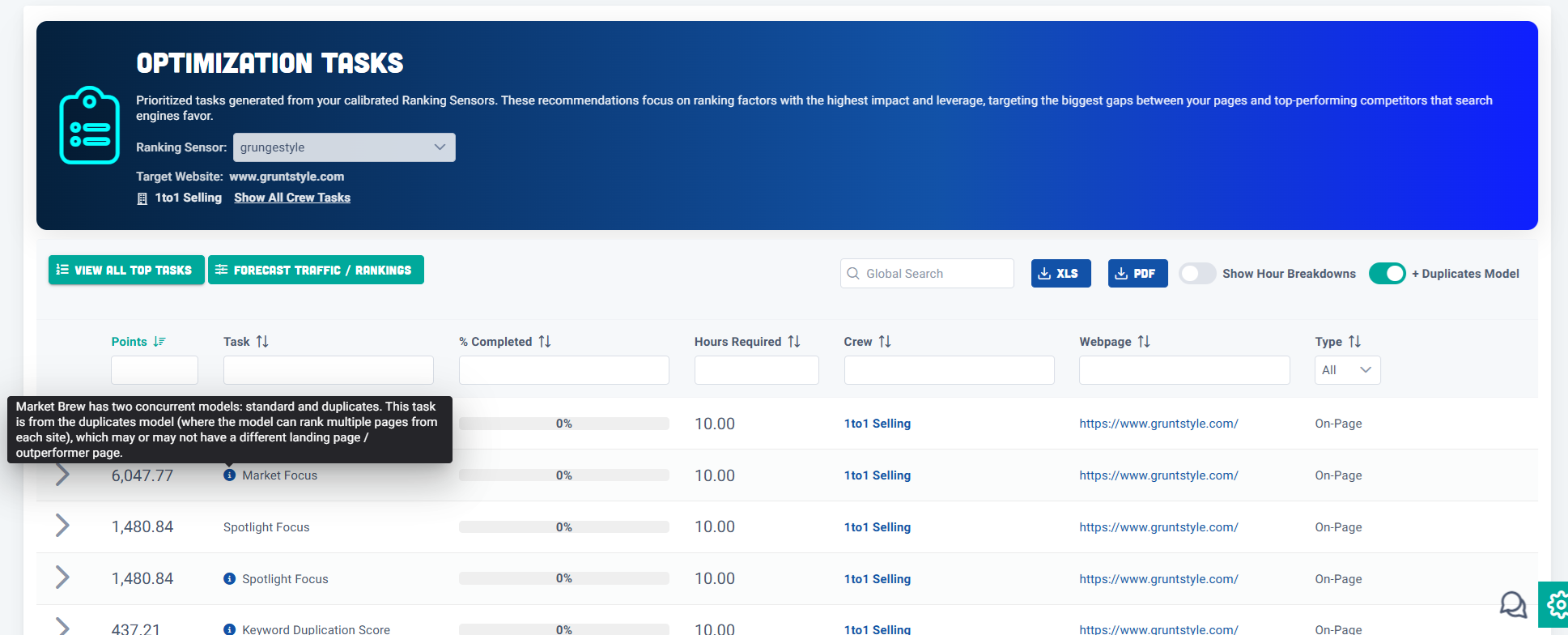
Ranking Sensor Throughput & PPC Keyword Audit Upgrades
Ranking Sensor Throughput Upgrades
Overview
We’ve introduced major throughput improvements to the calibration and calculation pipeline for Ranking Sensors. These upgrades increase parallelization across expensive calibration and scoring workloads, reducing end-to-end completion times and improving overall system throughput under load.
What Changed
- Expanded parallel execution across calibration and ranking calculation tasks.
- Reduced serialization bottlenecks in the sensor calibration pipeline.
- Improved worker scheduling to better utilize available compute resources.
- Optimized batching for high-cost calibration and recomputation stages.
- Reduced idle gaps between calibration phases and ranking recalculation phases.
Impact
- Faster completion times for Ranking Sensors performing expensive calibrations.
- Higher throughput when multiple sensors are running concurrently.
- Shorter queue times for pending sensor runs.
- Better compute utilization across processing nodes.
Behavior Notes
- No changes to calibration methodology or ranking factor math.
- No changes to scoring formulas or model interpretation.
- Results remain consistent; improvements are strictly performance-related.
- Existing Flight Plans and Ranking Sensors benefit automatically with no configuration changes required.
PPC Keyword Audit — Expanded Auditability & Usability
The PPC Keyword Audit has been enhanced to provide a stronger audit trail and more transparent support for performance-based fee models used by partner agencies.
New: Monthly Keyword & CPC Snapshots
We now store a detailed keyword-level breakdown at the time each month’s organic-value calculation is performed, including:
- Keywords used in the calculation
- GSC click counts
- CPC values used at calculation time
- Per-keyword organic value contributions
This creates a month-specific calculation snapshot that supports audit and verification of performance-based billing.
Important scope notes:
- This detailed snapshot data is available for current and future months only.
- Historical months do not have stored CPC snapshots.
- For past months, CPC values are derived using current CPC values as of today, which may differ from true historical CPC at that time.
- Audits are available only for GSC-based sources. Clients must have opted in and granted Market Brew access to their Google Search Console data.
Usability Enhancements
- Bookmarkable URLs
Website selection and billing interval date are stored in the URL so a specific audit view can be bookmarked or shared and reopened in the same state. - Database-level numeric filters
Numeric columns (Clicks, Searches, CPC, Organic Value) now support minimum-value filters that execute at the database level, ensuring correct results across large datasets rather than filtering only the visible page.
Result
Partner agencies and clients now have a clearer, more defensible audit trail for organic-value calculations, along with a faster and more scalable audit interface for keyword-level inspection.
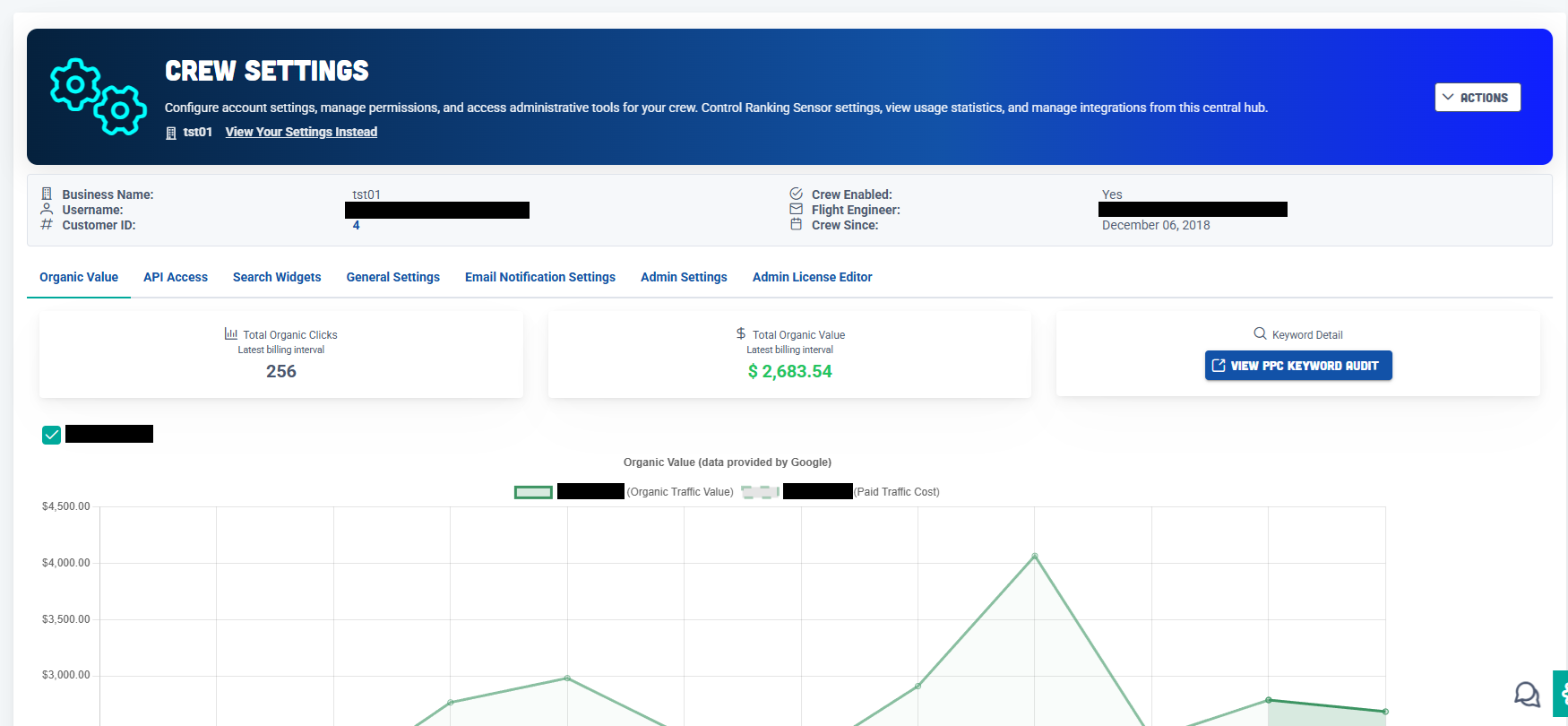
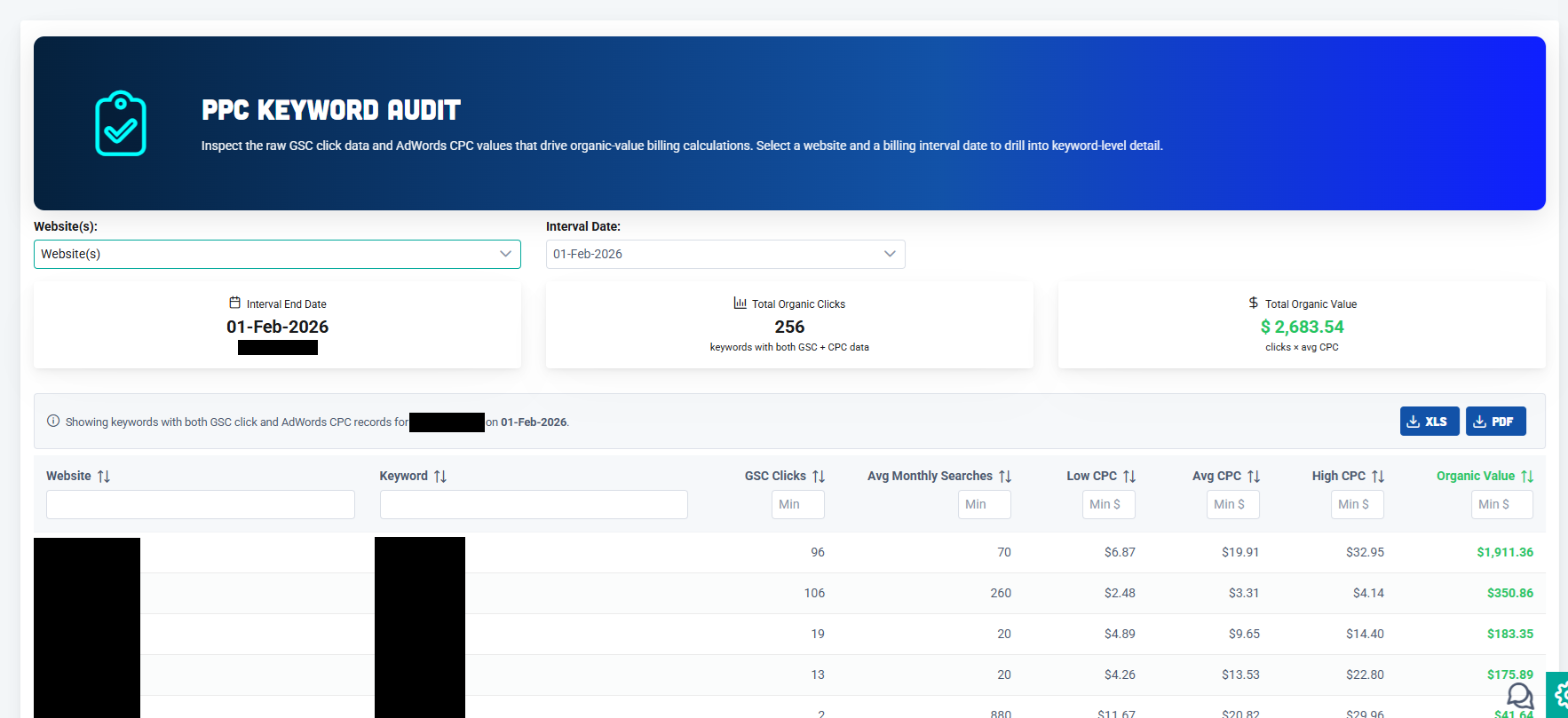
Content Booster: Published Status Feature
What's New
We've added a new Published status to help you organize your Content Booster workflow and separate finished content from work-in-progress.
Key Features
📋 Published Status
- Mark Content Boosters as "Published" when you've deployed them to your website
- Keeps your workspace clean by separating published content from drafts
- Published content is preserved and can be viewed anytime
🔘 Toggle Published Button
- Select one or more Content Boosters and click "Toggle Published"
- Each item switches between Published and its previous status
- Works with mixed selections - published items become unpublished, unpublished items become published
- Smart feedback tells you exactly what changed
👁️ Show Published Filter
- By default, published content is hidden from your Content Booster listing
- Check "Show Published" in the toolbar to include published items in your view
- Uncheck to focus only on content that still needs work
How to Use
Publishing Content
- Select one or more completed Content Boosters
- Click "Toggle Published" in the toolbar
- Confirm the action
- Selected items are marked as Published and hidden from the default view
Viewing Published Content
- Check the "Show Published" checkbox in the toolbar
- All content (including published) appears in the listing
- Uncheck to return to work-in-progress view
Unpublishing Content
- Check "Show Published" to see published items
- Select published Content Boosters you want to edit
- Click "Toggle Published"
- Items revert to their previous status (Completed or Created)
Benefits
✅ Cleaner Workspace - Focus on content that needs attention
✅ Better Organization - Separate published from work-in-progress
✅ Flexible Workflow - Easily toggle status as needed
✅ No Data Loss - Published content is always accessible
✅ Bulk Operations - Toggle multiple items at once
Tips
- Use the Status filter dropdown to see only specific statuses
- The Published status appears in the status dropdown alongside other options
- Published content can still be copied, edited, or deleted if needed
- Consider marking content as Published after deploying to your live site
Need help? Contact support or check our documentation.
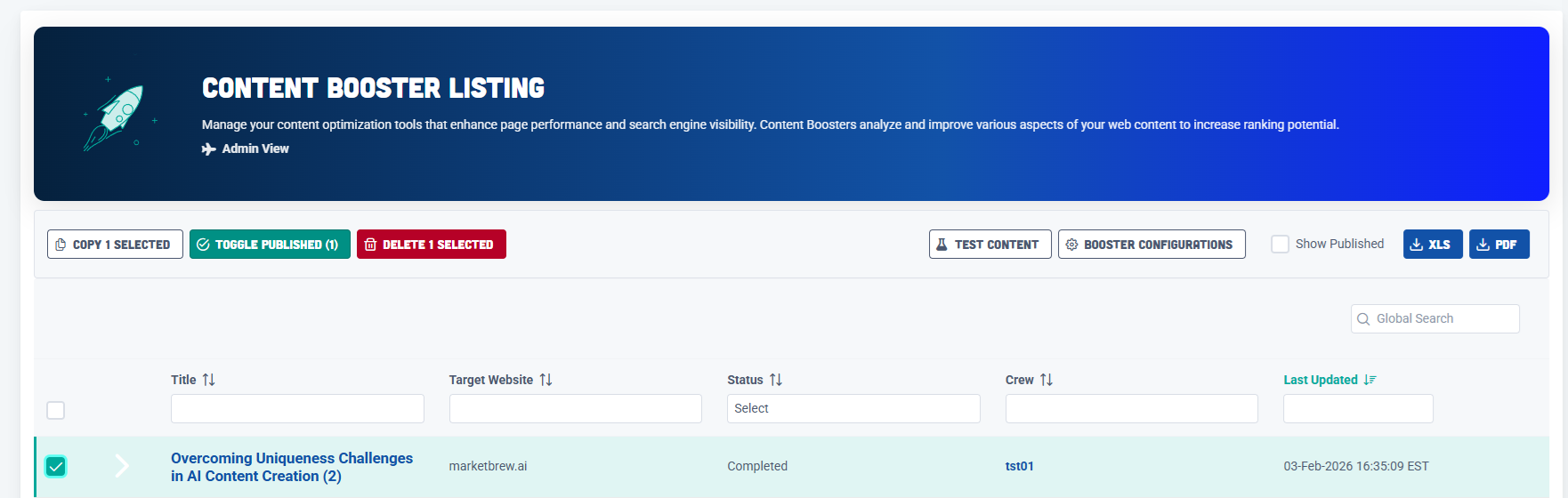
Top Tasks Weekly Report
We're excited to introduce Weekly Top Tasks Reports - automated email summaries that help you stay on top of your highest-impact SEO optimization opportunities.
How It Works
Every Sunday, Market Brew automatically analyzes your Flight Plans and sends personalized email reports highlighting:
- Top 10 optimization tasks ranked by total impact points
- Task occurrence counts showing how many Ranking Sensors detected each issue
- Progress tracking showing completion percentage for each task
- Smart filtering - reports only sent when Ranking Sensors have been updated with fresh data
Key Benefits
✅ Stay Informed - Never miss high-impact optimization opportunities
✅ Save Time - No need to log in to check for new tasks
✅ Prioritize Effectively - See your most impactful tasks at a glance
✅ Track Progress - Monitor completion rates week over week
✅ Mobile-Friendly - Beautiful responsive design works on any device
Who Receives Reports
Reports are sent to:
- Flight Plan owners (Crew)
- Flight Engineers
- Flight Plan team members (Team Leads and Members)
Getting Started
These notification will be enabled by default. To Disable Notifications:
- Go to your account settings
- Click "Notification Preferences"
- Disable "Top Tasks Weekly Report"
- Save your preferences
Report Details
Each report includes:
Quick Stats
- Total task occurrences across all Ranking Sensors
- Total optimization points available
Task Breakdown
- Rank (top 10 tasks)
- Task title and description
- Number of Ranking Sensors where task appears
- Total optimization points
- Current completion progress
Strategic Insights
- Guidance on template-level optimizations
- Links to view full task details in Market Brew
Smart Delivery
Reports are only sent when:
- ✅ Your Ranking Sensors have been updated with new data
- ✅ Tasks are available for the Flight Plan
This ensures you only receive reports when there's actually something new to review.
Mobile Optimized
The report email is fully responsive and works beautifully on:
- Desktop email clients (Outlook, Apple Mail, Gmail)
- Mobile devices (iPhone, Android)
- Web-based email (Gmail, Outlook.com)
Questions?
How do I stop receiving reports?
Go to Settings → Notification Preferences → Disable "Top Tasks Weekly Report"
Can I get reports more frequently?
Currently reports are sent weekly on Sundays. Contact support if you need custom frequency.
Why didn't I receive a report?
Reports are only sent when your Ranking Sensors have been updated since the last report. If no updates occurred, no report is sent.
Can I see past reports?
Log into Market Brew and visit your Flight Plan → Top Tasks to see current data anytime.
Who can I add to receive reports?
Add team members to your Flight Plan as Team Leads or Members, and they'll automatically receive reports if they enable the notification.
Centroid Keywords in Orbital Drift Stabilizer
🚀 New Feature: Centroid Keywords
We’ve added Centroid Keywords to the Orbital Drift Stabilizer to give you a fast, human-readable view of how search engines semantically categorize your content.
This feature converts embedding centroid data into clear keyword themes, helping you understand topic alignment before and during drift analysis.
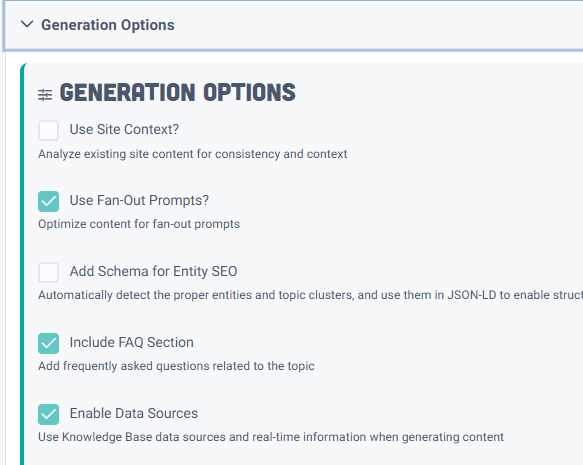
Content Booster Data Sources & Research Controls
What’s New
Enabled Data Sources Toggle and Enhanced Data Source Summaries are now available in Content Booster. These upgrades give you direct control over how much external research is used during generation and significantly increase the depth and specificity of grounded references in the output.
Enabled Data Sources (Research Control)
You can now turn the research component of Content Booster on or off using the new Enabled Data Sources option in Generation Options.
What This Does
- Lets you explicitly control whether Content Booster uses:
- Knowledge Base sources
- Connected data sources
- Real-time research inputs
- When enabled:
- Content is grounded in external sources
- Outputs include more cited facts, statistics, and verifiable details
- When disabled:
- Generation relies primarily on your prompt and on-page context
- Faster runs with less external enrichment
Why This Matters
Different workflows require different generation modes:
- Research ON → Best for authority content, long-form articles, and data-backed pages
- Research OFF → Best for faster drafts, rewrites, and structure-first iterations
You now have precise control over that tradeoff.
Improved Data Source Summaries
We have significantly upgraded how Content Booster reads and summarizes its research sources before writing.
What Changed
- Source articles are now summarized with:
- Higher detail density
- Clearer fact extraction
- Better statistical capture
- More concrete claims and figures
- Relevance scoring and grounded summaries are more structured and complete
- The generator receives richer research context before drafting
Result in Your Content
With these improved summaries, generated content now tends to include:
- More statistics and quantitative references
- More specific claims tied to sources
- Deeper topical coverage
- Stronger grounding and cross-reference signals
- Reduced generic filler language
Expected Impact on Generation Time
When Enabled Data Sources is ON and research is used:
- Generation may take longer than before
- This is intentional — the system is:
- Collecting sources
- Scoring relevance
- Building grounded summaries
- Cross-referencing before writing
The added time directly supports higher factual density and reduced hallucination risk.
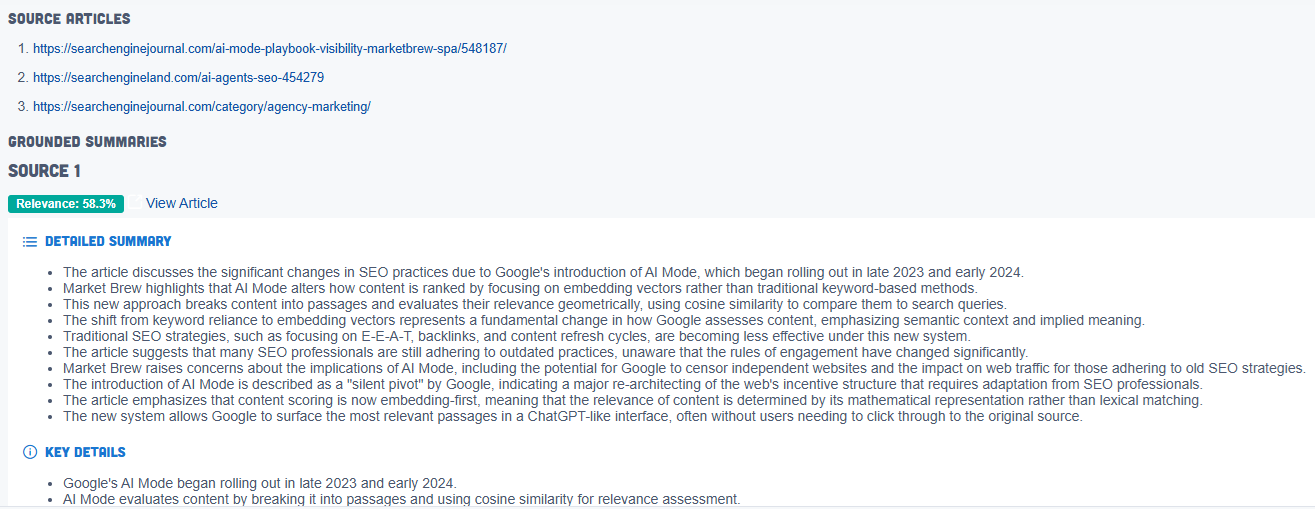
Centroid Keywords
Centroid Keywords reveal what search engines believe your page is about, based on meaning rather than exact keyword matches.
Instead of guessing which keywords matter, you can now see the core semantic themes your content is associated with at an algorithmic level.
What This Does
Search engines don’t evaluate pages using keywords alone. They analyze meaning, context, and topical relationships.
Centroid Keywords translate those underlying signals into 8–15 clear, human-readable themes that represent how your page is understood semantically.
Think of these as your page’s semantic fingerprint.
Where You’ll See It
- Webpage Scoresheet - Found in the Key Performance Indicators section
- AI Overviews Visualizer
- AI Overviews Author
Why It Matters
Centroid Keywords help you:
- See your content through the search engine’s lens
Understand how algorithms categorize your page, not just how it ranks - Identify content gaps
Spot missing or underdeveloped topics compared to your goals - Improve topical alignment
Ensure your headings, sections, and metadata reinforce the right themes - Build stronger authority
Create more consistent, focused content across related pages
How to Use It
- Click Generate Centroid Keywords
- Review the 8–15 themes identified
- Export them using Copy Keywords as CSV
- Compare them to your target keywords and content goals
- Adjust content to better align with the strongest themes
This feature helps you optimize for how search engines actually understand content, not just how they match terms.
Content Booster – Improved Prompt Assistance
New Feature: “I Didn’t Like the Output”
When Content Booster doesn’t produce what you expected, you no longer need to guess how to fix it.
You can now give direct feedback and receive a custom-built focus prompt designed to correct the issue.
Faster Feedback Loop
- New “I Didn’t Like the Output” button in the Final Draft Editor
- Describe what didn’t work (tone, structure, depth, missing details, etc.)
- Receive a revised focus prompt tailored to your feedback
Smarter Prompt Guidance
- Analyzes your feedback and current content settings
- Generates a clearer, more precise focus prompt
- Preserves intent while tightening direction
- Designed to be copied directly into the Content Strategy tab
Clear, Simple Workflow
- Click I Didn’t Like the Output
- Explain what needs improvement
- Copy the improved focus prompt
- Paste it into Content Strategy
- Regenerate content with better guidance
Why This Matters
Content quality issues are often prompt clarity issues, not writing issues.
This feature helps you:
- Turn vague frustration into actionable direction
- Gain confidence in what the prompt is actually instructing
- Refine content without trial-and-error guessing
- Achieve better results faster with fewer regenerations
It’s ideal when a keyword alone isn’t enough, but writing a perfect prompt feels unclear.
Content Booster – New Content Type: Press Release
Press Release is now available as a dedicated content type in Content Booster.
This option is designed specifically for announcements, launches, partnerships, funding news, and other official statements that need a clear, structured, and authoritative format.
Why We Added This
Press releases follow a very different structure than blogs or guides. They prioritize clarity, attribution, factual accuracy, and scannability over long-form exploration.
Using a generic blog format for press releases often leads to:
- Overly narrative introductions
- Missing or unclear announcements
- Weak headlines and summaries
- Inconsistent formatting for media use
This new content type removes that friction by guiding Content Booster toward a press-ready structure from the start.
What’s Different About Press Release Mode
When Press Release is selected, Content Booster will:
- Emphasize a clear, news-focused headline
- Lead with the announcement, not background context
- Use a formal, neutral, media-friendly tone
- Structure content for quick scanning by journalists and readers
- Focus on facts, attribution, and relevance over opinion
The goal is content that can be published directly or shared with media without heavy rewriting.
Where to Find It
- Open Advanced Settings
- Expand Content Settings
- Select Press Release from the Content Type dropdown
When to Use It
Use Press Release when you are:
- Announcing a product launch or feature
- Sharing company news or updates
- Communicating partnerships or milestones
- Publishing official statements intended for external distribution
For thought leadership, education, or exploration, Blog Post or How-To formats remain the better choice.
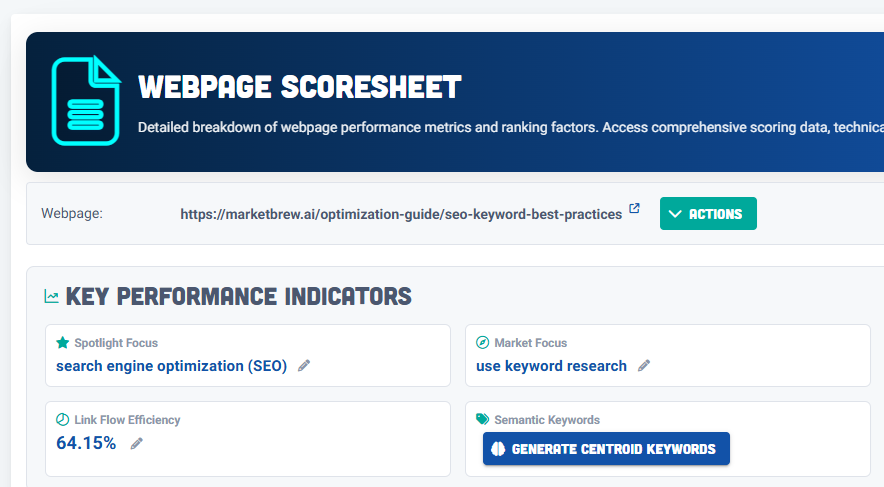
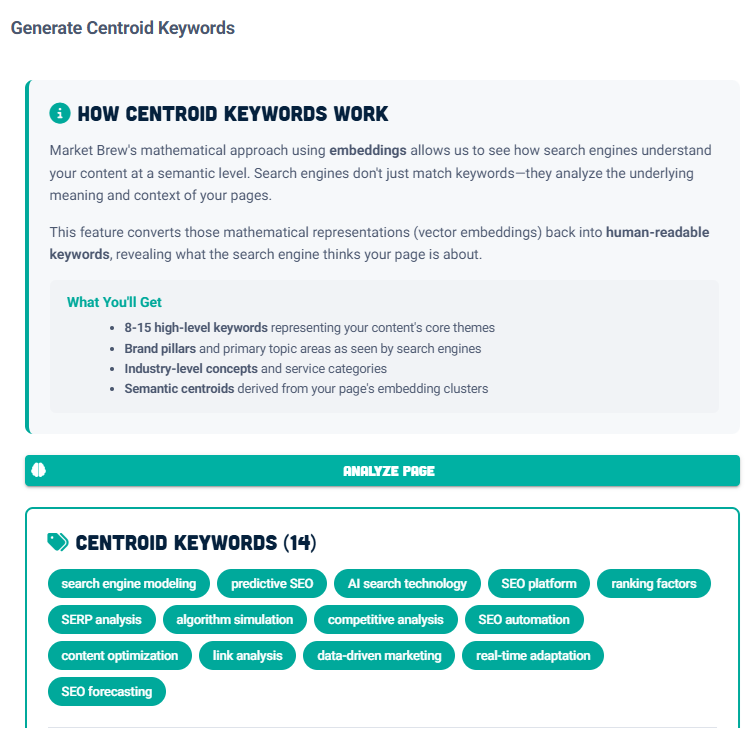
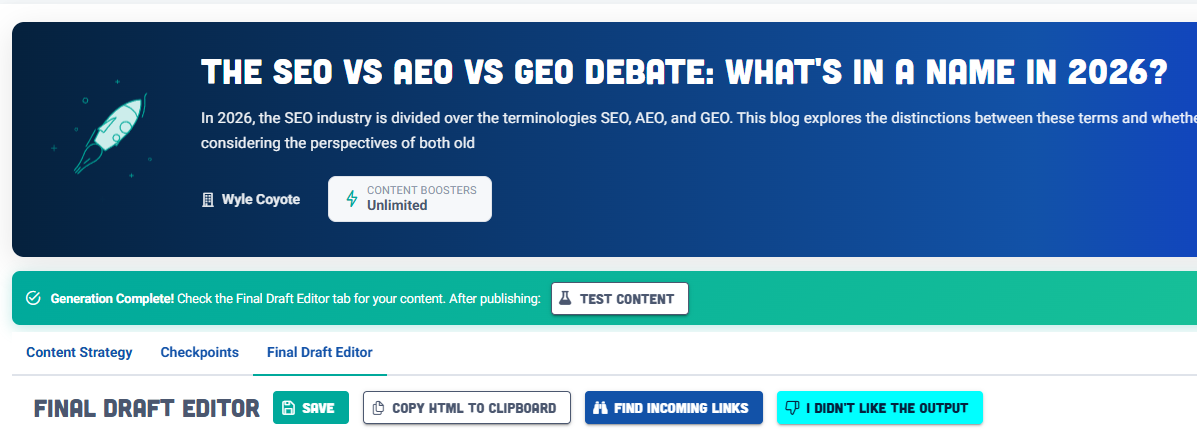
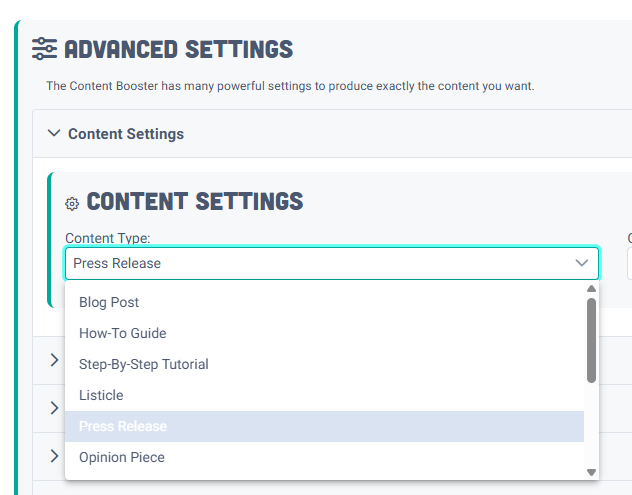
Content Booster Update: URL Support in Focus Prompts
Feature: Smart URL Summaries in Focus Prompts
Content Booster now supports URLs inside Focus Prompts.
When you include a link in your Focus Prompt, the system automatically detects it and gives you the option to replace the URL with a concise summary of its content.
Instead of passing a raw link to the AI, Content Booster converts the page into a clear, readable summary that becomes part of the prompt itself.
Why We Designed It This Way
Raw URLs hide important details.
If an AI is given a link, there’s no way for you to know which parts of that page are being used, what context is being pulled, or how that information is influencing the output.
That’s why Content Booster does not allow URLs to remain in Focus Prompts.
You must replace them with a summary.
This ensures you always know exactly what the prompt is doing.
You can read the summary, edit it if needed, and see—line by line—what information is guiding content generation. Nothing is implicit or hidden.
How It Works
- Paste a URL into your Focus Prompt
- Content Booster detects the URL automatically
- Click “Summarize URLs in Focus Prompt”
- The URL is replaced with a concise, structured summary of that page
That summary is what the AI uses—no live fetching, no invisible interpretation, no guesswork.
Why This Matters
- Full transparency – You can see exactly what context is being applied
- Predictable results – Prompts behave consistently because inputs are explicit
- Better grounding – Content is anchored to known facts, not inferred ones
- Lower risk of hallucinations – The AI works from vetted summaries, not opaque links
When to Use This
This feature is ideal when:
- You want to reference authoritative sources with precision
- Accuracy and traceability matter
- You need to align content with a specific historical, legal, or editorial source
- You want confidence that the AI is responding to your intent—not interpreting a link on its own
Summary
URLs are now supported—but only as something you can fully see and control.
By forcing URLs to become readable summaries, Content Booster ensures that you always understand how your Focus Prompt is shaping the output. What you see in the prompt is exactly what the system is using.
📚 New Feature: Knowledge Bases for Content Generation
We’ve introduced Knowledge Bases, a powerful new way to control where your AI-generated content gets its information. This gives you more accuracy, more trust, and more consistency in every piece of content you create.
🌟 What Is a Knowledge Base?
A Knowledge Base lets you define a set of trusted websites that Market Brew should use when researching and citing sources for content.
Instead of pulling information from the open web, your content can now be grounded in sources you choose—such as industry publications, research sites, or your own properties.
✅ Why This Matters
- ✔ More accurate and reliable content
- ✔ Citations from sources you trust
- ✔ Better alignment with your brand, industry, or mission
- ✔ Less risk of low-quality or irrelevant references
🧠 How It Works (At a High Level)
- You create a Knowledge Base
- You add trusted websites (and optionally limit which sections are used)
- You assign that Knowledge Base to your website via the Brand Bible
- Content generation automatically uses those sources for research and citations
No extra steps during content creation—everything happens automatically once configured.
🔧 What You Can Do Now
1️⃣ Create Knowledge Bases
- Organize sources by topic, industry, or purpose
- Reuse the same Knowledge Base across multiple content projects
- Add descriptions so your team knows how each one should be used
2️⃣ Choose Exactly What Gets Indexed
For each website you add, you can decide:
- Entire Site
Use everything from a trusted source - Include Only Certain Sections
Example: only/blog/or/research/ - Exclude Certain Pages
Example: remove job listings or outdated content - Specific Pages Only
Perfect for curated articles, research papers, or official documents
This gives you full control without needing technical expertise.
3️⃣ Assign a Knowledge Base to Your Brand Bible
Once a Brand Bible exists, you can:
- Select a Knowledge Base from a dropdown
- Save it once
- Automatically apply it to all future content generation for that site
✍️ Smarter Citations & Links (Automatically)
When a Knowledge Base is used:
- Content cites information from your selected sources
- Citations are clearly numbered and linked
- External links respect your link-density and ratio settings
- If the link limit is reached, extra citations are still shown (just not linked)
This keeps your content clean, credible, and SEO-friendly.
🔄 Seamless Upgrade from the Old Friend/Foe System
If you were already using Friends:
- They’ve been automatically converted into Knowledge Bases
- Each trusted site was preserved
- No action required—everything keeps working
(Previously blocked “foe” sites are not included, by design.)
🖥️ New Screens You’ll See
- Knowledge Base Management
- Create, edit, and organize your Knowledge Bases
- Data Source Editor
- Add websites
- Control which pages are included
- Easily adjust rules visually
- Brand Bible Integration
- Select which Knowledge Base powers your content
Everything is fully integrated into your existing workflow.
🧭 Best Practices
- Create separate Knowledge Bases for different content goals
(e.g., “News Sources”, “Research”, “Internal Docs”) - Start broad with trusted sites, then narrow if needed
- Review your sources occasionally to keep content fresh and relevant
🚀 What This Unlocks
Knowledge Bases are the foundation for future enhancements like:
- Source performance insights
- Shared team Knowledge Bases
- Smarter citation scoring
- Advanced content validation
This release sets the stage for even greater control and transparency in AI-powered content creation.
If you have questions or want help setting up your first Knowledge Base, our support team is ready to help.
Happy publishing!
🔍 Ask: Smarter Conversation Search
Finding past conversations in Ask is now fast and effortless.
What’s New
- Search your conversations by meaning, not just titles
You can now find past Ask conversations based on what was actually discussed, even if you do not remember the exact wording. - Automatic search when you need it
When you have a larger conversation history, Ask intelligently adds a search option so older conversations are never lost. - Real-time results
As you type, relevant conversations appear instantly, ranked by relevance.
Why It Matters
- Quickly recover insights from older conversations
- No more scrolling through long conversation lists
- Finds conversations based on intent, not exact phrasing
📰 Content Booster: Smarter Use of Current Events
Content Booster now knows when your content needs up-to-date information and proves it.
What’s New
- Automatic detection of time-sensitive sections
Content Booster evaluates each section to determine whether current events are required. - Relevant news sources added only when needed
When freshness matters, Content Booster pulls in the most relevant news context to improve accuracy and credibility. - Clear source transparency
You can now see exactly:- Which sections used news sources
- Why current events were included
- Which sources were referenced
- Built-in reporting
A new “News Sources Used” section appears in the final draft when applicable, making content review and validation easy.
Why It Matters
- Prevents outdated or inaccurate content
- Avoids unnecessary news clutter in timeless content
- Builds trust with editors, stakeholders, and readers
- Makes AI-generated content easier to verify and defend
✨ Overall Impact
These updates continue Market Brew’s shift toward:
- More discoverable insights
- More trustworthy AI-assisted content
- More clarity around why decisions are made
Ask helps you find knowledge faster.
Content Booster helps you publish with confidence.
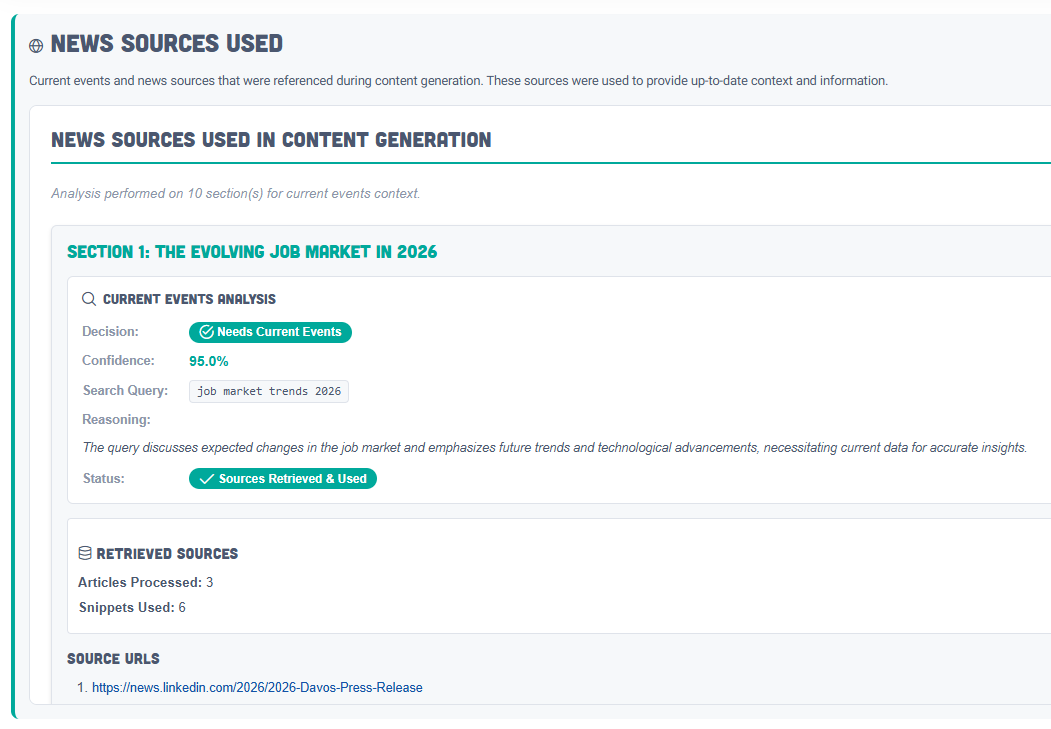
✨ AI Recommendations Now Available in the AI Overviews Visualizer
We have added AI Recommendations directly into the AI Overviews Visualizer and Author, making it easier to move from analysis to action without leaving your workflow.
What’s New
🧠 AI Recommendations Button
A new AI Recommendations button is now available on the Content Similarity tab. This provides guided rewrite suggestions tailored to how embeddings are being interpreted by AI systems.
🔍 Embedding-Level Guidance
Clicking on any individual embedding now opens a right-hand sidebar with AI Recommendations on how to rewrite or improve that specific passage. This experience mirrors what users already rely on in the Orbital Drift Stabilizer, bringing consistency across tools.
Why This Matters
Instead of guessing how to improve similarity or alignment, you can now see exactly how Market Brew recommends rewriting content at the passage level, based on the same modeling used throughout the platform.
This closes the gap between:
- Seeing a similarity issue
- Understanding why it exists
- Knowing what to change
What’s Coming Next
This release is part one of a broader initiative to unify Market Brew’s content analysis and writing tools into a single, cohesive experience. Future enhancements will continue to reduce friction between insight, recommendation, and execution as we build toward a fully integrated content analysis and writing suite.
More to come.
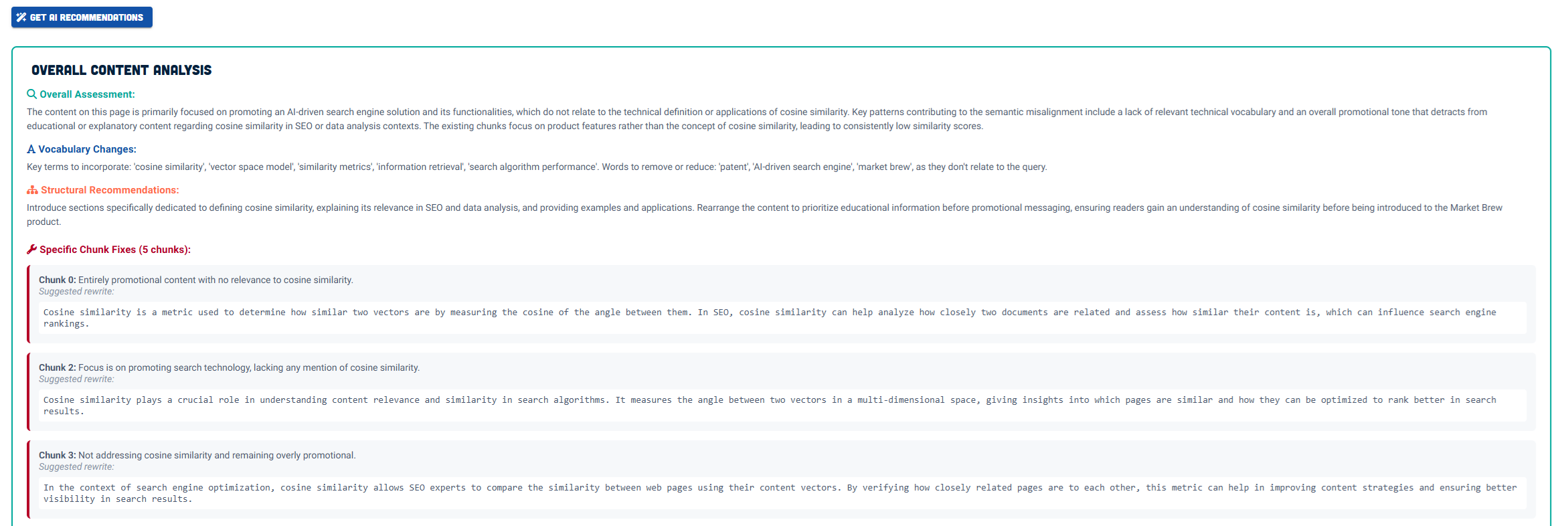
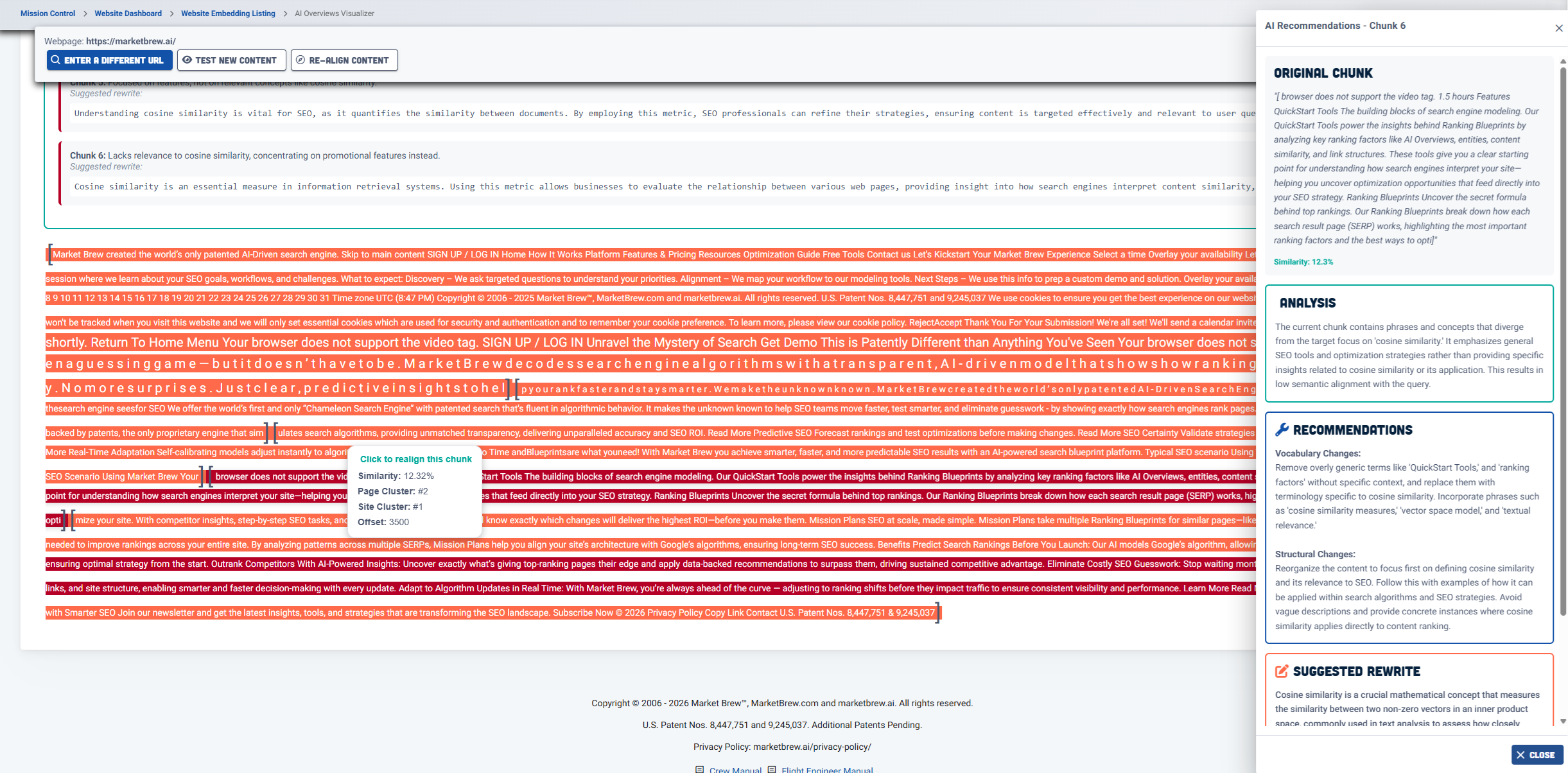
Clearer Signals. Faster Content. Smarter Decisions.
This release focuses on improving signal accuracy, removing confusing UX states, and making content creation faster and more intuitive. The goal is simple: help you trust what you see, act faster, and stay aligned with how search and AI systems actually interpret your site.
🧭 Visibility Launchpad: Most Similar Webpage now links to AI Overviews Visualizer
The Most Similar Webpage link in Visibility Launchpad now opens the AI Overviews Visualizer instead of the Webpage Scoresheet.
What this means for you
- The link now reflects how the match is actually generated
- The page shown is the exact URL reported by the rankings data (from the Mine tab)
- The AI Overviews Visualizer is used because this match is based on a fast embedding pass, not a full crawl
- You no longer see conflicting messages about whether a page has been crawled or processed
This creates a clearer, more honest experience when reviewing similarity matches.
📘 Brand Bible "Not Specified" Fix
Brand Bible fields that previously displayed “not specified” across the platform have been corrected.
What this means for you
- Your saved brand guidance now displays properly
- Prompts and generated content reflect your real inputs
- No more placeholder values appearing in workflows
✨ Content Booster: Faster Defaults, Smarter Prompts
Two major improvements make Content Booster more fluid and more aligned with your goals.
Auto-Expand Focus Prompt
When your prompt is short or vague, Market Brew now automatically expands it using your brand, page intent, and surrounding context.
You get
- Richer, more specific content
- Less manual prompt engineering
- Better alignment to real search intent
Optional Advanced Settings
The step-by-step wizard has been simplified.
You can now
- Write a prompt and click Ignite Content immediately
- Open advanced controls only when you want them
- Stay in flow without mandatory setup steps
This creates a fast default path with power controls still available when needed.
📈 Historical Drift
Historical drift is now available in the Orbital Drift Website Visualizer.
You can now see how each website’s alignment changes over time, with Max / Avg / Min drift values plotted across the timeline.
What this means for you
- Track when a site starts drifting from its original intent
- See whether optimizations are holding or slipping
- Compare stability across time instead of relying on single snapshots
Summary
This release sharpens Market Brew’s signal integrity, simplifies content creation, and removes sources of confusion that slow teams down.
The result
- Clearer insights
- Faster workflows
- More trustworthy signals
- Stronger alignment between strategy and execution
SEO moves from reacting to noise to acting on outcomes.
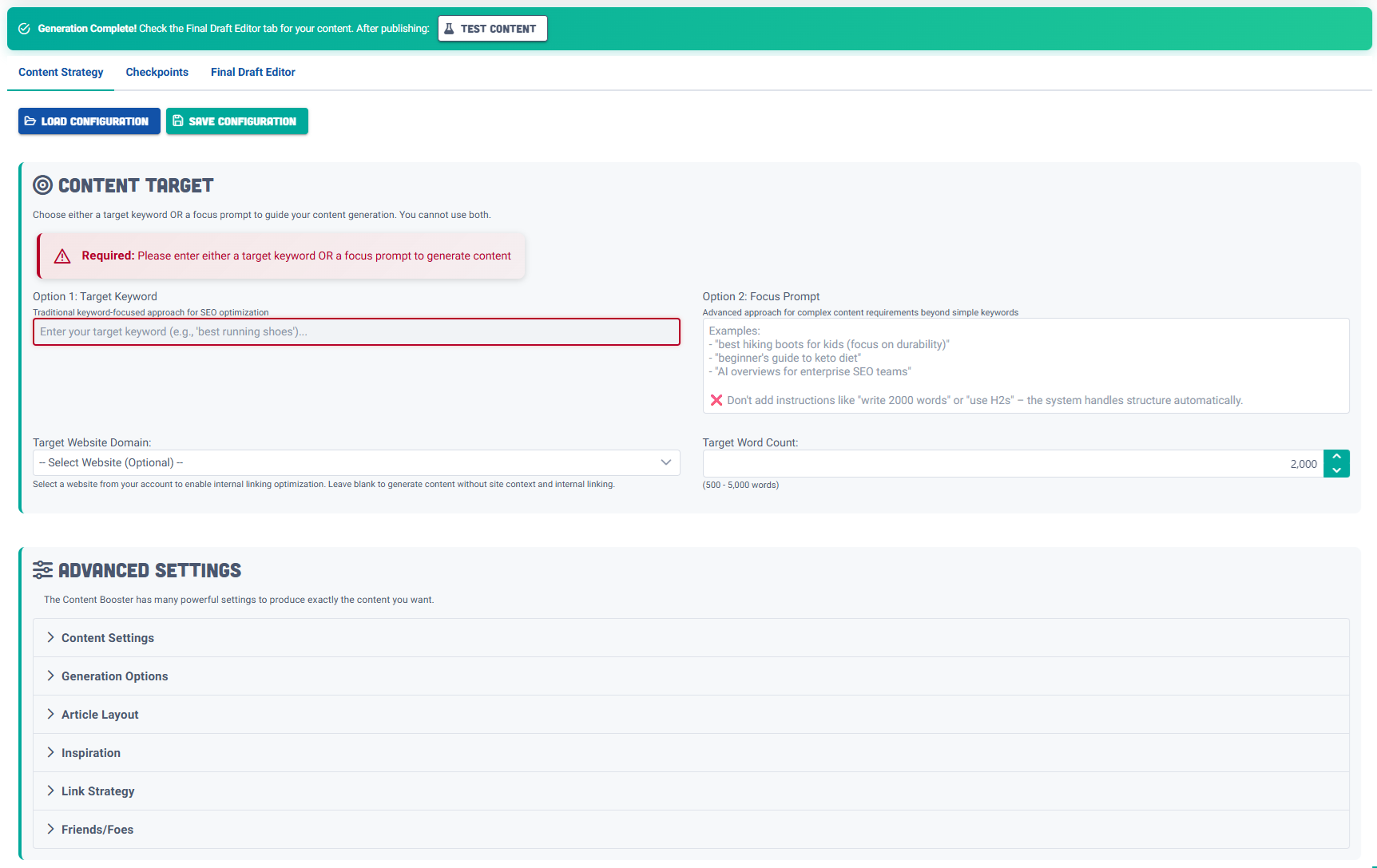
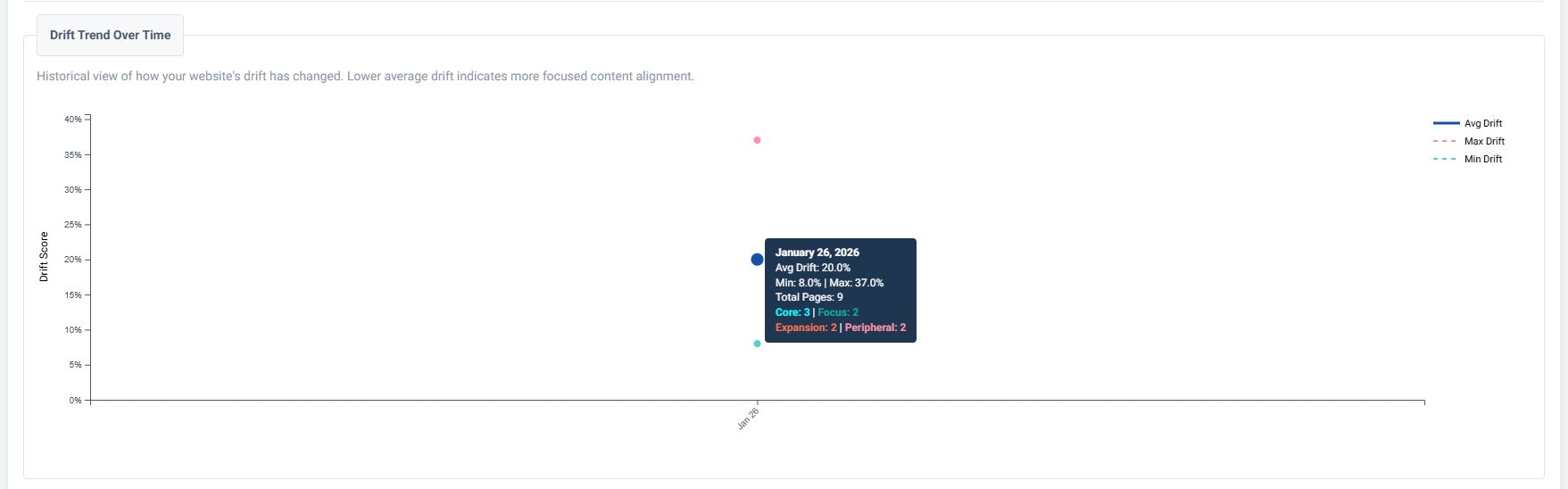
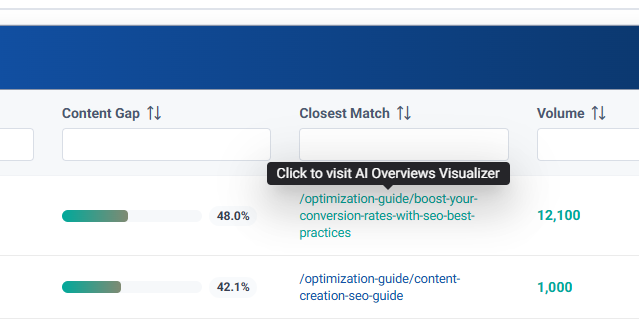
New Tool: Link Injector
Automated internal link deployment using semantic matching
We’ve released Link Injector, a new tool that analyzes your content and injects contextually relevant links to pages within a selected website using Market Brew’s semantic similarity engine.
It completes the internal linking workflow:
Spot → Find → Inject
Discovery → Targeting → Deployment
Where to find it
Tools → Link Analysis → Link Injector
Works with any licensed website in your account that has embeddings indexed.
What it does
• Finds linkable phrases in your content
• Matches them to relevant pages using embeddings
• Injects links automatically
• Preserves your existing HTML and formatting
Key controls
Similarity Threshold (30%–85%)
Controls how closely a phrase must match a page before a link is created.
Default: 40% (Relaxed)
• 30–40% → very broad matches
• 40–55% → relaxed (default)
• 55–70% → balanced
• 70–85% → strict
Link Density
Set how many links to add per 100 words (1.0–5.0).
This controls how aggressively authority is distributed.
Target Website
Choose which licensed site will receive the links.
Common uses
• Updating older content
• Preparing AI content for publishing
• Migrating content
• Standardizing internal linking
Link Injector turns content into a modeled authority distribution engine — not guesswork, not manual linking, but repeatable deployment based on semantic relevance.
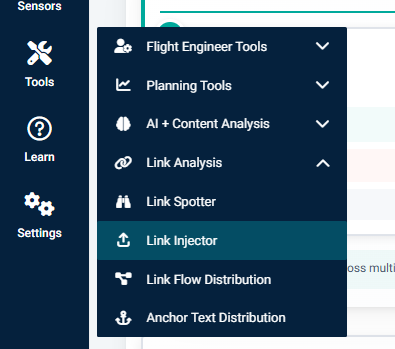
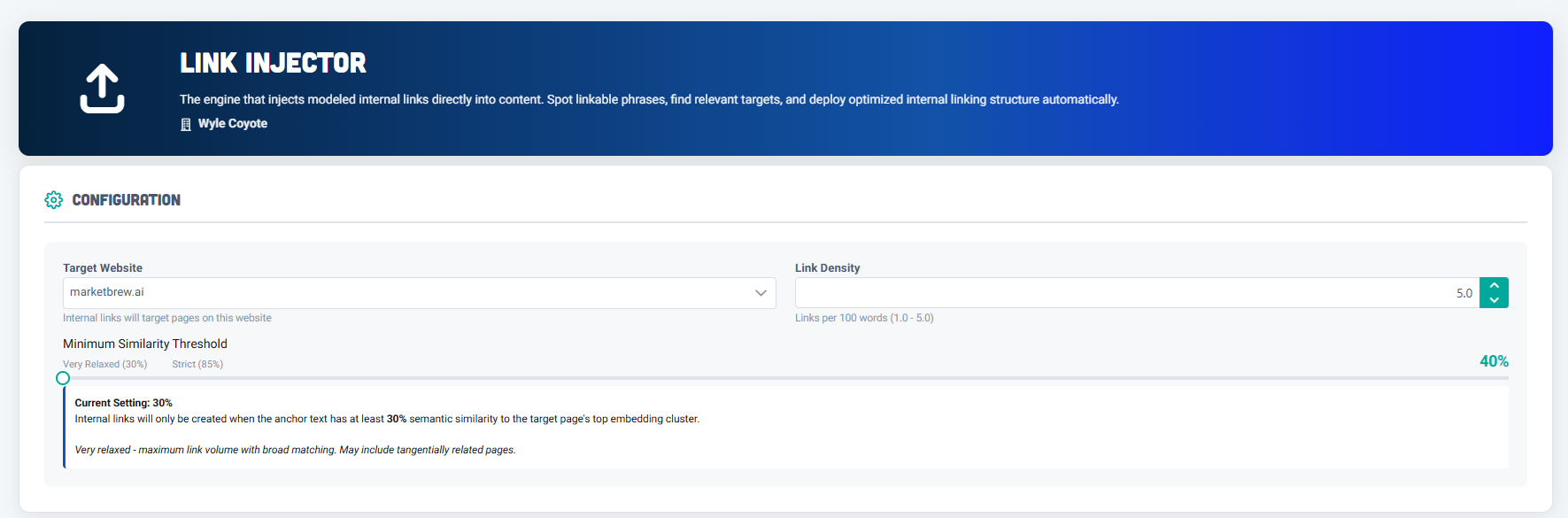
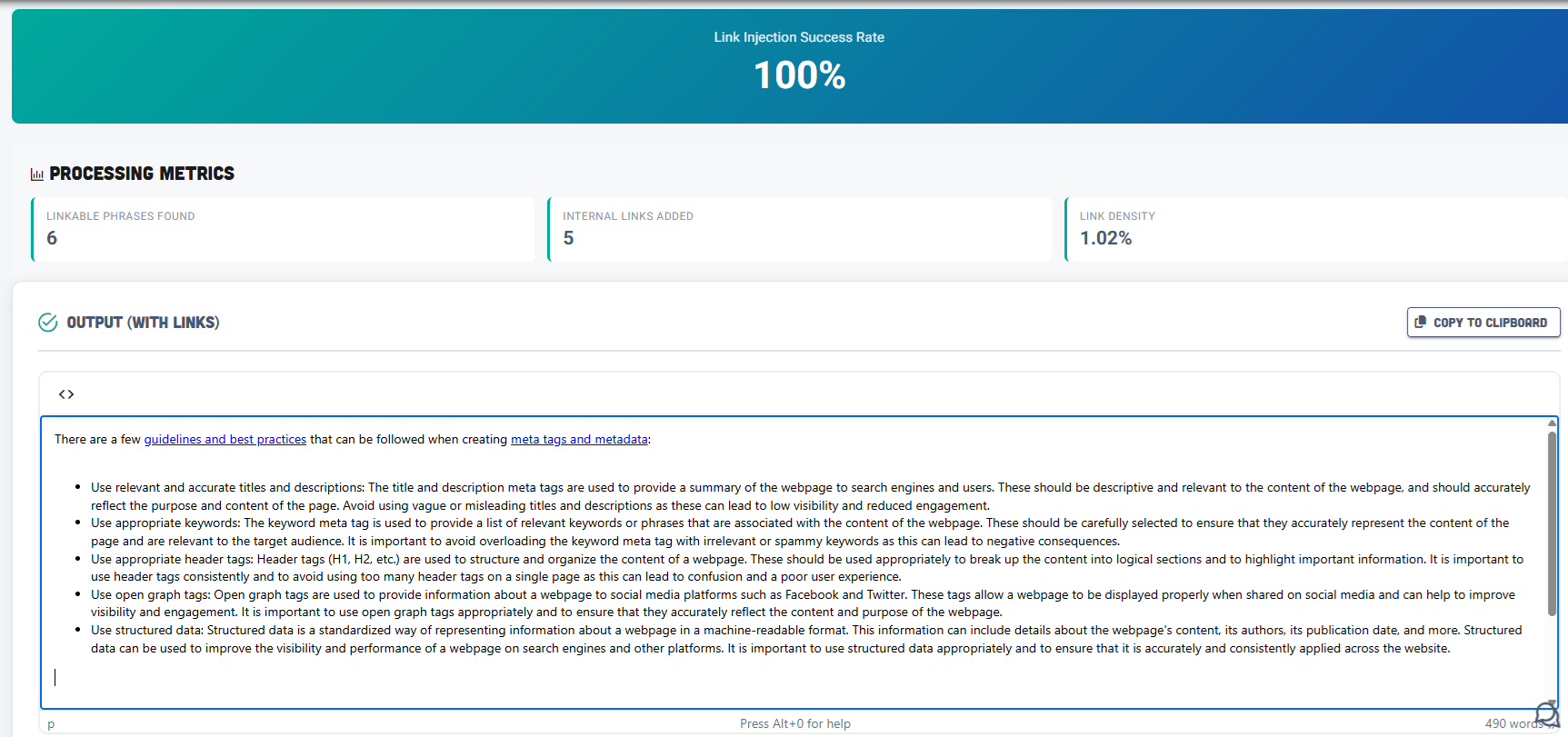
Content Booster: Current Events Intelligence - Release Notes
Feature: Automatic Current Events Detection & Integration
🆕 What's New
Content Booster now automatically detects when your content topics benefit from current events and seamlessly integrates relevant, real-time information into your generated articles.
Intelligent Current Events Detection
When generating content, Market Brew now:
- Analyzes each section to determine if current events would enhance the content
- Automatically searches news sources when topics like "latest trends," "recent developments," or "current state" are detected
- Retrieves semantically relevant snippets from top news articles and stories
- Integrates information naturally without forcing irrelevant current events into evergreen content
✨ Key Benefits
1. Always-Current Content
Your generated articles automatically include the latest industry developments, market trends, and breaking news when relevant to your topic.
2. Zero Manual Research
No need to manually search for current statistics, recent case studies, or latest industry news—Market Brew does it automatically during content generation.
3. Smart Detection
The system intelligently distinguishes between:
- Evergreen topics (how-to guides, foundational concepts) that don't need current events
- Time-sensitive topics (market analysis, technology trends, policy updates) that benefit from real-time information
4. Semantic Relevance
Using advanced embedding technology, Market Brew finds the most contextually relevant news snippets—not just keyword matches—ensuring current events genuinely support your content.
🎯 When Current Events Are Added
Current events are automatically detected and added for sections involving:
✅ Topics that benefit from current events:
- Recent industry trends or developments
- Current market conditions or statistics
- Latest technology advancements
- Policy changes or regulatory updates
- Competitive landscape analysis
- State-of-the-art practices or best practices that evolve
- Topics with explicit time references ("recent," "latest," "current," "2025," "2026")
❌ Topics that remain evergreen:
- Foundational how-to content
- Historical facts or completed events
- Timeless principles and frameworks
- General definitions and explanations
- Theoretical or conceptual topics
🔧 How It Works
Behind the Scenes
- Section Analysis: Each content section is analyzed to determine if current events would add value
- Confidence Scoring: The system generates a confidence score (0-100%) for whether current events are needed
- Smart Search: If confidence exceeds 65%, Market Brew generates an optimized search query
- News Retrieval: Relevant news articles and top stories are crawled and processed
- Semantic Matching: Using embeddings, the most relevant snippets are identified based on your section's context
- Natural Integration: Current events are provided as context to the content generator, which integrates them naturally when appropriate
What You'll Notice
- Sections with current data: When Market Brew adds current events, you'll see references to recent developments, latest statistics, or breaking industry news
- Source diversity: Information comes from authoritative news sources, industry publications, and top stories
- Natural flow: Current events are woven into the narrative, not awkwardly inserted
- Graceful degradation: If news retrieval fails, content generation continues normally without current events
📝 Example Impact
Before (without current events):
"SEO strategies continue to evolve as search engines improve their algorithms. Businesses should focus on quality content and user experience."
After (with current events):
"SEO strategies continue to evolve as search engines improve their algorithms. Recent analysis from January 2026 shows that Google's latest core update has increased emphasis on E-E-A-T signals, with sites demonstrating clear expertise seeing ranking improvements of 15-30%. Businesses should focus on quality content and user experience while ensuring proper author attribution and topical authority."
Content Booster Release Notes - FAQ Enhancement Update
New Feature: Intelligent FAQ Generation with Current Events
We've significantly enhanced how Content Booster handles FAQ sections in generated content, making your FAQs more accurate, relevant, and up-to-date.
Smart FAQ Question Detection
- FAQ sections now use the actual questions defined in your content strategy (Stage 1)
- Each FAQ question is analyzed individually to determine if current events would improve the answer
- Questions about recent developments, current challenges, or evolving situations automatically trigger news retrieval
Current Events Integration for FAQs
- FAQ answers are enriched with recent news and developments when relevant
- The system intelligently determines which questions benefit from current information
- Multiple layers of analysis ensure comprehensive coverage:
- Overall FAQ section analysis for broad context
- Individual question analysis for specific current events needs
- Smart confidence thresholds prevent irrelevant news from cluttering answers
Natural, Accurate Responses
- Current events are integrated naturally into FAQ answers
- No fabricated statistics or invented case studies
- Clear guidelines prevent AI buzzwords and jargon
- Answers remain focused on providing genuine value to readers
How It Works
- Question Analysis: When generating an FAQ section, Content Booster analyzes each question to detect if it relates to current events, recent developments, or evolving situations
- Intelligent News Retrieval: Questions that benefit from current information trigger targeted news searches:
- Broad searches for questions covering multiple recent topics
- Focused searches for specific current event questions
- Balanced snippet collection (4-8 articles) to avoid information overload
- Contextual Integration: Current events are woven naturally into answers:
- Recent developments support your answers with real data
- Up-to-date information keeps your content relevant
- Questions that don't need current events remain focused on core concepts
Benefits
- More Accurate FAQs: Answers reflect current reality, not outdated information
- Better User Experience: Readers get relevant, timely information
- Improved SEO Value: Fresh, current content performs better in search results
- Reduced Manual Updates: Current events are automatically incorporated at generation time
Website Crawl 403s - Crawler Enhancement
Previously when a site was crawled and it returned 403 errors, we only enabled a proxy crawl when we had crawled at least 50 pages from the site. This causes many sites to never get included in the Ranking Sensors b/c we didn't reach this limit. Now all sites that exceed a 403 ratio will be automatically switched to proxy crawling, resulting in these sites included in many more Ranking Sensors, resulting a higher PSO score for all Ranking Sensors.
This release improves workflow clarity, historical insight, ranking accuracy, and operational control across core platform surfaces.
📚 Brand Bible Enhancements
Historical Brand Bible Listing
A new Brand Bible Listing screen now shows historical versions of each Brand Bible entry.
Why this matters
- Track how your brand narrative evolves over time
- Compare previous guidance to current positioning
- Maintain consistency across AI-generated content, Ask, and self-healing workflows
📊 Mission Control & Task Intelligence
Top Tasks Now Reflect Selected Website
When a website is selected in Mission Control, the Top Tasks panel now dynamically reflects tasks for that specific site.
Benefits
- Immediate, site-specific prioritization
- Clearer operational focus in multi-site environments
- Reduced noise from irrelevant tasks
Target Website Filter in Top Tasks View
The Top Tasks screen now includes a Target Website filter, allowing you to explicitly scope tasks to a specific site.
Benefits
- Rapid context switching between websites
- Cleaner task views for multi-domain customers
- Improved focus for execution teams
📈 Ranking & Sensor Accuracy
Manual Ranking Sensor Review Fix
Resolved an issue where the Manual Ranking Sensor Setup Wizard displayed “Not Ranking” on the review screen, even when the site was ranking.
Result
- Accurate ranking validation during setup
- Greater confidence before launching calibrated sensors
🚀 Flight Plan Management
Copy / Delete Actions Restored
Fixed an issue where Flight Plans could not be copied or deleted from the listing view.
Outcome
- Full lifecycle control over Flight Plans
- Faster iteration when testing SEO strategies
Summary
This release tightens the feedback loop between strategy, execution, and measurement by:
- Making Brand intelligence auditable over time
- Aligning Top Tasks with live operational context
- Enabling site-level task filtering
- Ensuring ranking signals are trustworthy
- Restoring full control over Flight Plan workflows
These improvements continue to move Market Brew toward a fully self-healing, decision-driven SEO system.
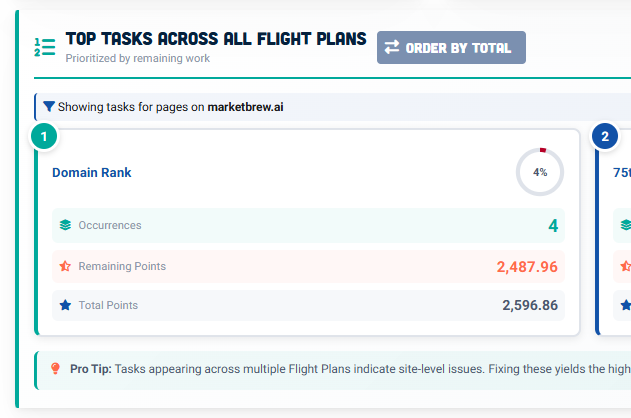
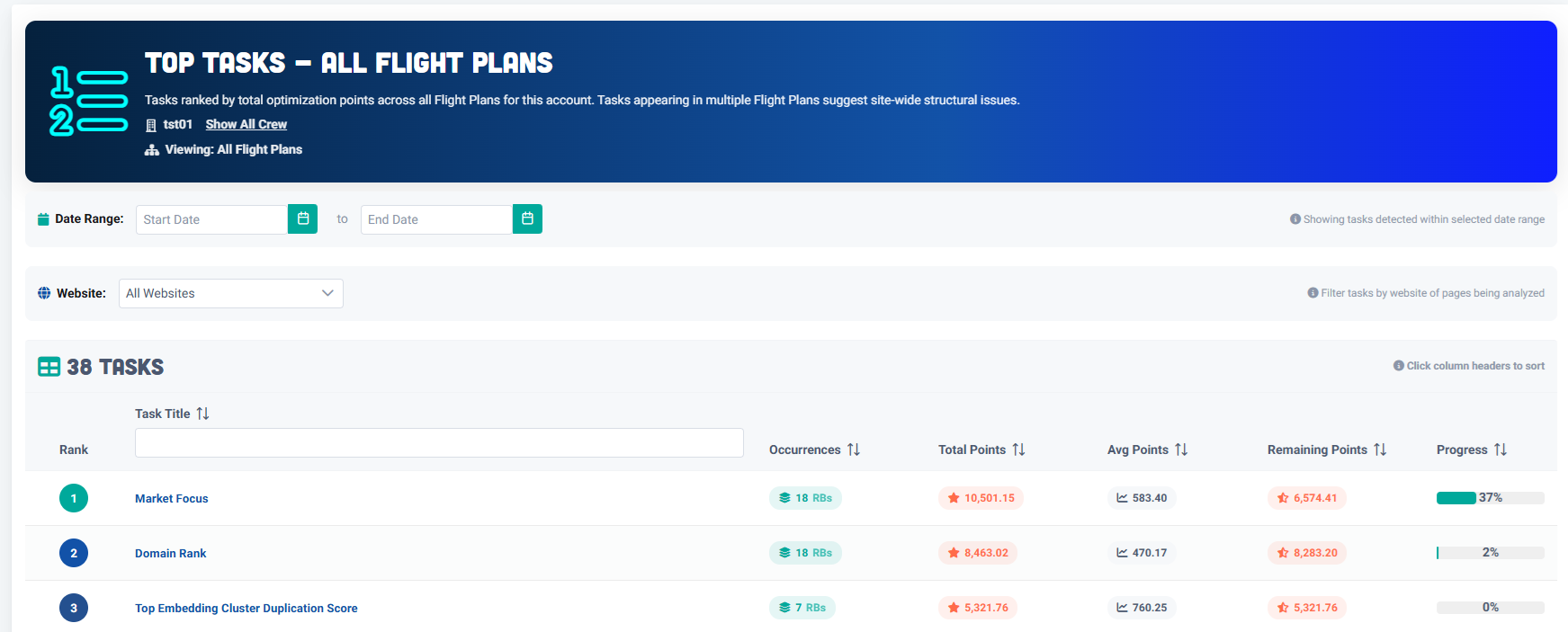
Bug Fixes
Listen Usage Limit Display Fix
- Fixed an issue where the Listen module displayed “0 / 15” while also indicating that the maximum limit had been reached.
- Usage limits are now correctly enforced and displayed per crew, rather than per customer, ensuring accurate reporting and preventing false limit exhaustion.
Website Embedding Domain Cluster Index Fix
- Resolved an issue where the domain cluster value could appear as -1 in the Website Embedding Listing.
- Domain cluster identifiers now correctly reflect valid clustering assignments.
Enhancements & Feature Updates
Improved Search Interaction for Website Embedding Listing
- Updated the Website Embedding Listing to use a dialog-based prompt input instead of an inline search field, providing a cleaner and more intentional search experience.
- Added direct linking from the Brand Briefing screen to the Website Embedding Listing for improved workflow continuity.
Expanded Keyword Visibility for Embedding Clusters
- Increased the number of displayed centroid keywords and branded keywords from 3 to 12, offering deeper visibility into the dominant semantic signals driving cluster classification.
AI Overviews Author & Orbital Drift Stabilizer – Meta Information Control
- Added a new “Add Meta Information” button, allowing users to explicitly include and manage metadata as part of AI Overviews alignment and orbital drift stabilization workflows.
Core Content Sample (New Feature)
- Introduced the Core Content Sample across the Website Dashboard and Website Embedding Listing screens.
- The Core Content Sample is based on approximately 15 representative embeddings from the largest content cluster (Domain Cluster #1).
- This provides a concise, high-signal snapshot of how embedding-based systems interpret the site’s primary topical focus, analogous to cluster sampling used in AI Overviews and passage-based retrieval.
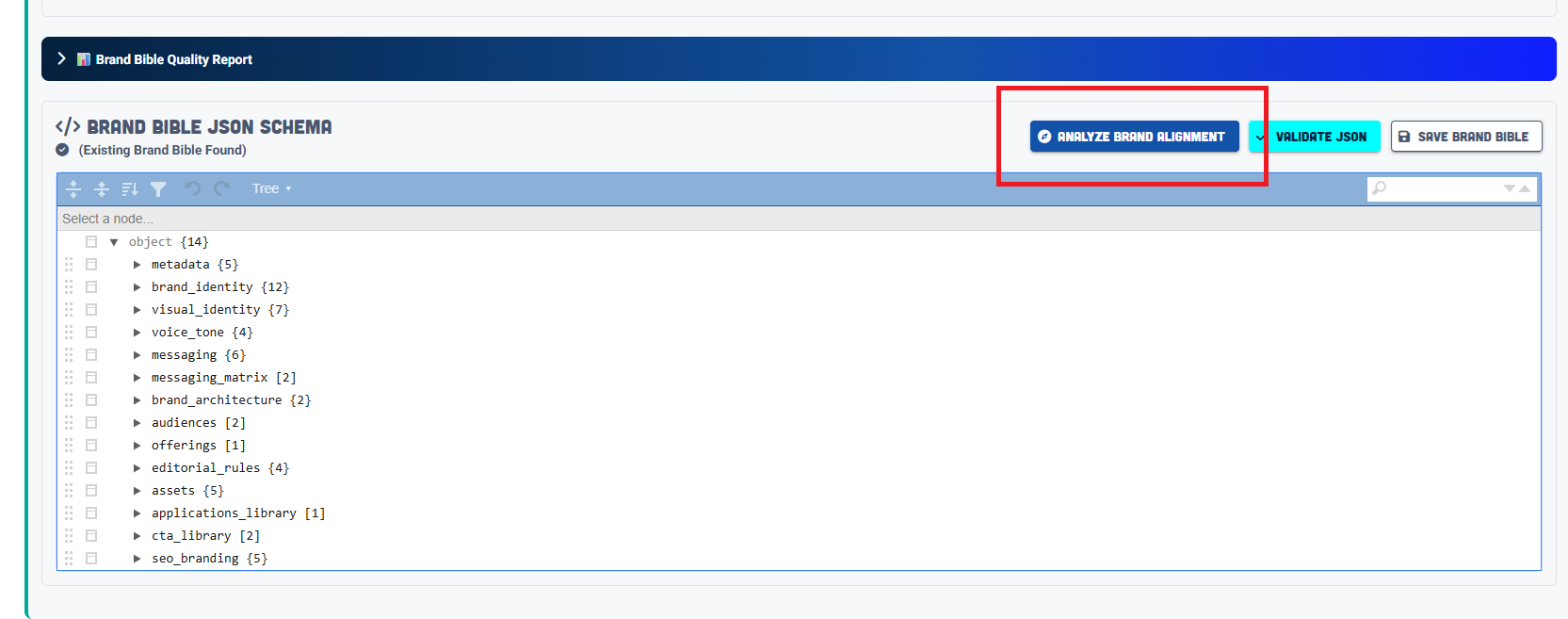
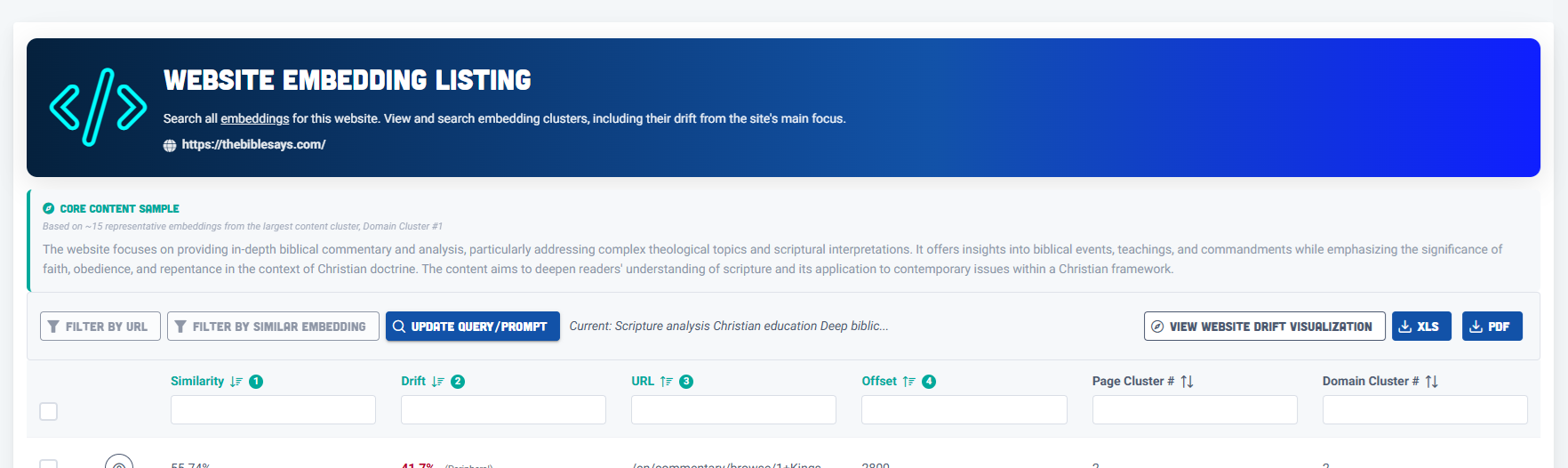
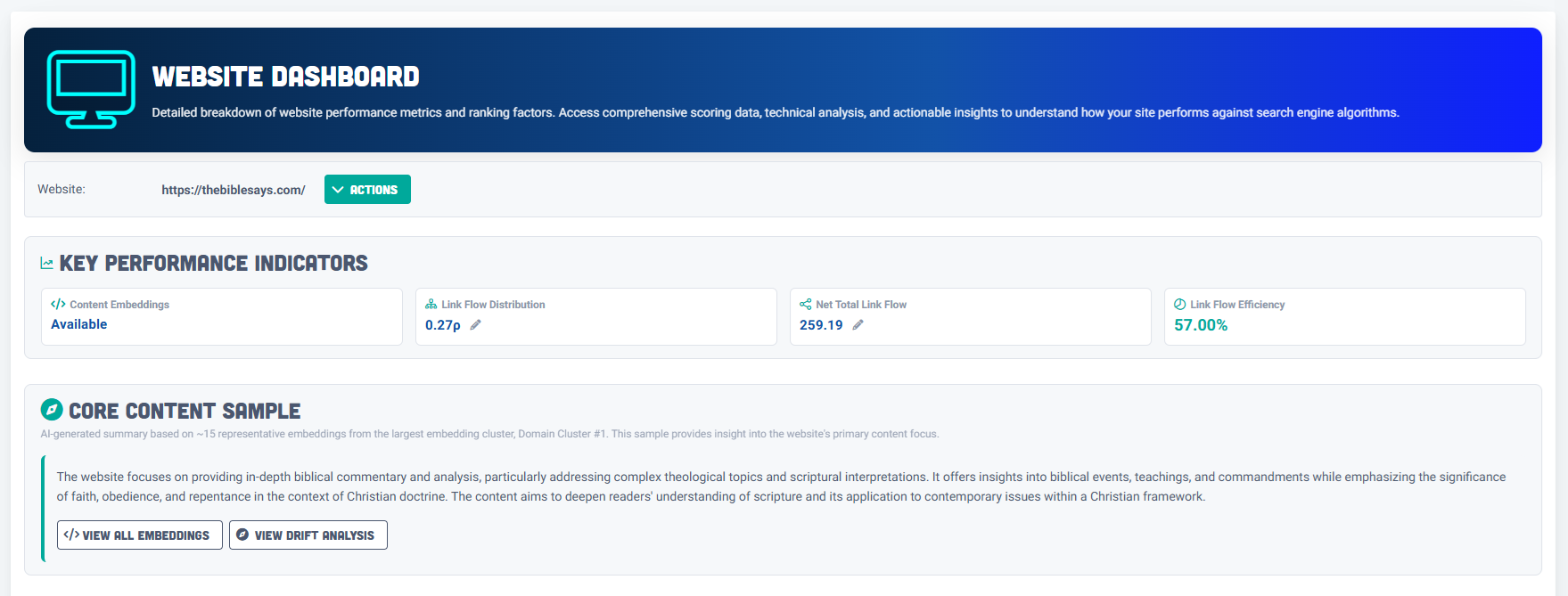
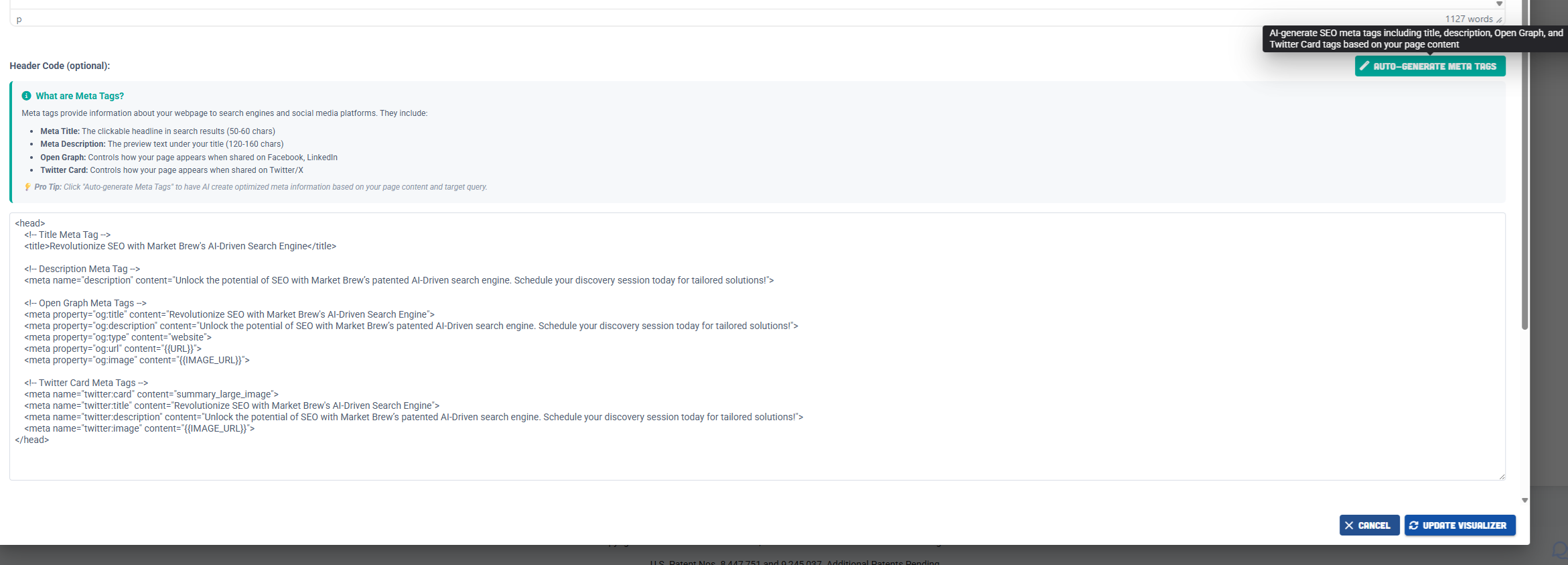
Content Booster – Recent Enhancements
New: Article Layout Configuration
A new Article Layout section has been added to the Content Booster setup screen, giving users finer control over how generated content is structured.
Key capabilities include:
- Generate Introduction / Abstract
Choose whether to automatically generate an introductory or abstract section at the start of the content. - Custom Layout Instructions
Define high-level structural rules that guide how the content is organized (e.g., narrative flow, step-based structure, verse-by-verse analysis). - Section Heading Options
Choose whether to include visible section headings or allow content to flow continuously as prose.
When headings are disabled, logical section breaks are still respected internally, enabling narrative-style content without visual headers.
This enhancement enables significantly more flexibility for long-form, narrative, or editorial content while maintaining consistent internal structure.
Enhanced: “Use Site Context” (Internal Linking Intelligence)
The Use Site Context option has been substantially upgraded when Internal Links are enabled.
What’s changed:
- Content Booster now attempts to incorporate additional supporting content from existing site pages, based on the entire generated section, not just anchor text.
- This allows the system to surface more relevant references and internal links that better reflect topical alignment and on-site authority.
How this improves results:
- Previously, the system identified anchor text first and then searched for the closest snippet embeddings to determine internal link targets.
- The upgraded approach evaluates full section context, resulting in more meaningful internal references and better semantic alignment.
This behavior now mirrors the proven logic used in Friends/Foes, where defining a friend site and enabling external links allows Content Booster to add contextual quotes or reference links automatically.
Improved: Stage 6 – Editorial Rules Enforcement
Stage 6 (Final Output) has been enhanced to more closely adhere to the Brand Bible’s editorial_rules section.
Impact:
- Tone, style, formatting, and editorial constraints defined in the Brand Bible are now enforced more consistently.
- Final output more accurately reflects brand voice, editorial standards, and compliance requirements without additional manual editing.
This results in content that is both search-aligned and brand-aligned at publication time.
New: Reduced Minimum Word Count
The minimum word count for Content Booster output has been lowered to 500 words.
Why this matters:
- Shorter-form content now works more effectively with custom section layouts and no section title configurations.
- Enables narrative, editorial, and commentary-style content that benefits from tighter structure without unnecessary length.
- Provides greater flexibility when producing supporting articles, topical explainers, or focused authority pieces.
This change was validated alongside the new Article Layout controls and is designed to expand Content Booster’s use cases without sacrificing semantic depth or internal structure.
Summary
These updates collectively improve:
- Structural control over generated content
- Internal linking accuracy and contextual relevance
- Editorial consistency and brand compliance
- Flexibility for both long-form and concise narrative content
Together, they move Content Booster closer to a fully guided, first-principles content generation workflow that aligns structure, semantics, and brand standards in a single pass.